48 screens · desktop and phone

MarginPilot visual product guide

Follow the product from workspace setup to supplier bidding, agreed delivery and recorded outcomes. Each example includes the screen location, practical steps and a full-size desktop and phone capture.

Updated

VISUAL PRODUCT GUIDE

Explore the product

Public guidance and current published information.

Public site > Home

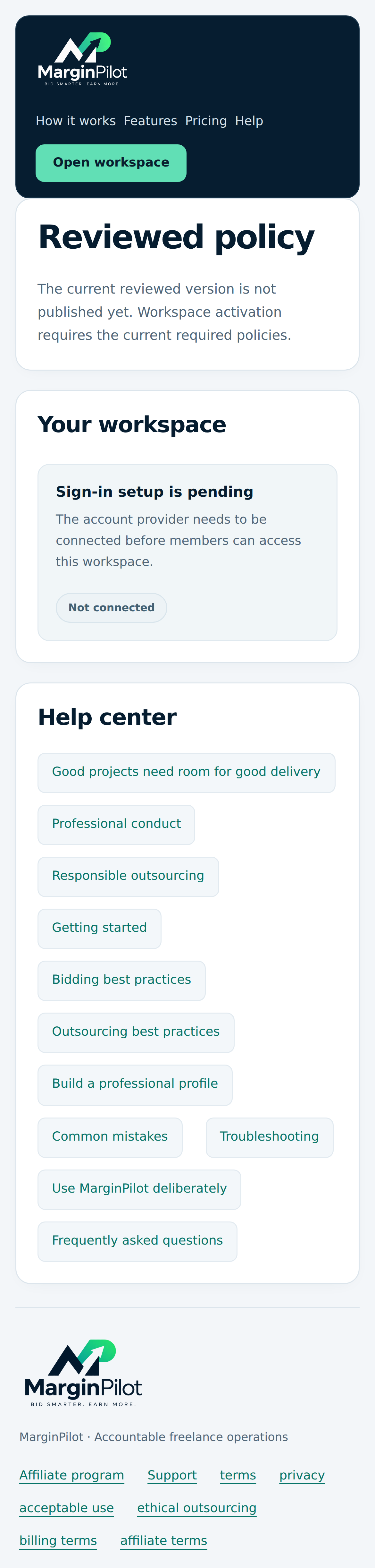
Product overview and account access

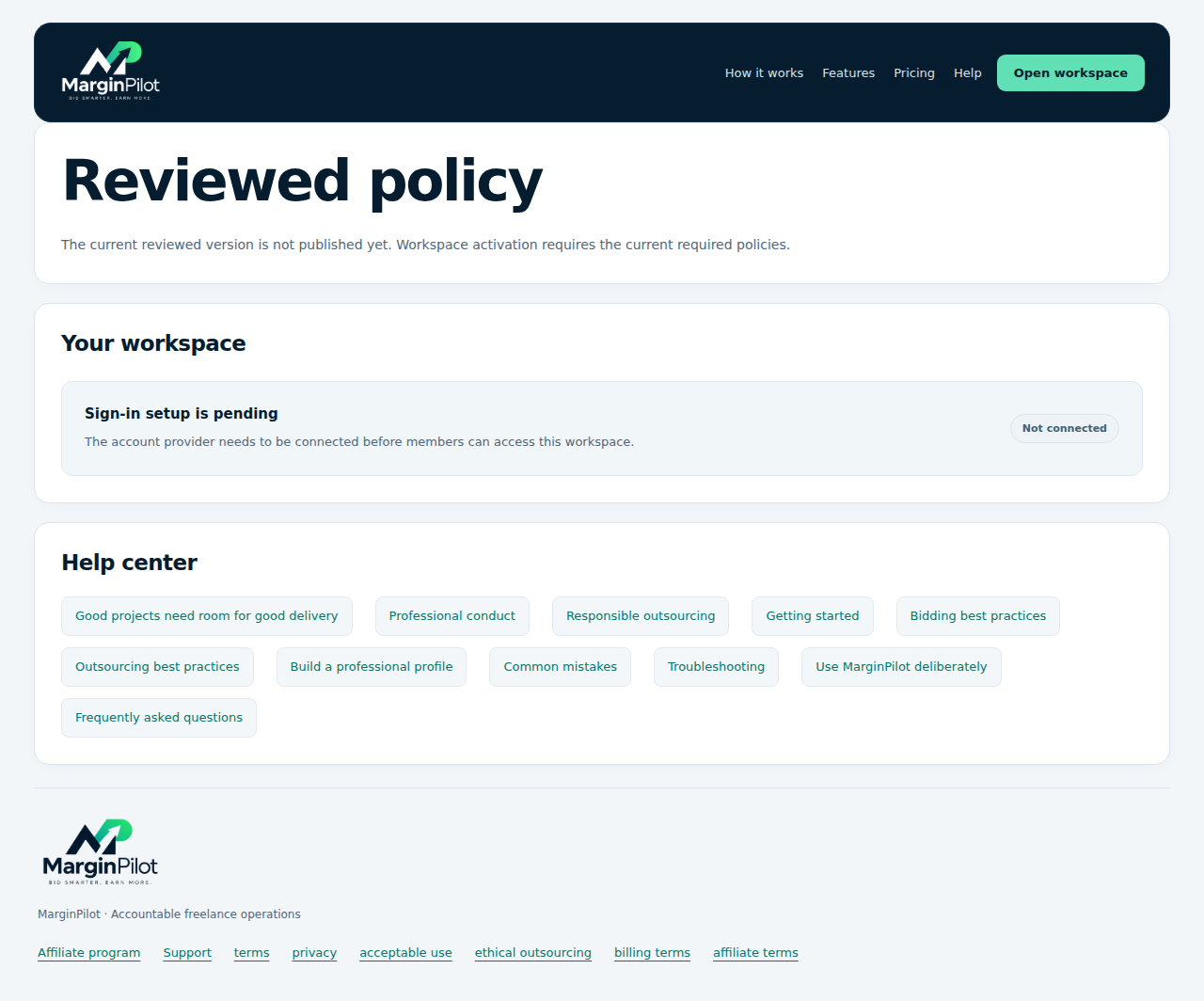
Explore the workflow and open account access. This capture shows an installation with sign-in setup pending.
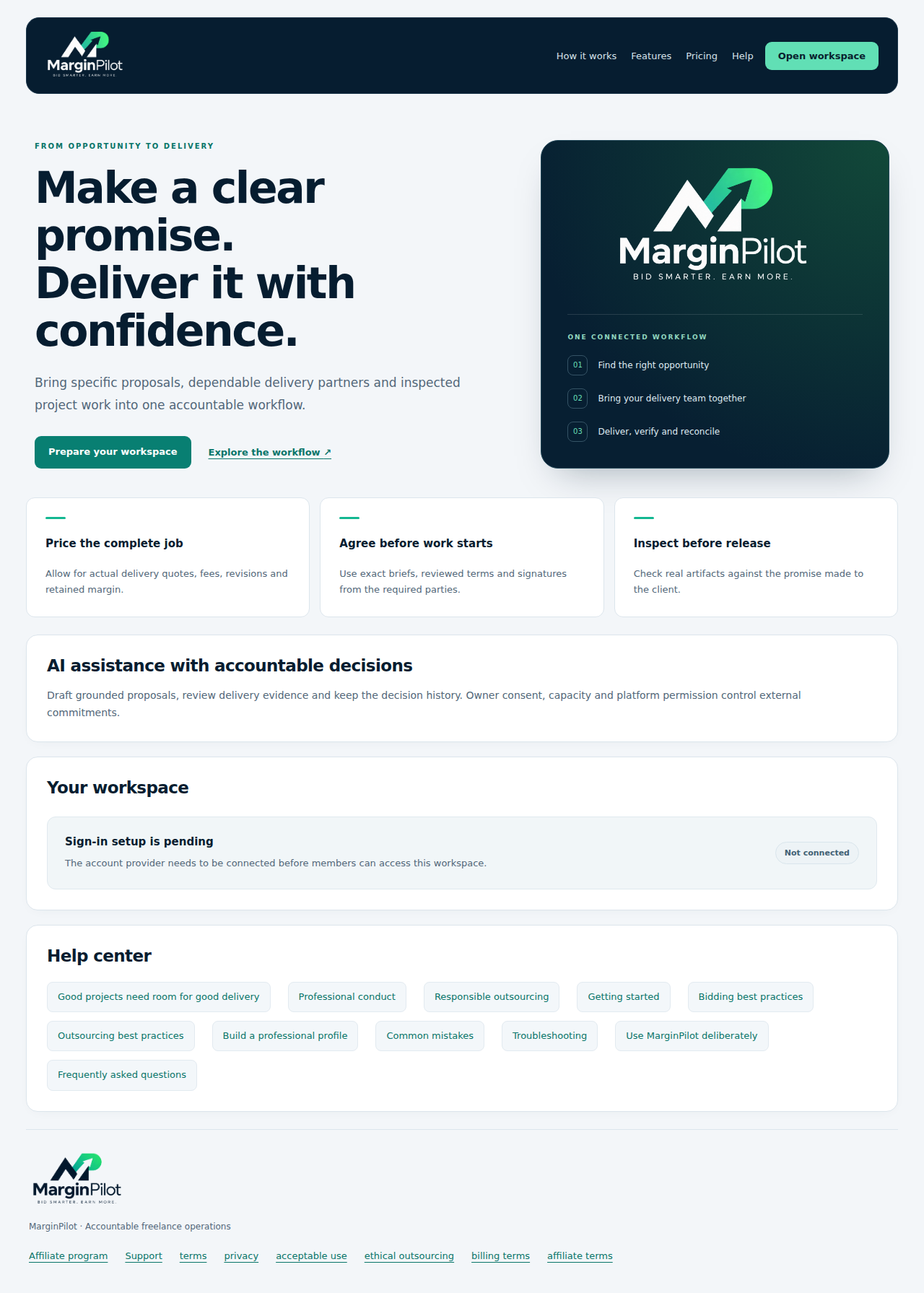
Product overview and account access in MarginPilot; illustrative sample data
Interface preview · sample dataFull desktop capture · Full phone capture
  1. Read the opportunity-to-delivery overview.
  2. Use workspace access to sign in or create an account when configured.
Public site > How it works

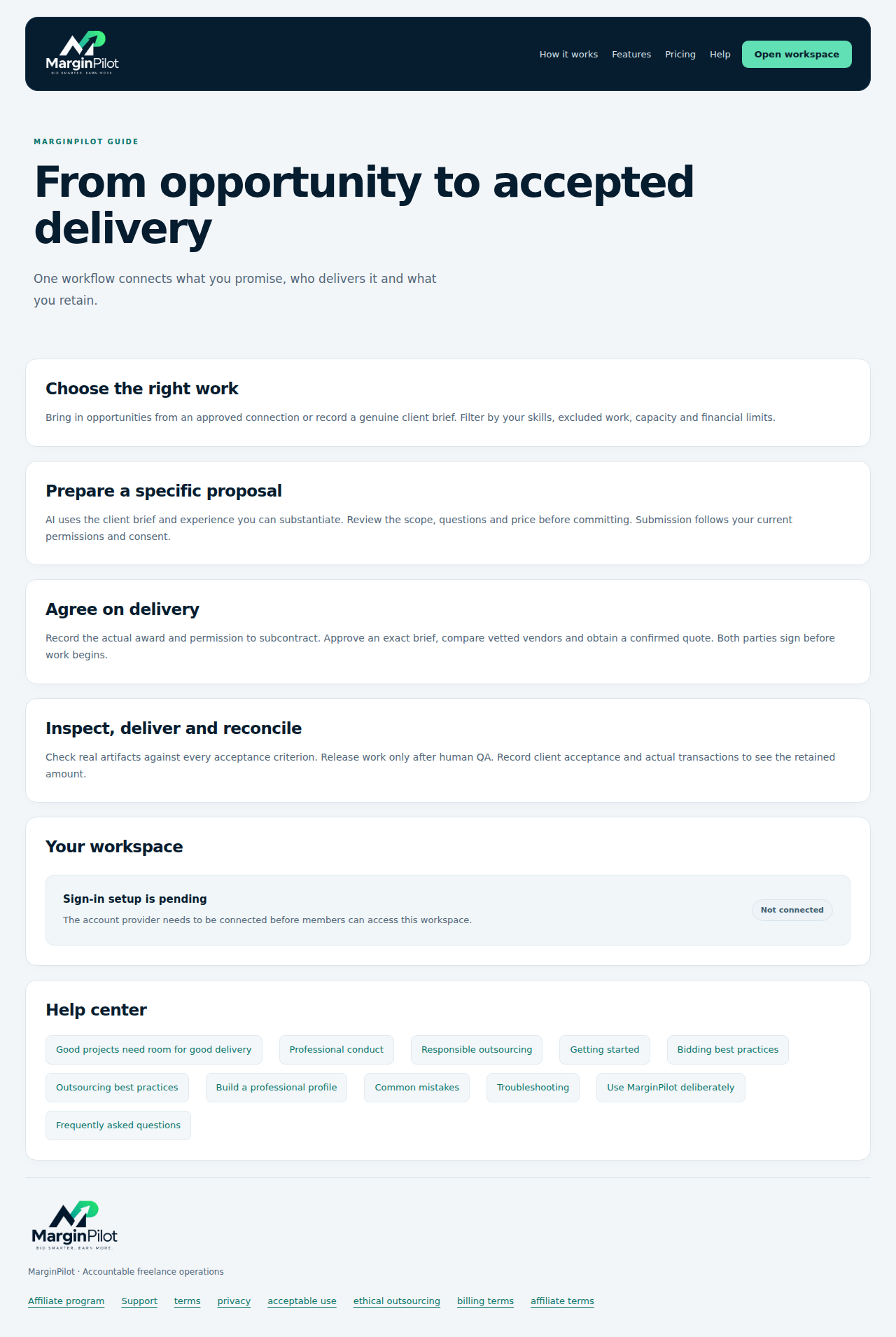
How the workflow connects

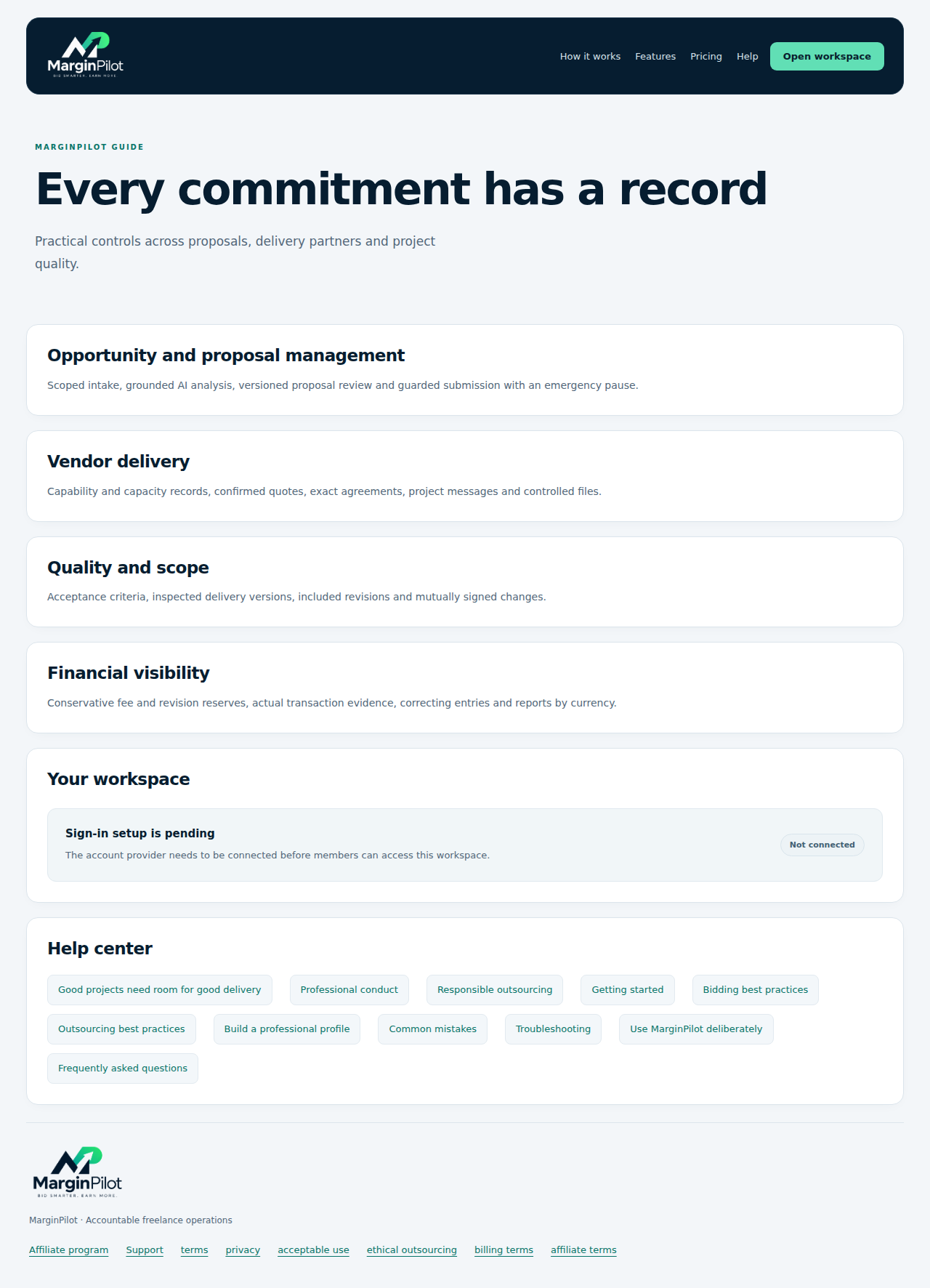
Follow the journey from opportunity intake to agreed delivery and recorded outcomes.

How the workflow connects in MarginPilot; illustrative sample data
Interface preview · sample dataFull desktop capture · Full phone capture
  1. Choose suitable work and prepare a specific proposal.
  2. Agree supplier scope and inspect actual deliverables before release.

Public site > Features

Feature overview

Review the available proposal, supplier, quality and financial controls.

Feature overview in MarginPilot; illustrative sample data
Interface preview · sample dataFull desktop capture · Full phone capture
  1. Compare the workflow features with your service process.
  2. Use the detailed guide and FAQ for each commitment and approval.

Public site > Why it exists

Purpose and accountability

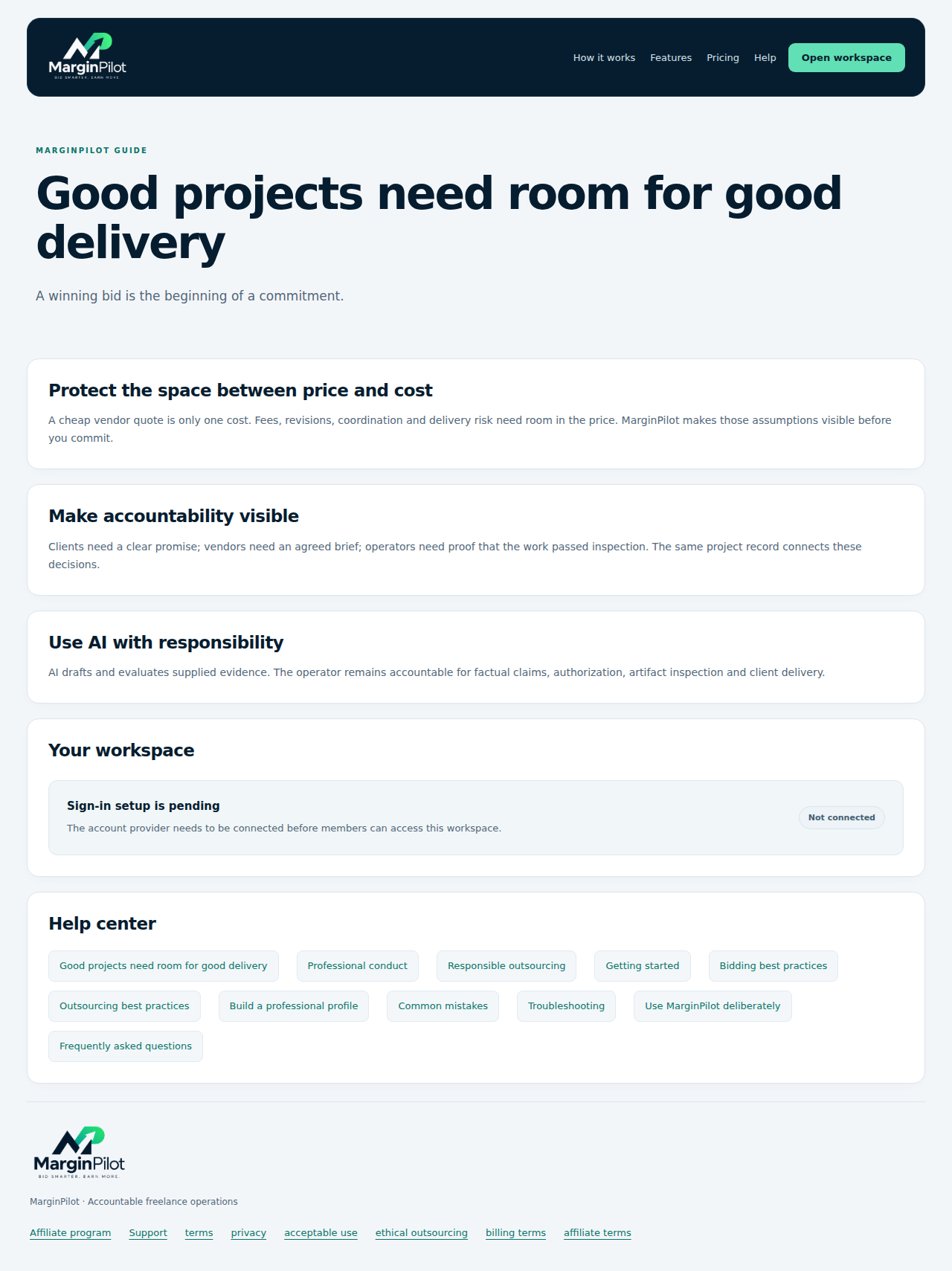
Understand why fees, revisions, clear agreements and inspection belong in the same project record.

Purpose and accountability in MarginPilot; illustrative sample data
Interface preview · sample dataFull desktop capture · Full phone capture
  1. Allow room for the complete delivery commitment.
  2. Keep the evidence behind claims, inspection and finances.

Public site > Conduct

Professional conduct

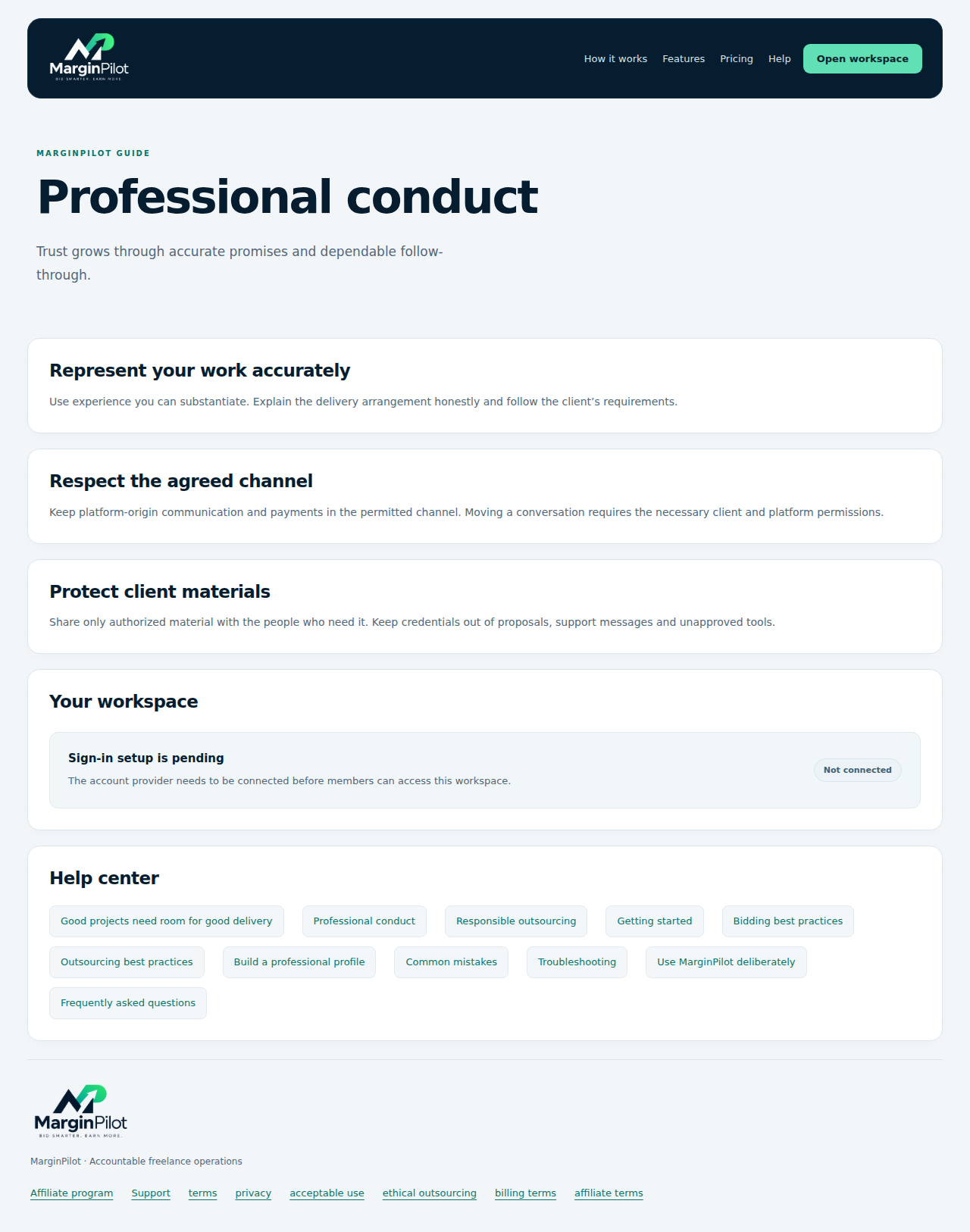
Read the principles for truthful proposals, permitted channels and authorized materials.

Professional conduct in MarginPilot; illustrative sample data
Interface preview · sample dataFull desktop capture · Full phone capture
  1. Use factual experience and describe your delivery arrangement accurately.
  2. Keep client materials and marketplace communication within the agreed permissions.

Public site > Outsourcing

Responsible outsourcing

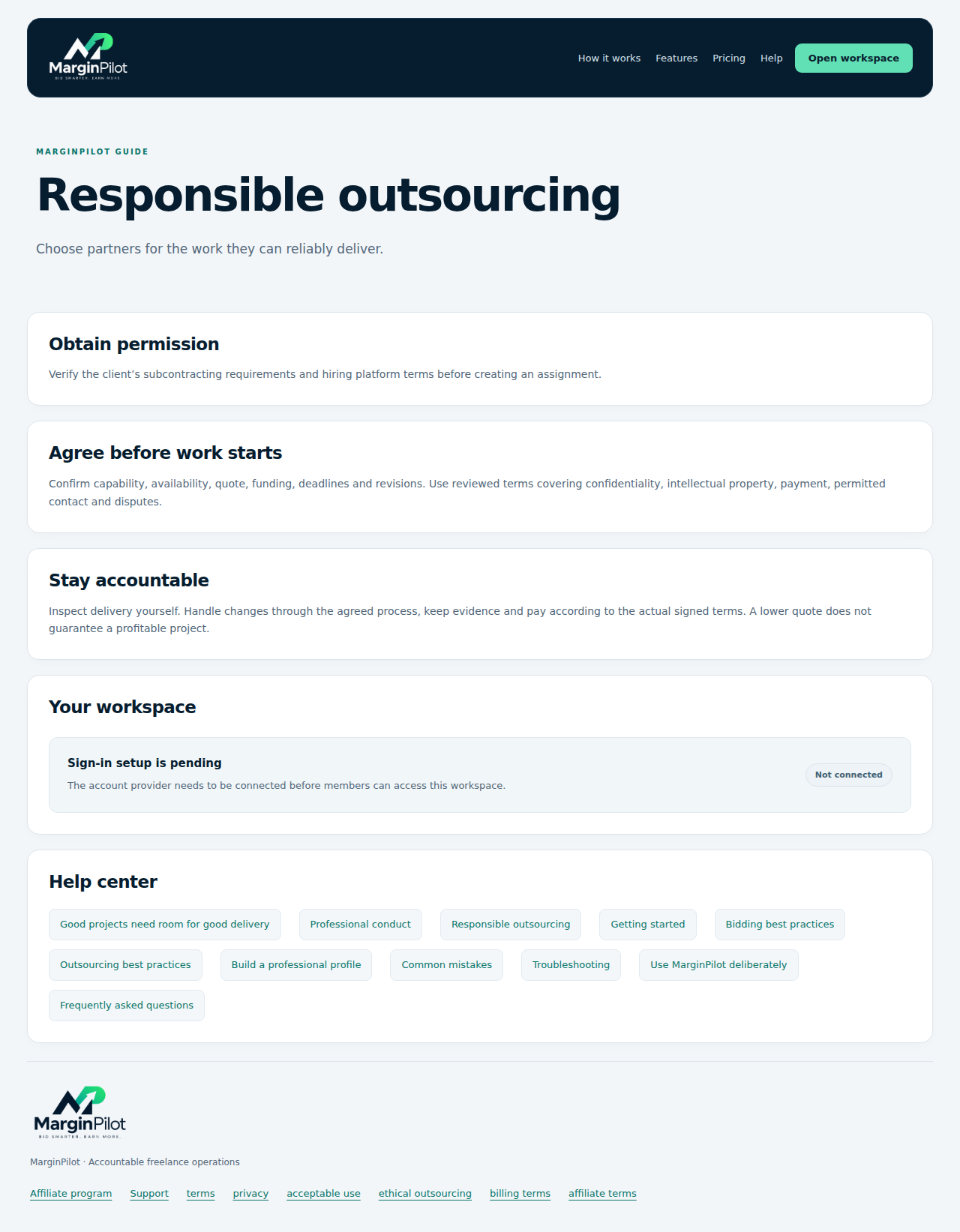
Review client permission, exact terms and the operator’s responsibility for delivered work.

Responsible outsourcing in MarginPilot; illustrative sample data
Interface preview · sample dataFull desktop capture · Full phone capture
  1. Confirm permission before assigning work.
  2. Agree scope and inspect the partner’s output yourself.

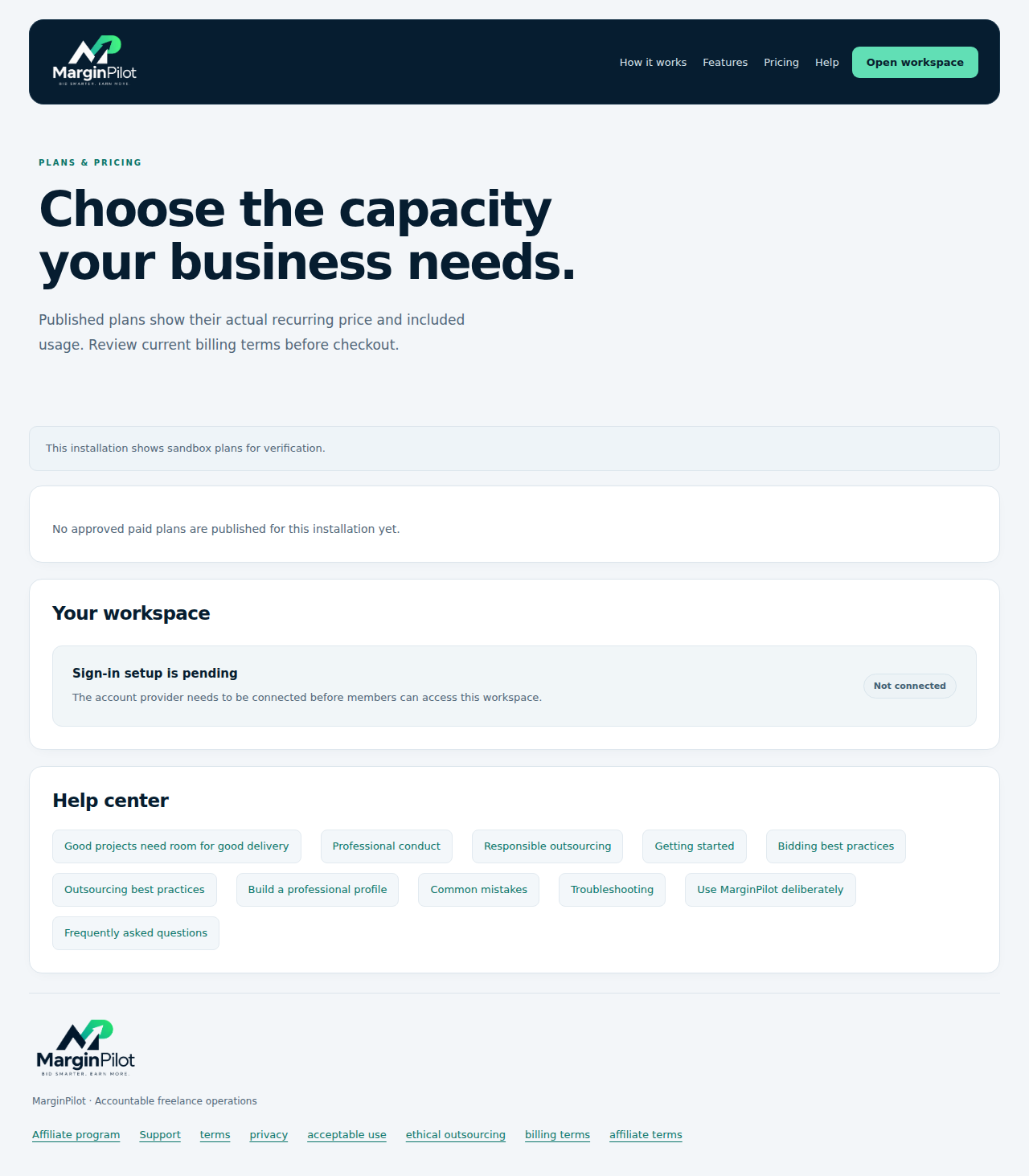
Public site > Pricing

Current published pricing

Prices come from approved published plans. This sample installation has no paid plans published.
Current published pricing in MarginPilot; illustrative sample data
Interface preview · sample dataFull desktop capture · Full phone capture
  1. Review actual plan price, currency, interval and usage when available.
  2. Confirm current billing terms before choosing a plan.

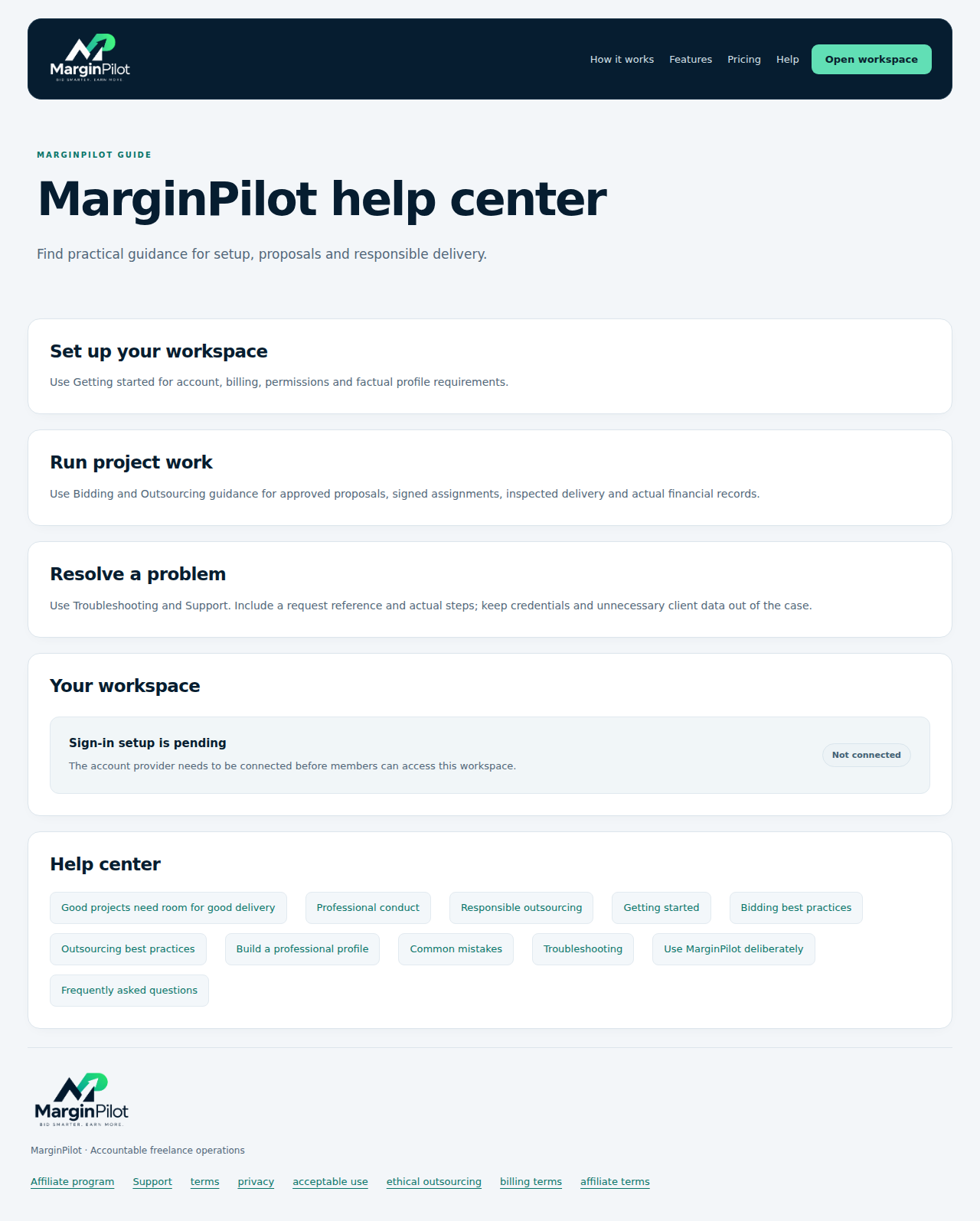
Public site > Help

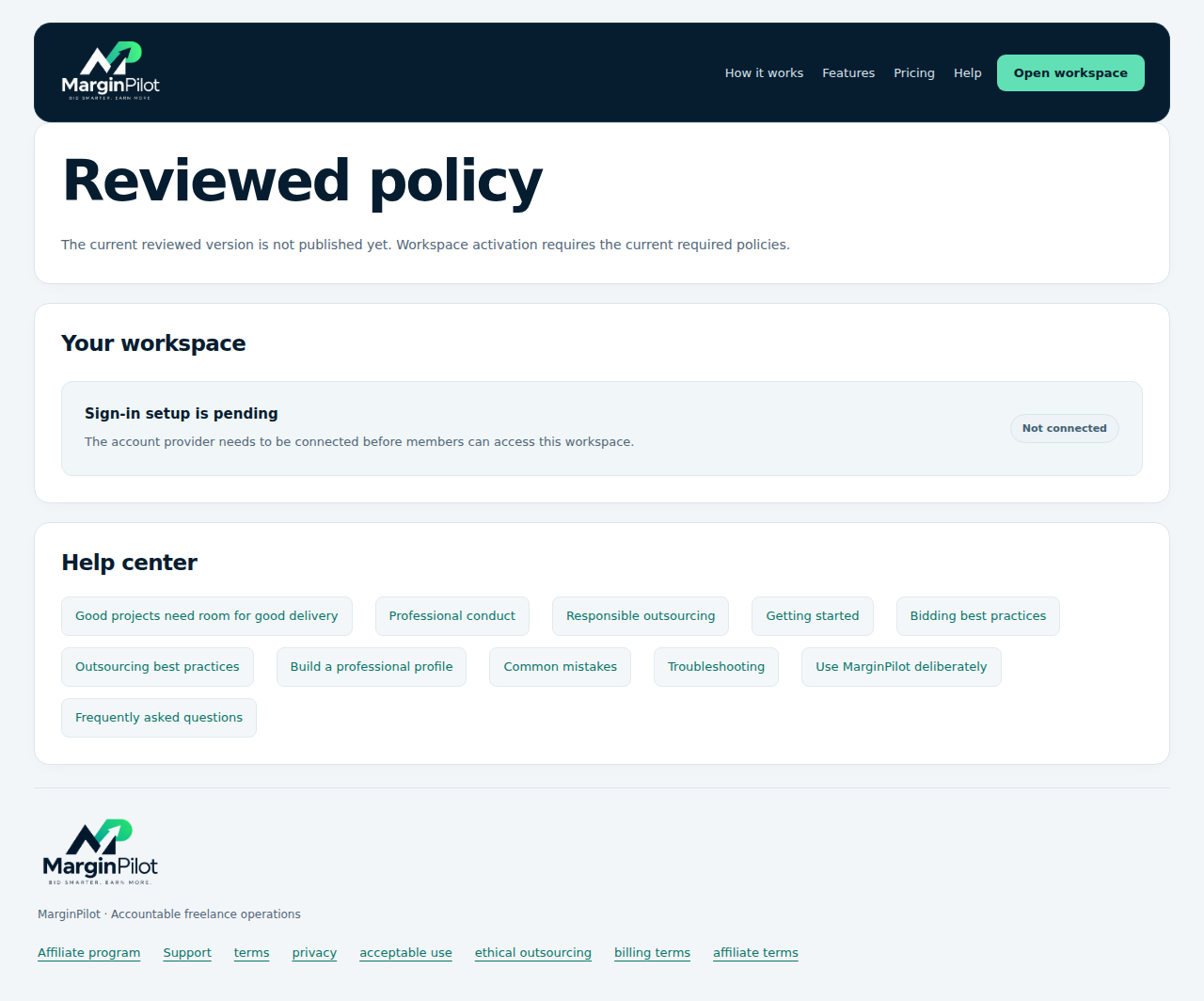
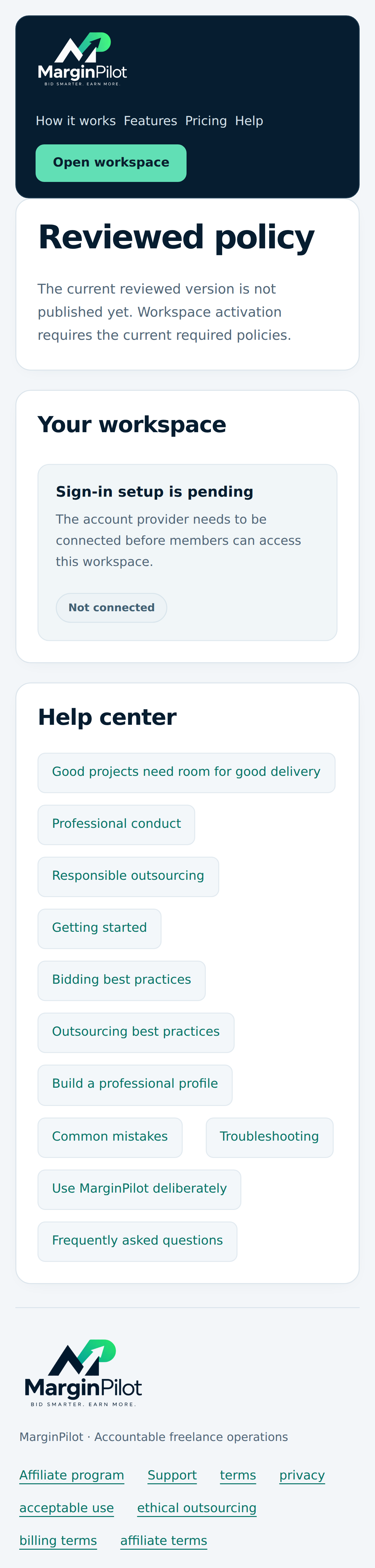
Help center

Find setup, bidding, outsourcing, profile and troubleshooting guidance.

Help center in MarginPilot; illustrative sample data
Interface preview · sample dataFull desktop capture · Full phone capture
  1. Open the article that matches your question.
  2. Use Support with the request reference when the article does not resolve the issue.

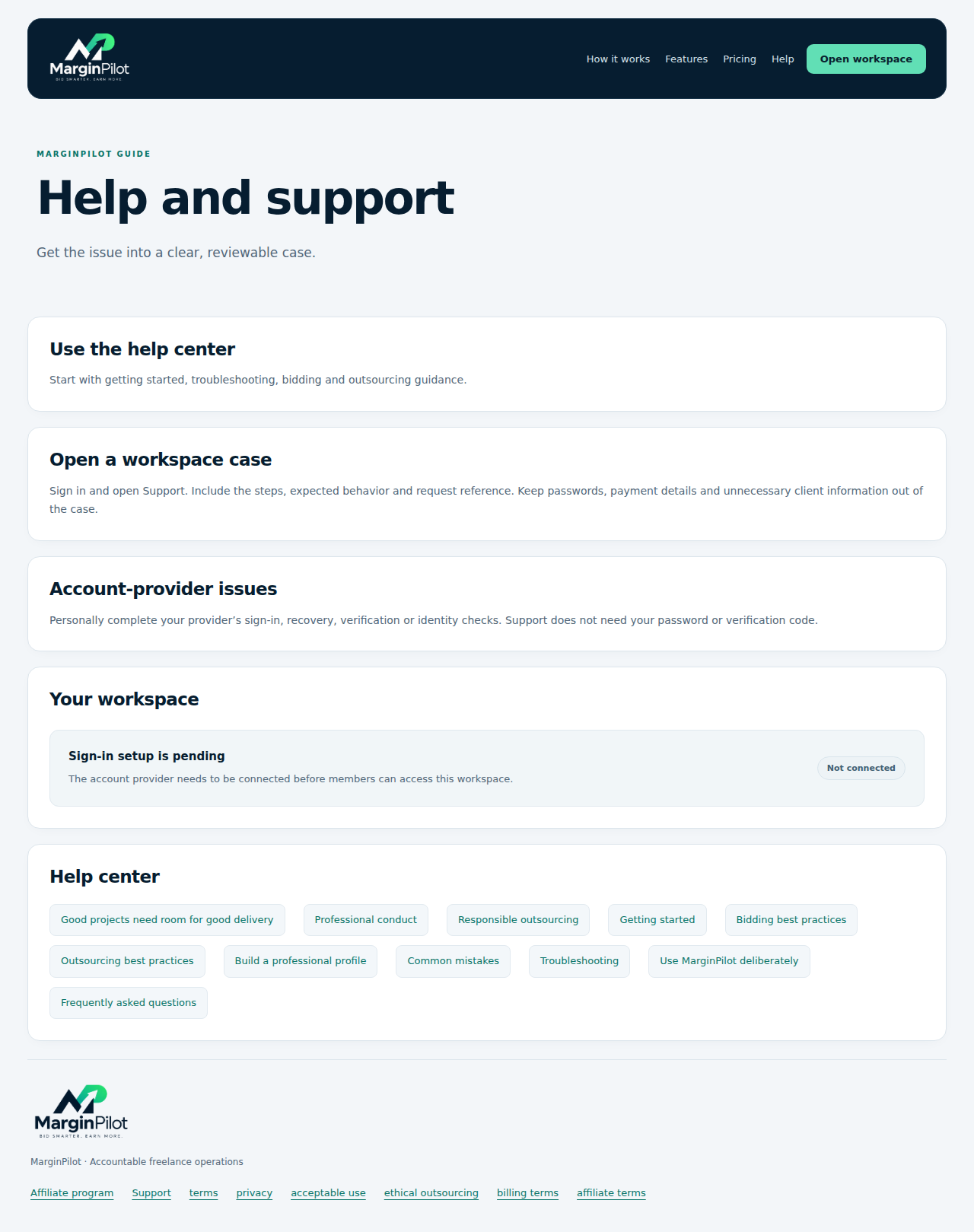
Public site > Support

Public support guidance

Find the help route before opening a workspace case.

Public support guidance in MarginPilot; illustrative sample data
Interface preview · sample dataFull desktop capture · Full phone capture
  1. Start with help and troubleshooting.
  2. Use your own provider account for login recovery and verification.

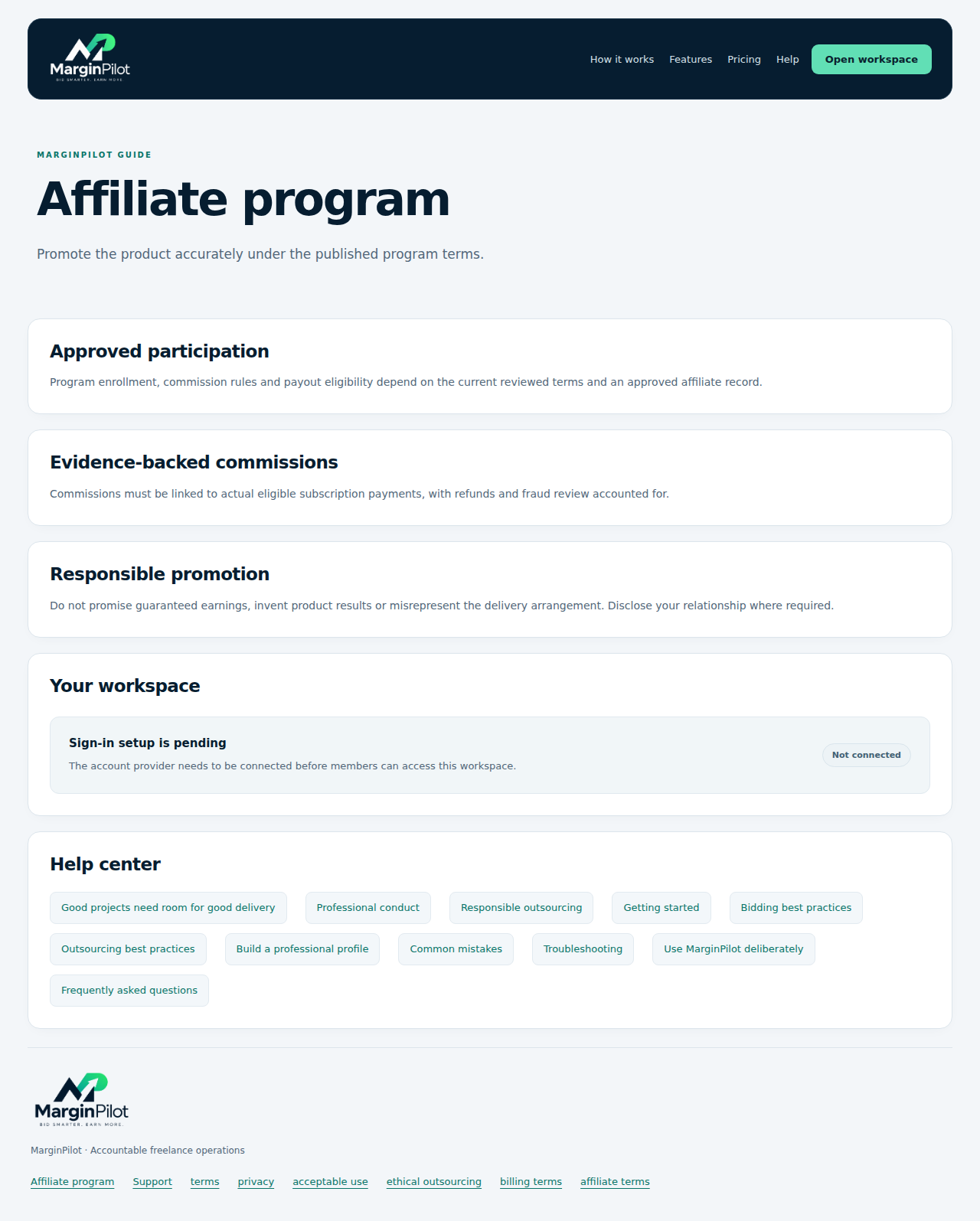
Public site > Affiliate program

Affiliate program guidance

Review enrollment, evidence-backed commissions and accurate promotion.

Affiliate program guidance in MarginPilot; illustrative sample data
Interface preview · sample dataFull desktop capture · Full phone capture
  1. Read the currently published program terms.
  2. Use the workspace affiliate view for your actual participation and records.
Back to topics ↑

VISUAL PRODUCT GUIDE

Set up a workspace

Identity, factual profile, rules, policies and access.

Workspace > Overview

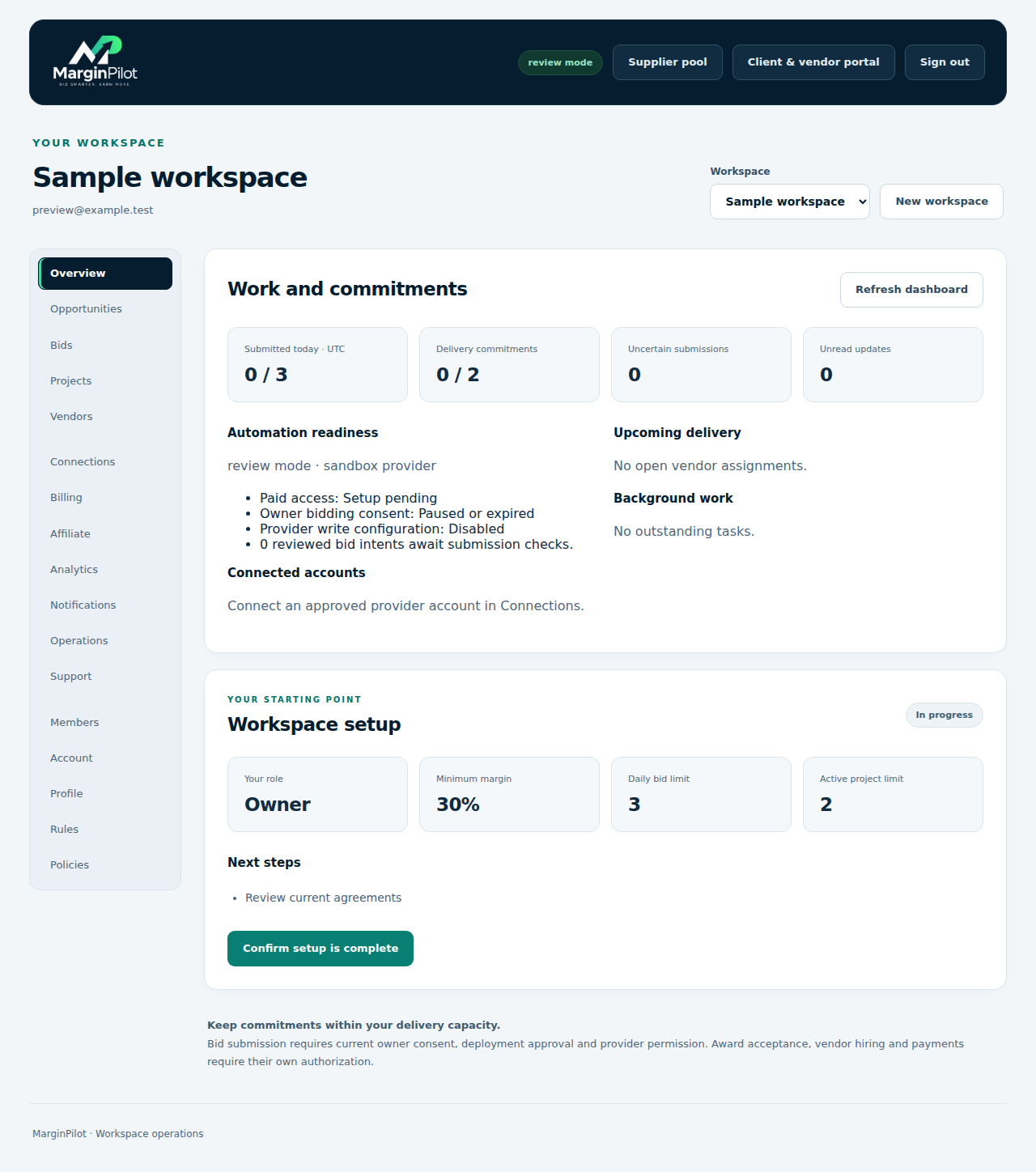
Workspace overview and setup

See commitment counts, readiness and outstanding setup steps without confusing them with completed work.

Workspace overview and setup in MarginPilot; illustrative sample data
Interface preview · sample dataFull desktop capture · Full phone capture
  1. Review the selected workspace and current rules.
  2. Resolve setup blockers and inspect upcoming delivery and background work.

Workspace > Profile

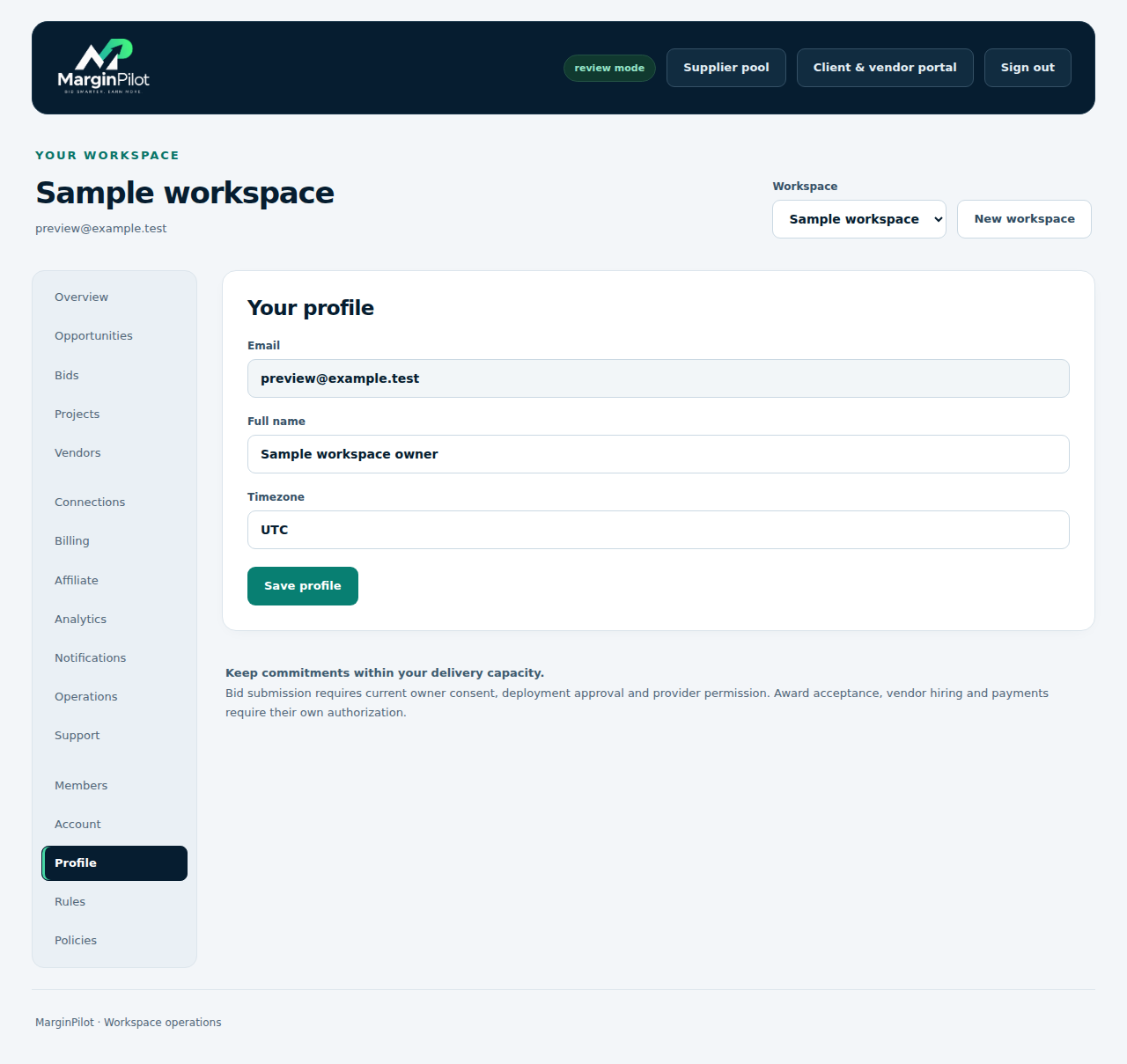
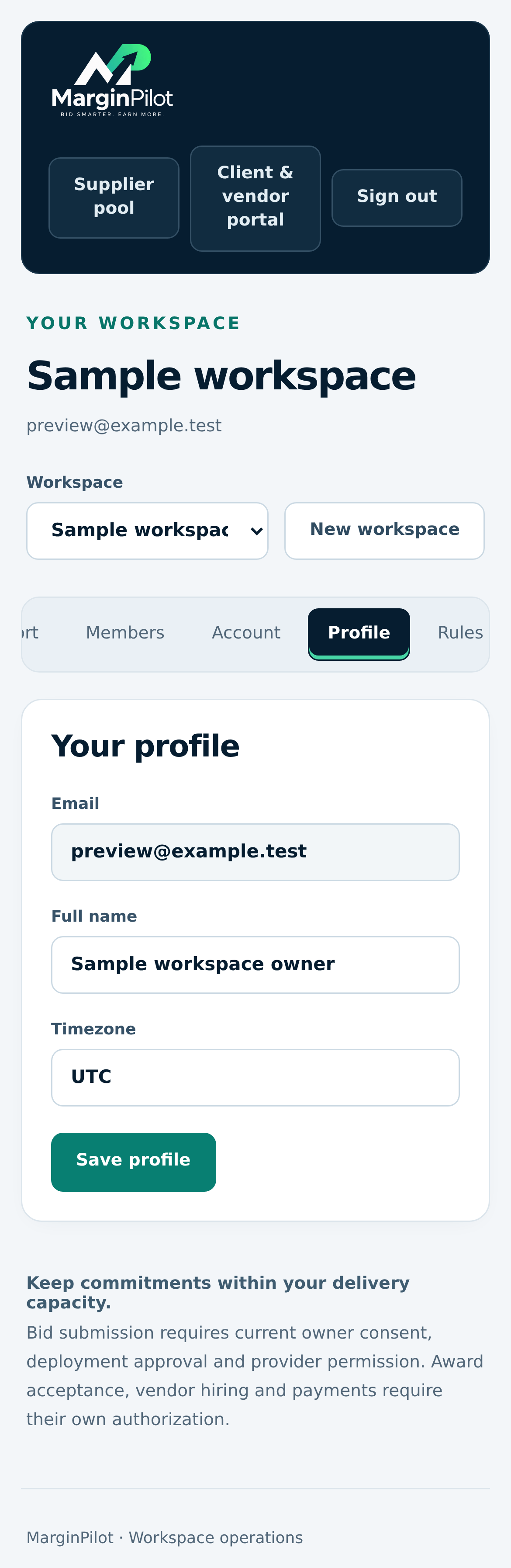
Professional profile

Keep the personal and professional facts used for your work current.

Professional profile in MarginPilot; illustrative sample data
Interface preview · sample dataFull desktop capture · Full phone capture
  1. Review factual identity, availability and profile information.
  2. Use experience and capabilities you can substantiate in proposals.

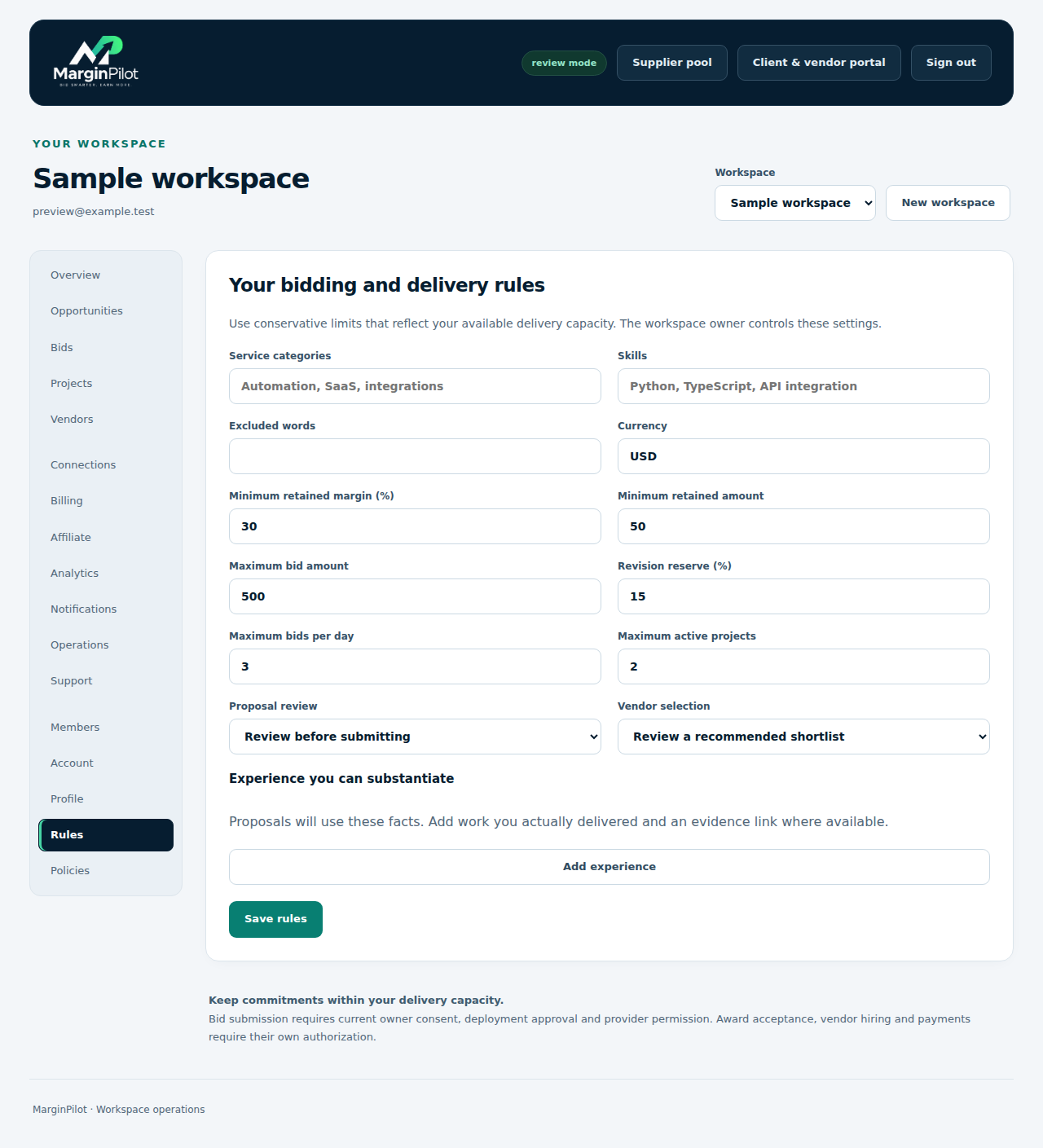
Workspace > Rules

Bidding and delivery rules

Set skills, exclusions, budget limits, project capacity and margin or revision reserves.

Bidding and delivery rules in MarginPilot; illustrative sample data
Interface preview · sample dataFull desktop capture · Full phone capture
  1. Enter realistic service categories and financial limits.
  2. Save the rules and review owner consent before external submissions.

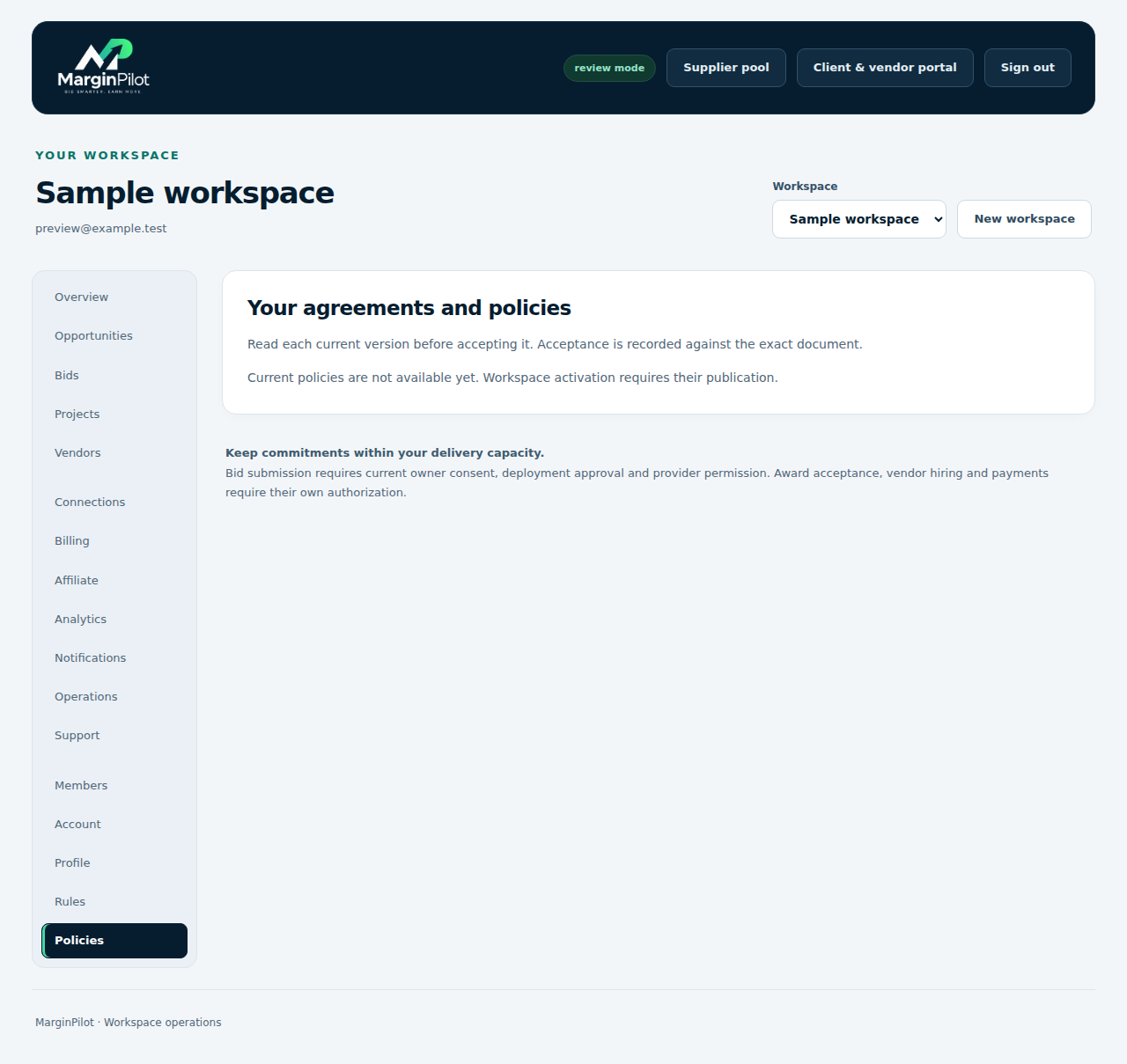
Workspace > Policies

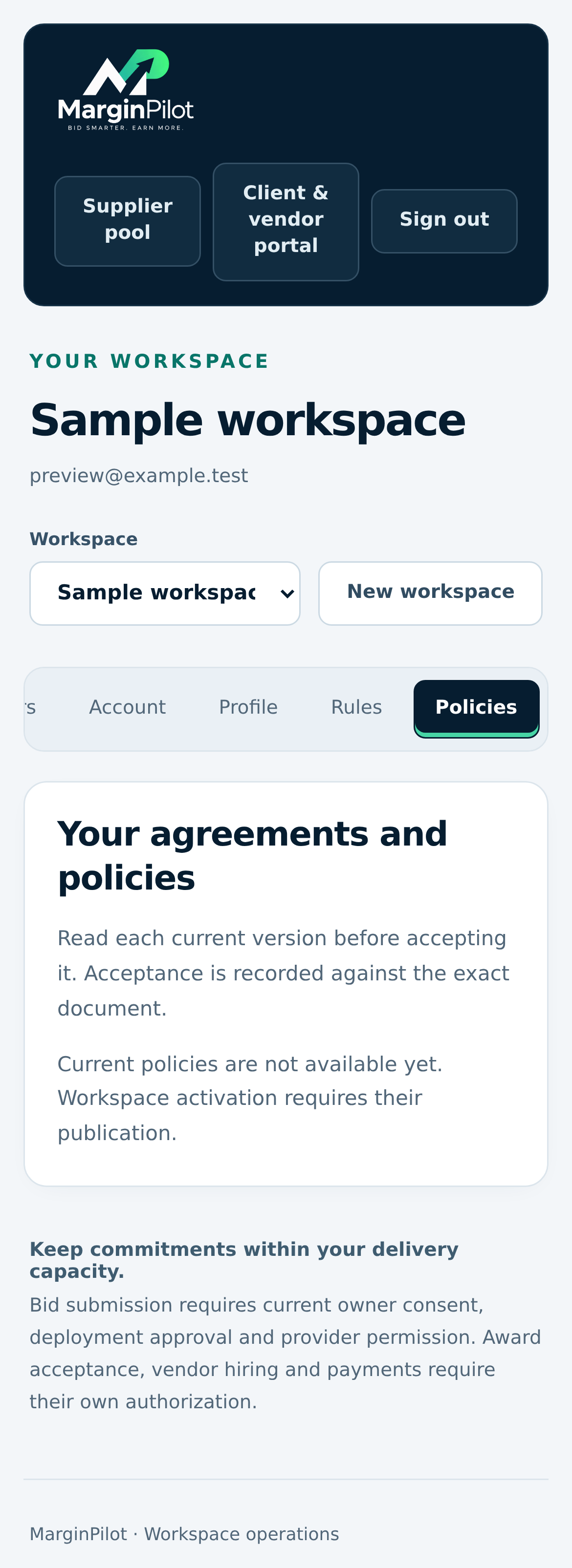
Workspace policy review

Review current published policy versions and record your own acceptance.

Workspace policy review in MarginPilot; illustrative sample data
Interface preview · sample dataFull desktop capture · Full phone capture
  1. Read the exact applicable policies.
  2. Accept through your own account when you have authority to do so.

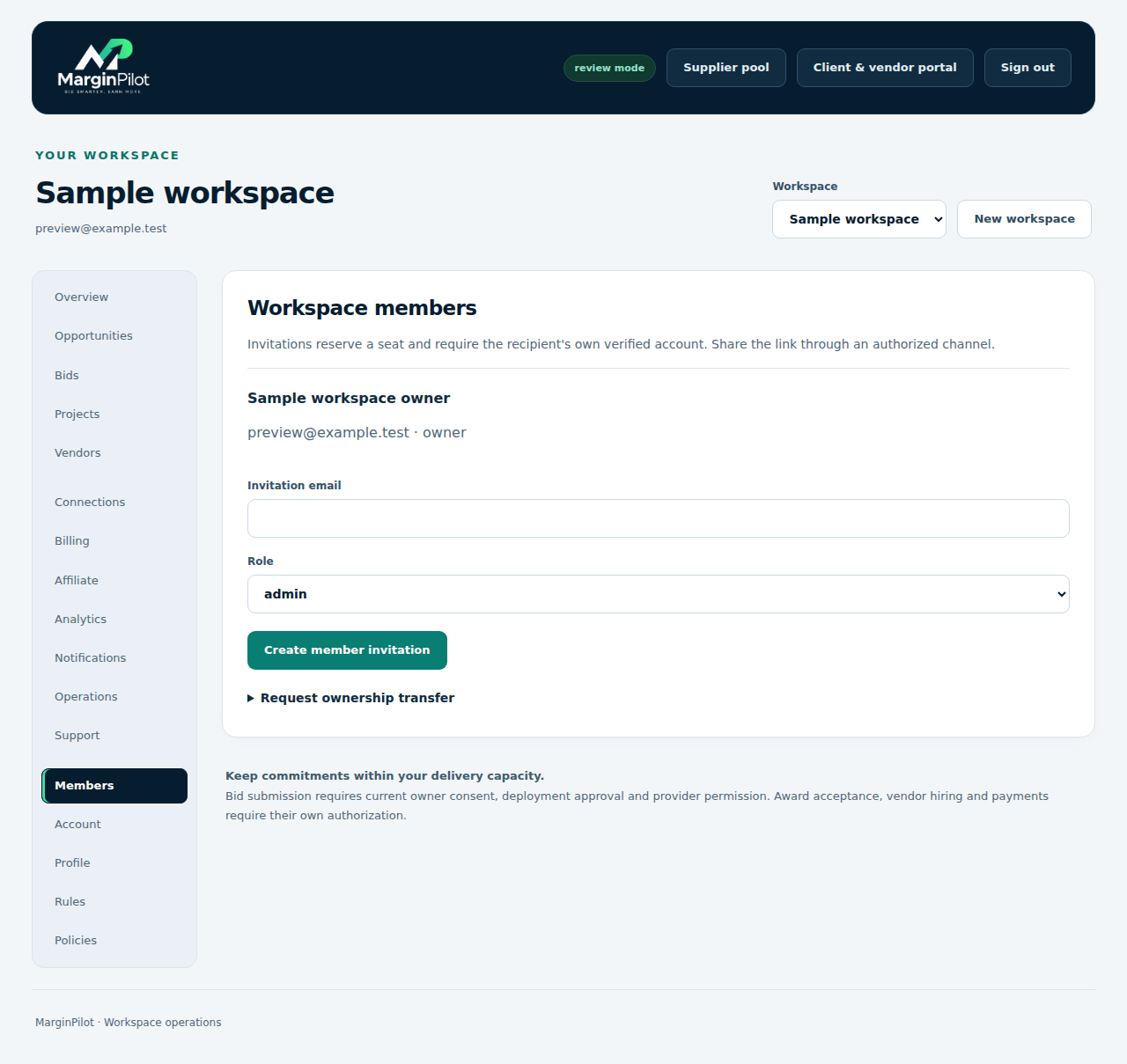
Workspace > Members

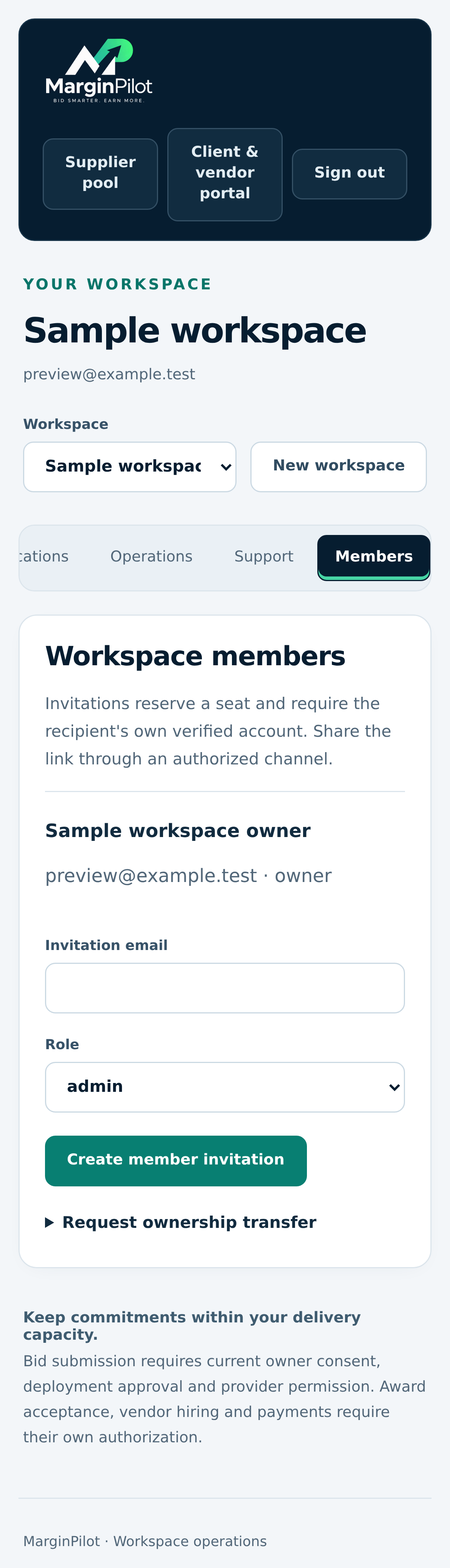
Members and invitations

Invite team members and manage workspace roles independently of client and supplier project grants.

Members and invitations in MarginPilot; illustrative sample data
Interface preview · sample dataFull desktop capture · Full phone capture
  1. Invite each person to use their own verified account.
  2. Assign the least access needed and review ownership changes carefully.

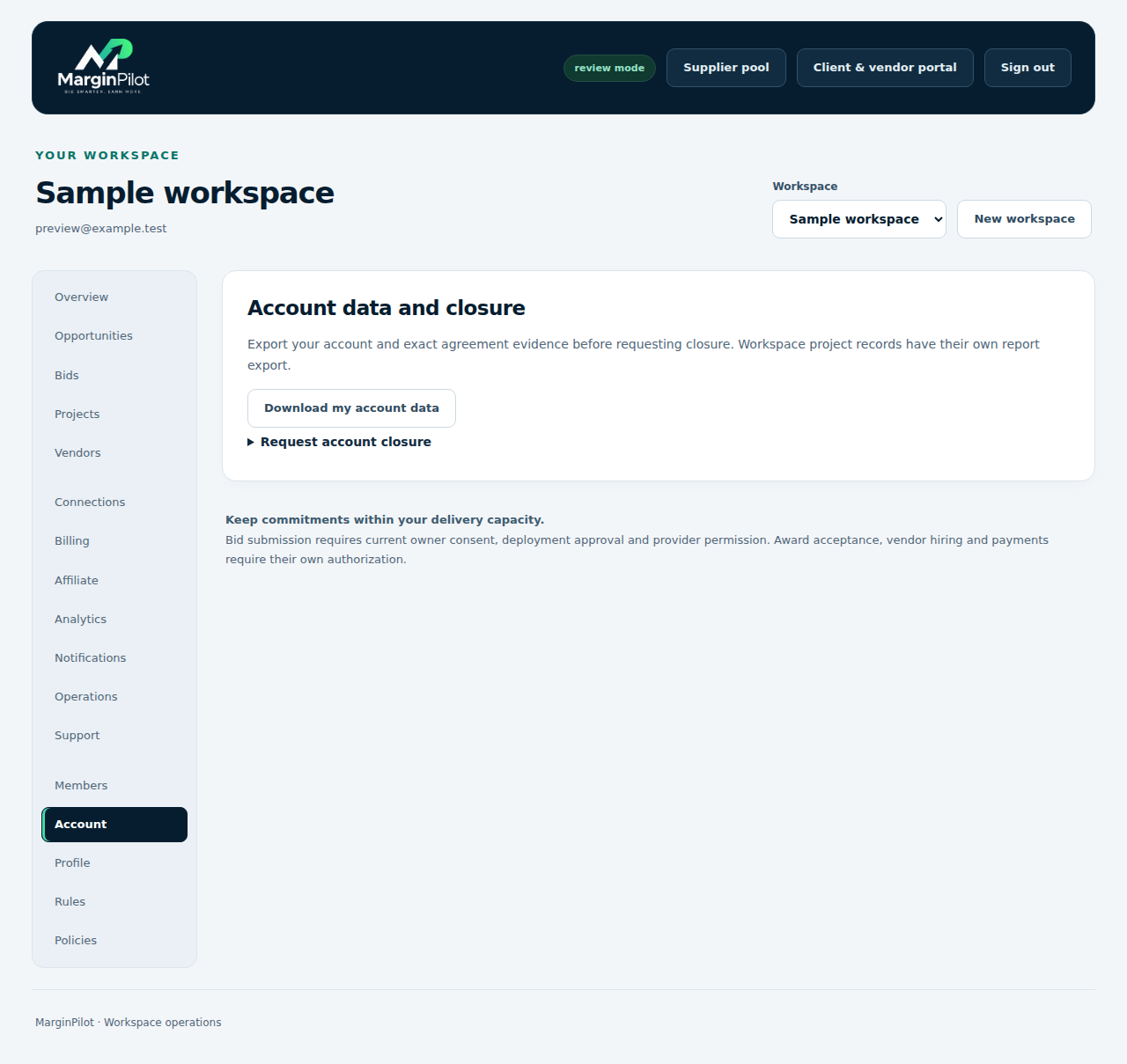
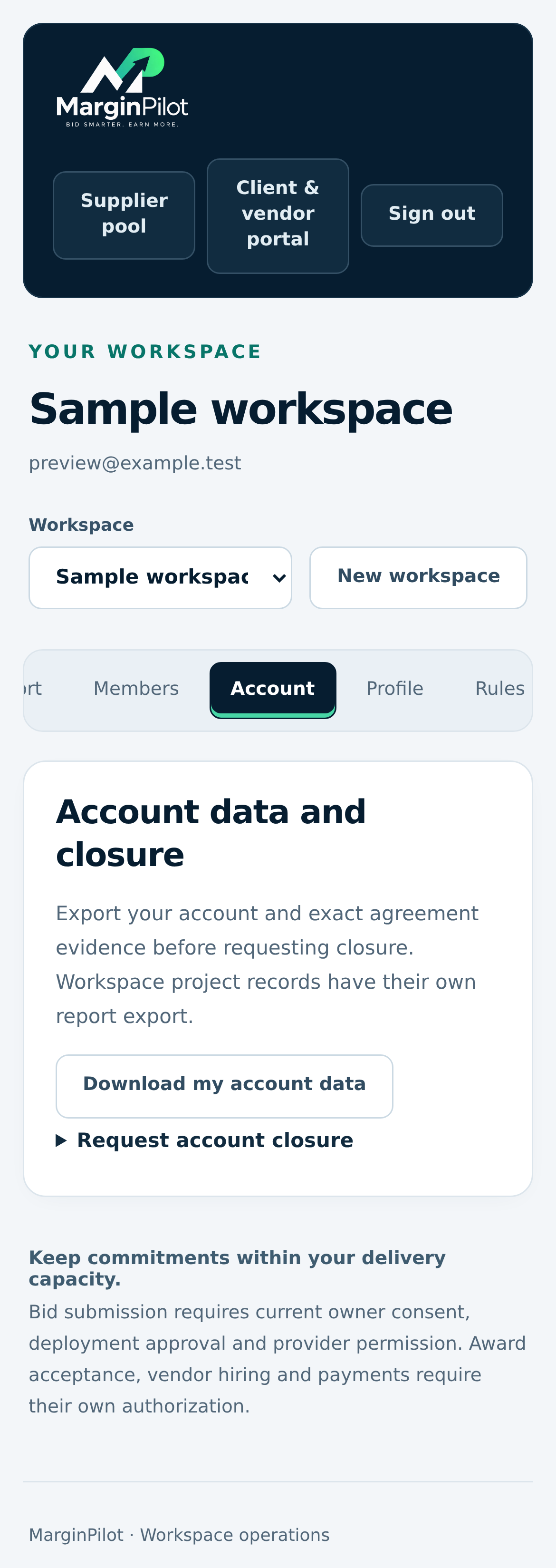
Workspace > Account

Account controls and export

Access personal export, privacy requests and guarded account controls.

Account controls and export in MarginPilot; illustrative sample data
Interface preview · sample dataFull desktop capture · Full phone capture
  1. Download your own account evidence when needed.
  2. Review outstanding obligations before requesting closure.
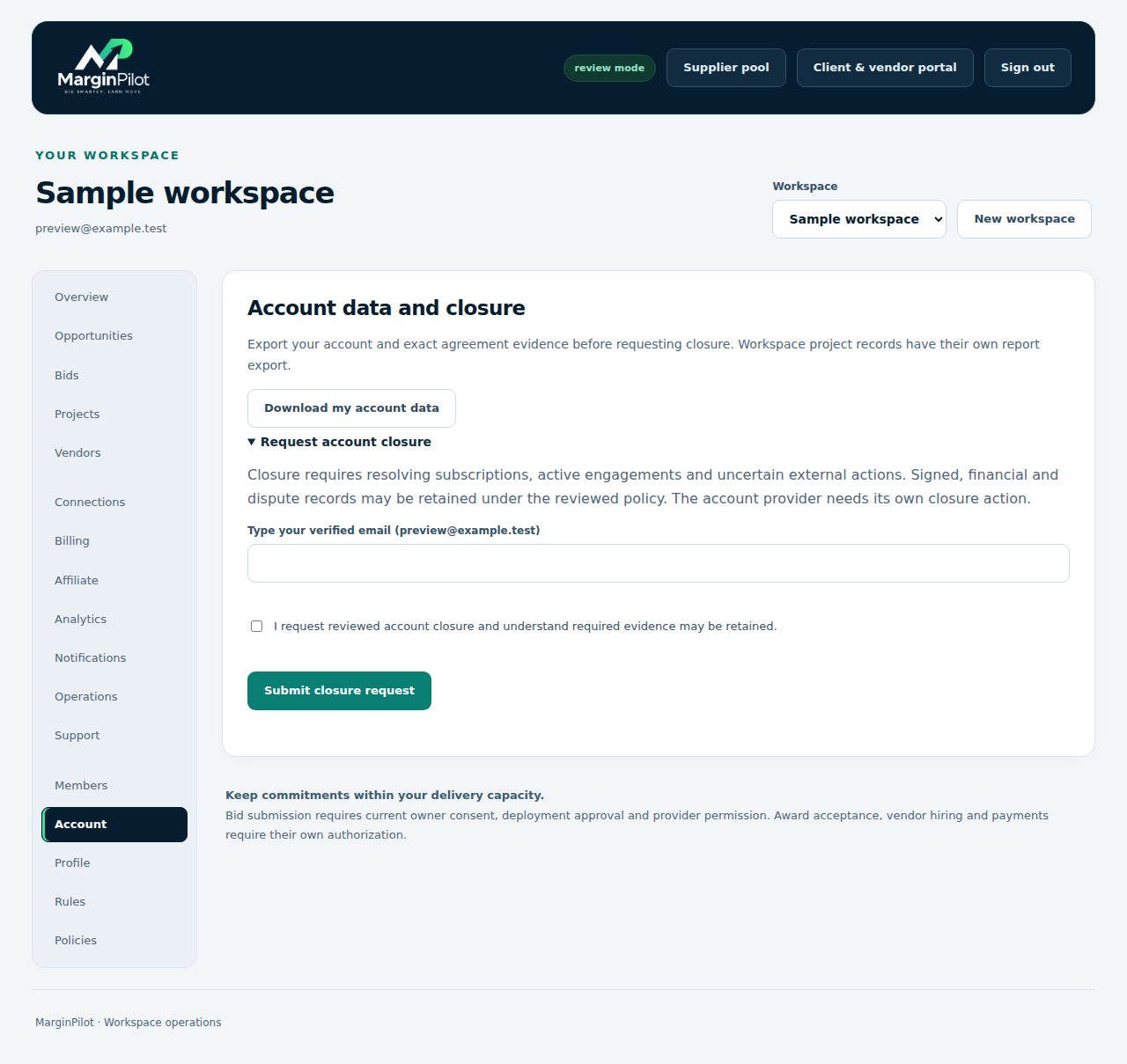
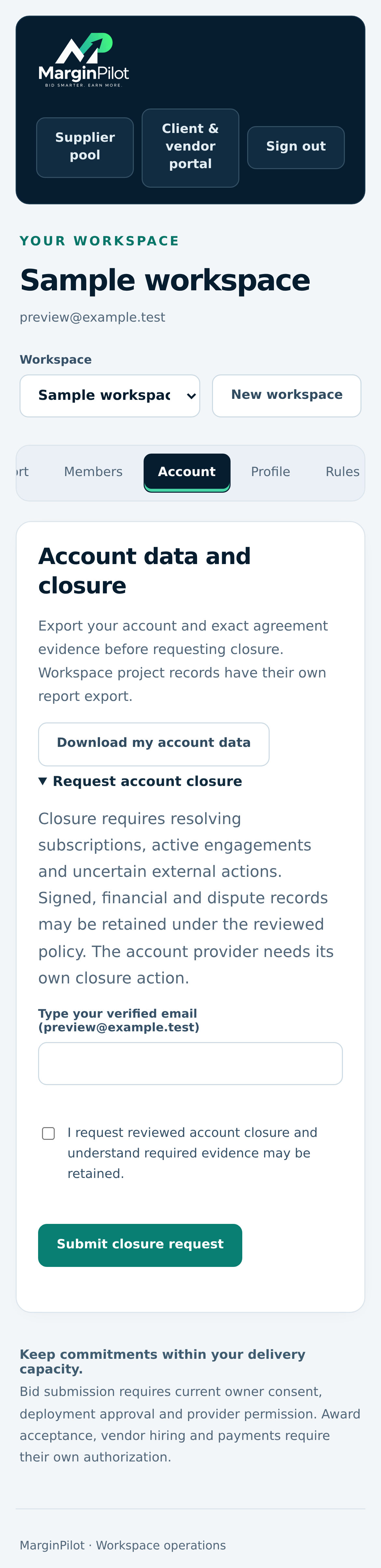
Workspace > Account > Request account closure

Account closure request

Review a closure request without claiming that outstanding project or payment evidence disappears.

Account closure request in MarginPilot; illustrative sample data
Interface preview · sample dataFull desktop capture · Full phone capture
  1. Resolve pending payments and other blocking obligations.
  2. Submit your own request and follow the current policy process.
Back to topics ↑

VISUAL PRODUCT GUIDE

Prepare and record client work

Opportunities, bid intents, approved connections and actual awarded projects.

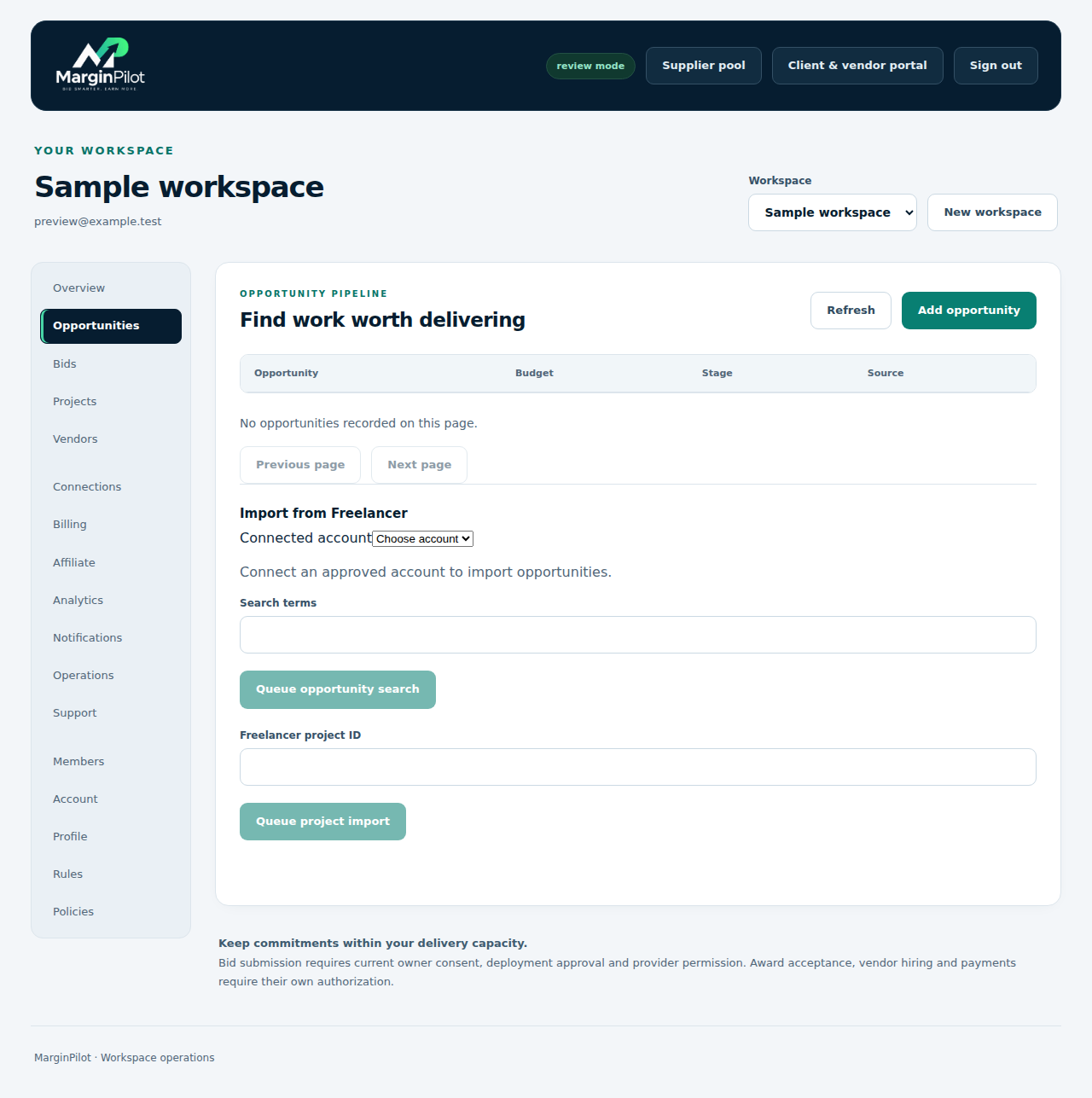
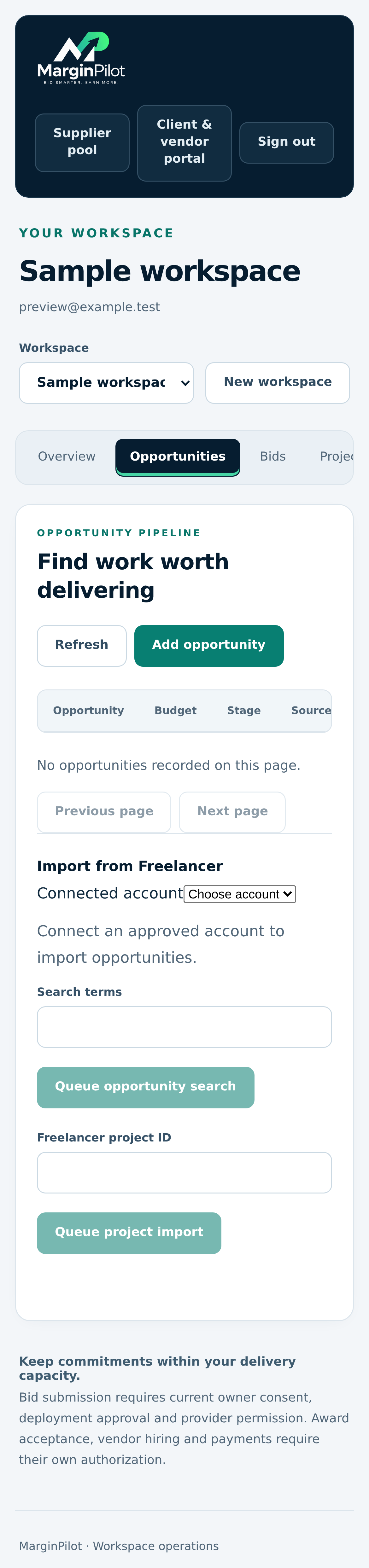
Workspace > Opportunities

Opportunity review

Review imported opportunities and factual AI analysis. This sample has no imported opportunities.

Opportunity review in MarginPilot; illustrative sample data
Interface preview · sample dataFull desktop capture · Full phone capture
  1. Filter work against your skills, limits and capacity.
  2. Review actual scope, missing information and proposal claims before approval.

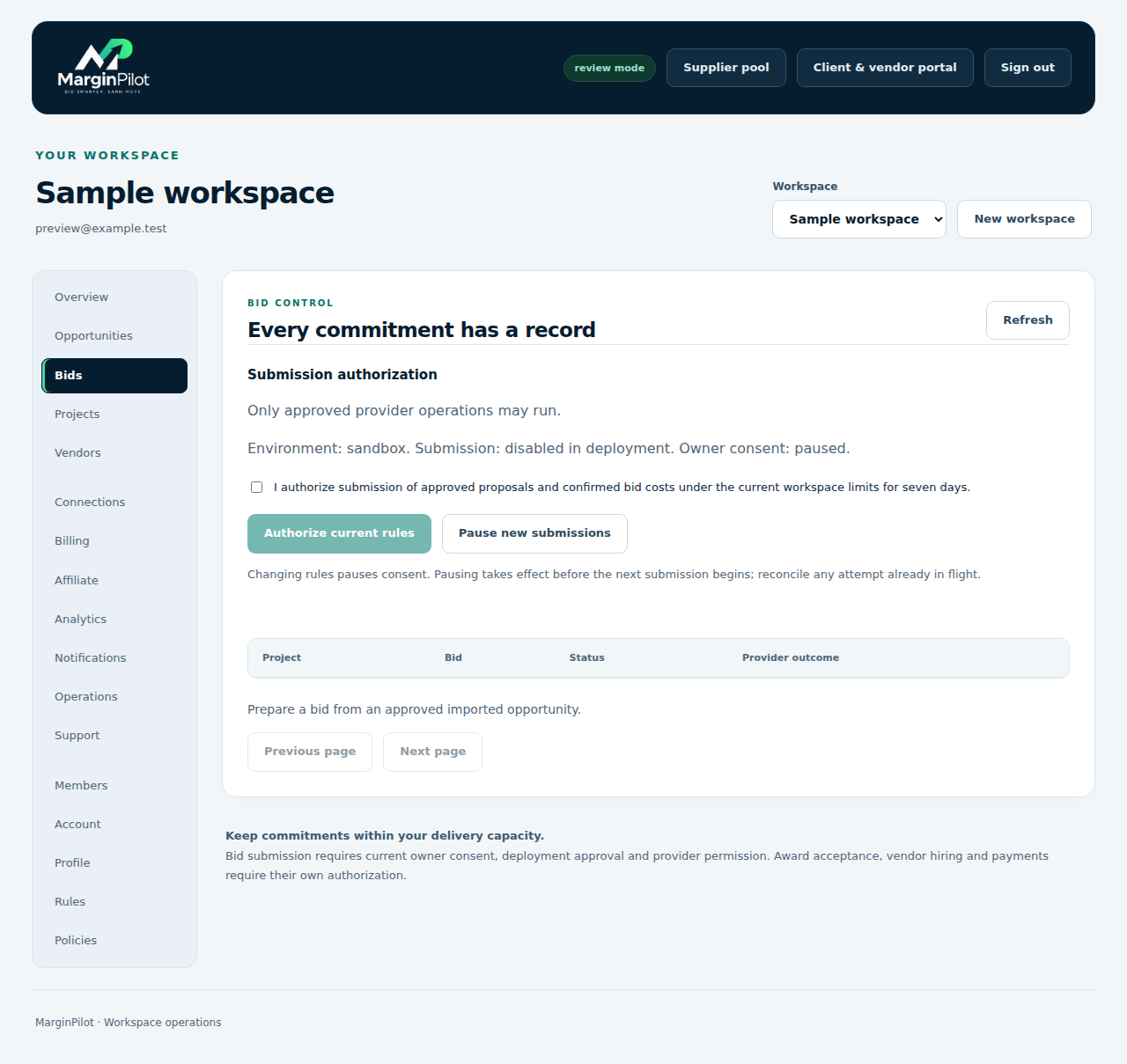
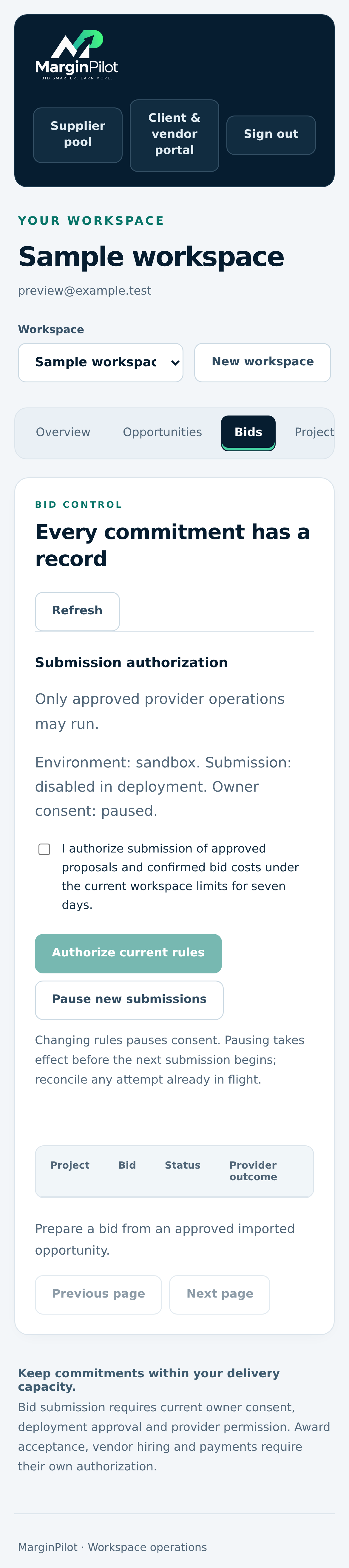
Workspace > Bids

Bid intents and submissions

Track reviewed intents, submission state and uncertain provider outcomes.

Bid intents and submissions in MarginPilot; illustrative sample data
Interface preview · sample dataFull desktop capture · Full phone capture
  1. Approve only an exact proposal and price you can fulfill.
  2. Reconcile the original submission when the result is uncertain.

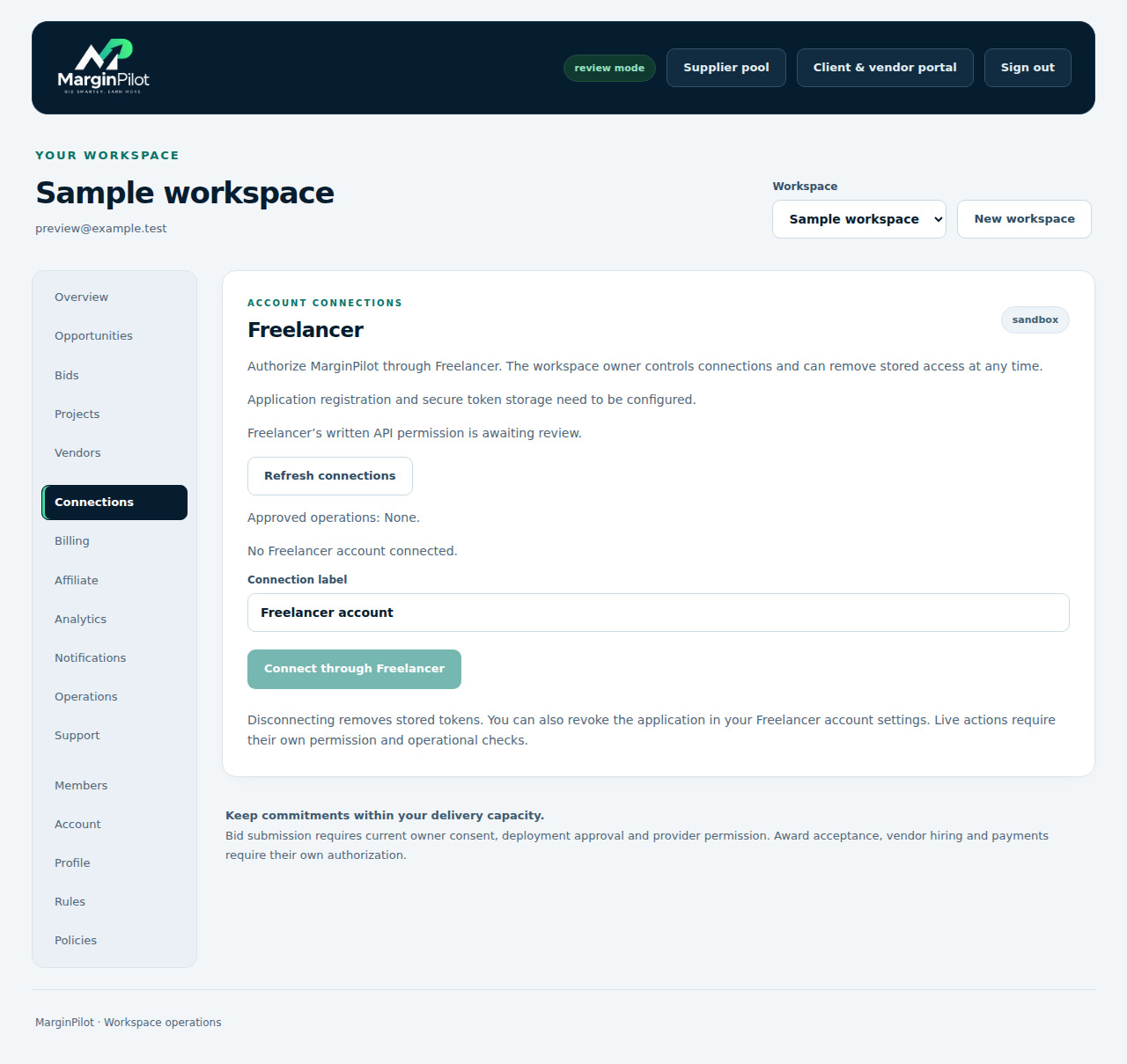
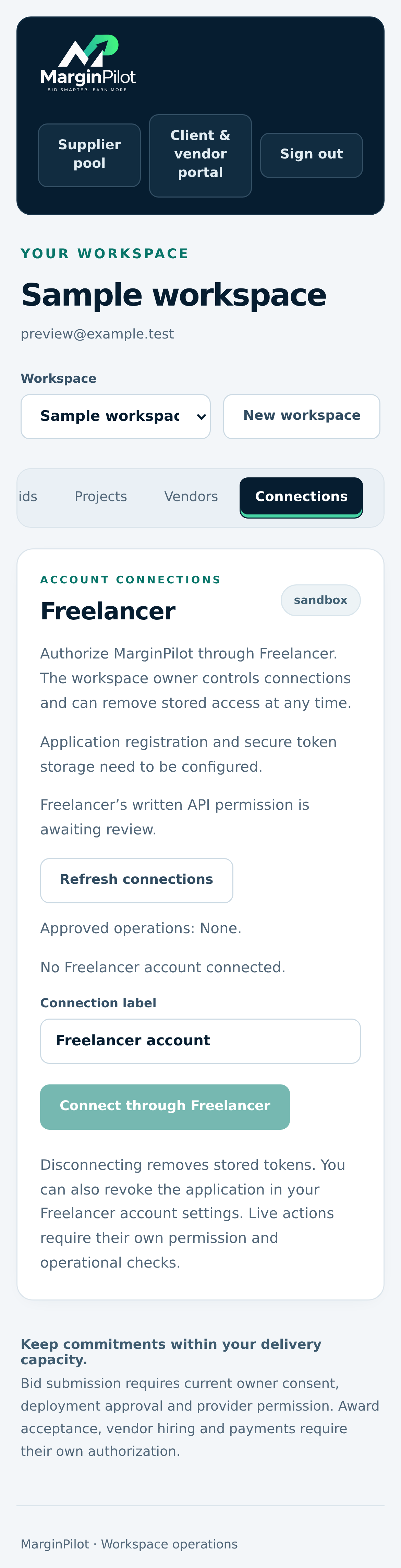
Workspace > Connections

Marketplace connections

Connect only supported approved accounts and inspect current permissions.

Marketplace connections in MarginPilot; illustrative sample data
Interface preview · sample dataFull desktop capture · Full phone capture
  1. Use your own registered marketplace account.
  2. Confirm which operations and collaboration channels are actually authorized.

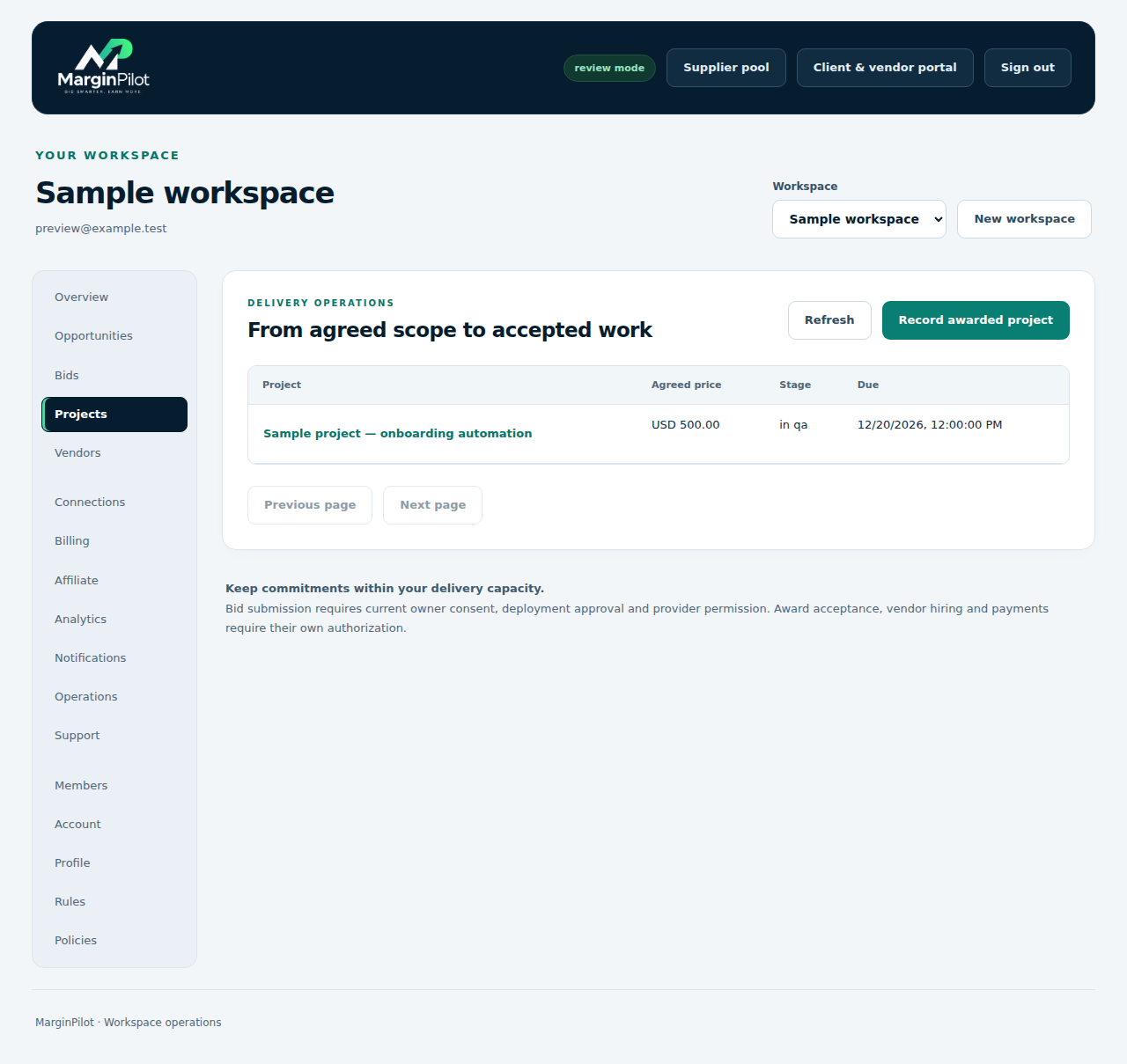
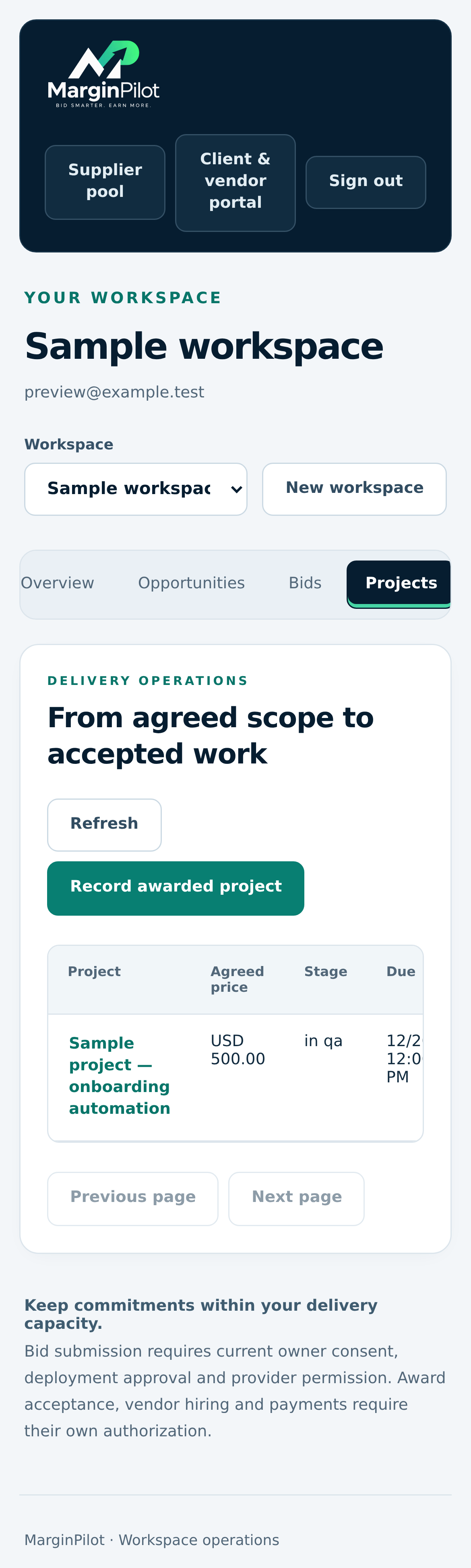
Workspace > Projects

Project list

Open an actual project record and inspect its brief, assignment, delivery and financial history.

Project list in MarginPilot; illustrative sample data
Interface preview · sample dataFull desktop capture · Full phone capture
  1. Select the project you need to manage.
  2. Record an actual awarded agreement separately from an opportunity or draft bid.

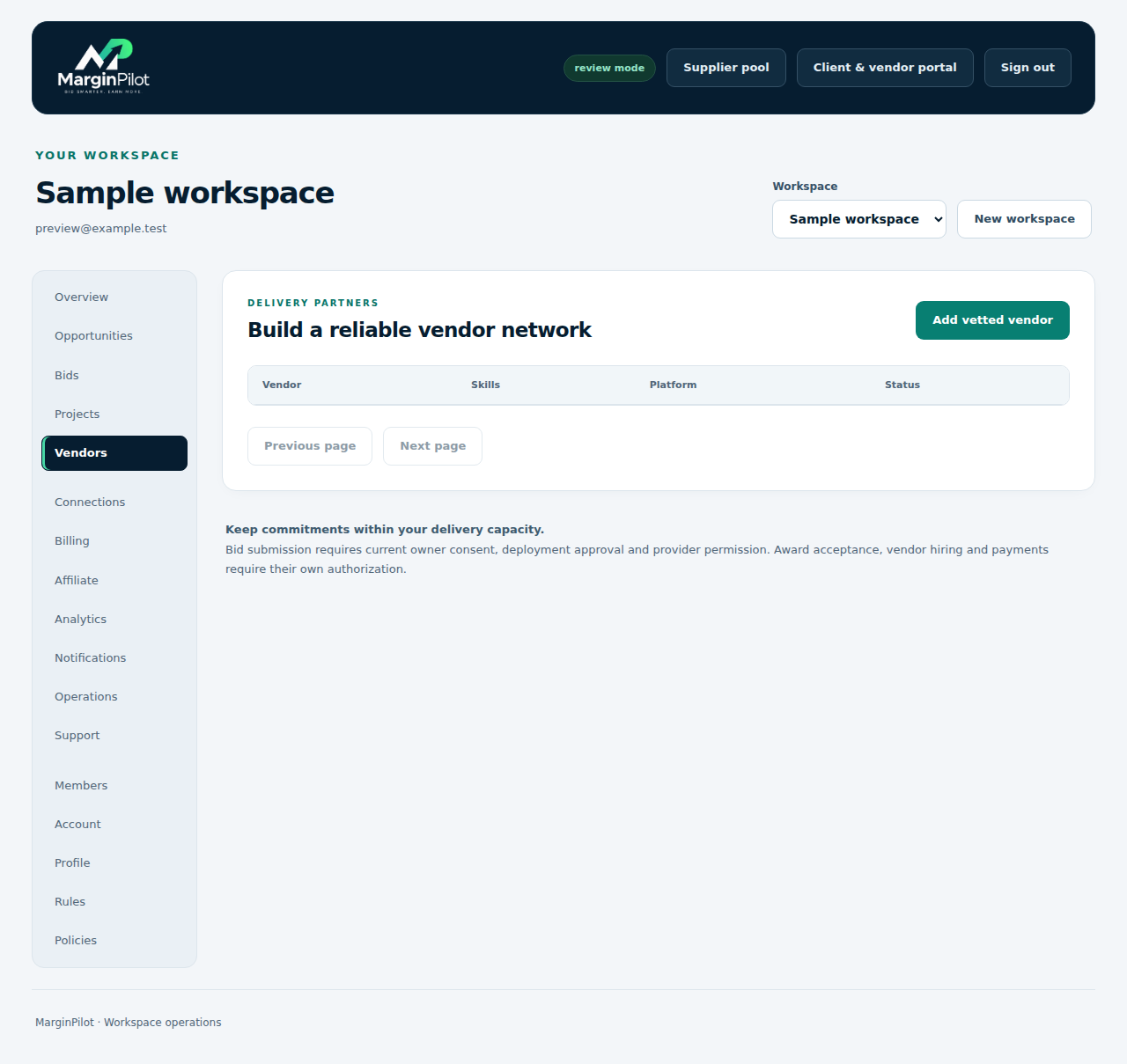
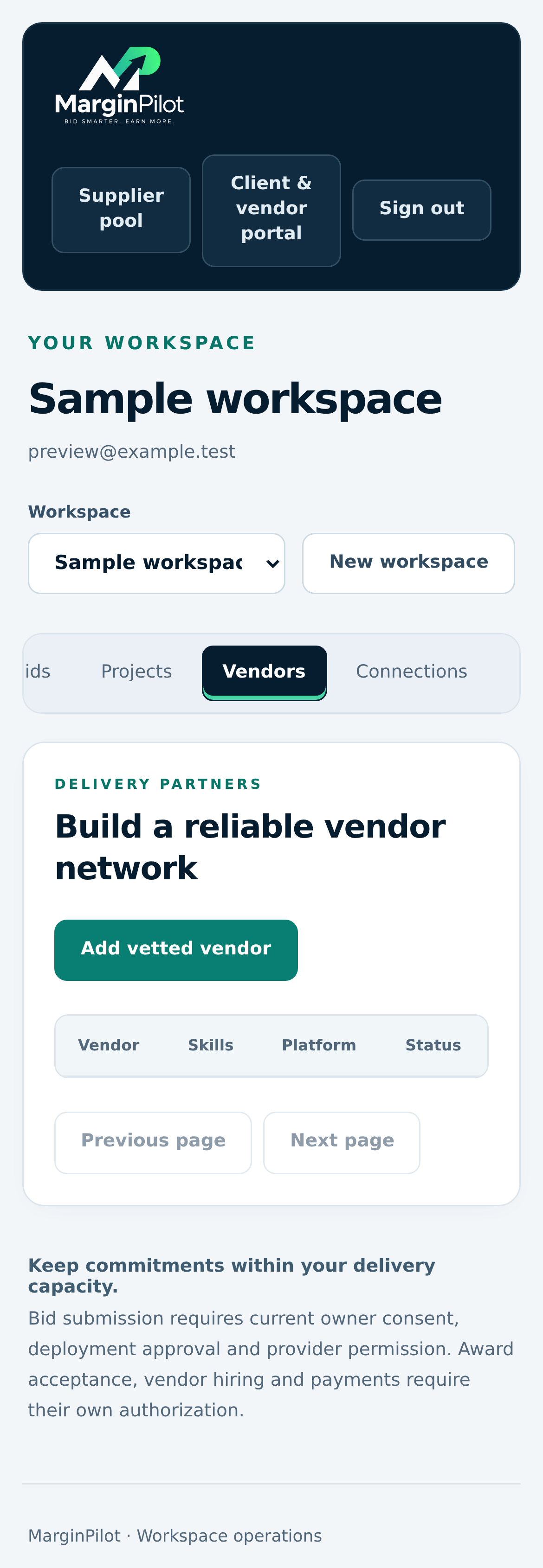
Workspace > Vendors

Workspace vendor records

Maintain delivery capability, capacity, quote and permission evidence for workspace vendors.

Workspace vendor records in MarginPilot; illustrative sample data
Interface preview · sample dataFull desktop capture · Full phone capture
  1. Add factual supplier information and observed evidence.
  2. Confirm an actual quote and availability before an assignment.

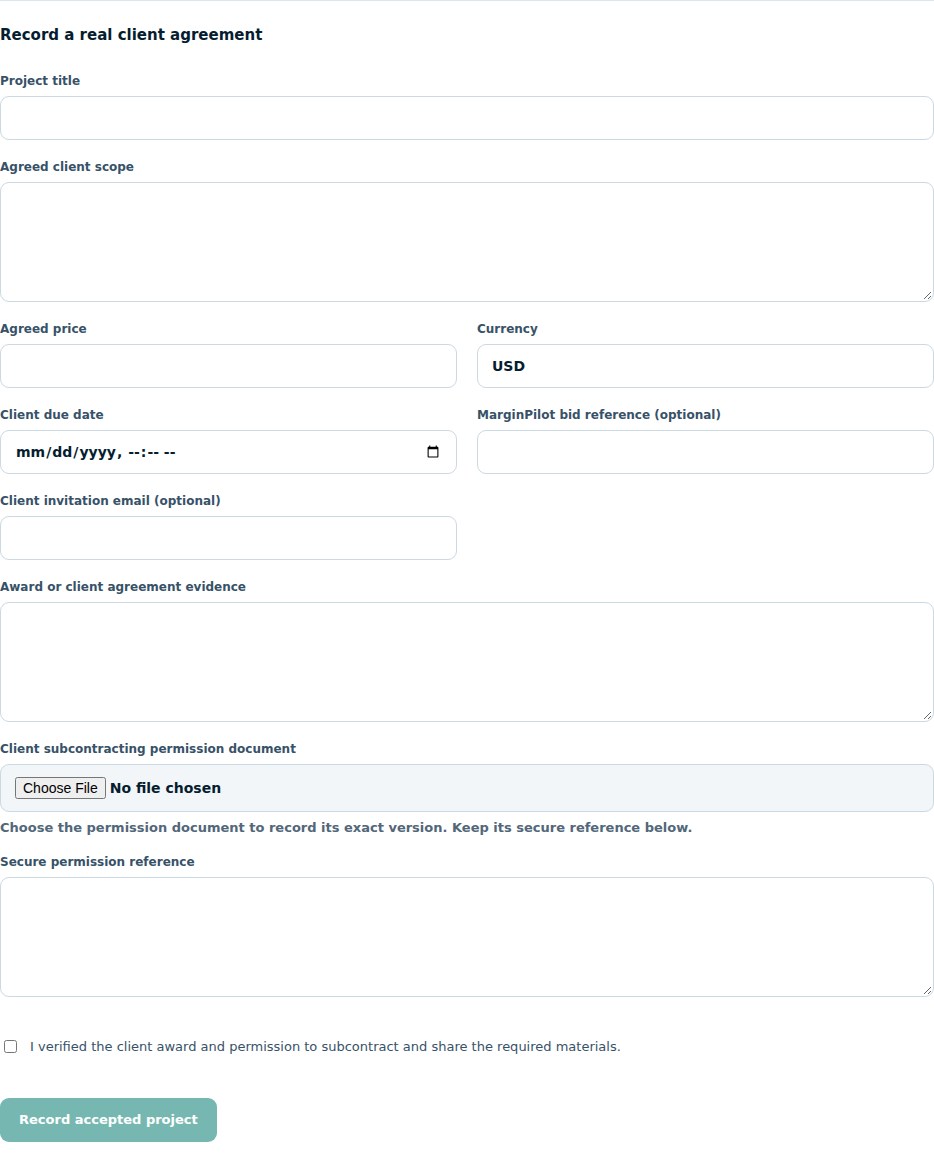
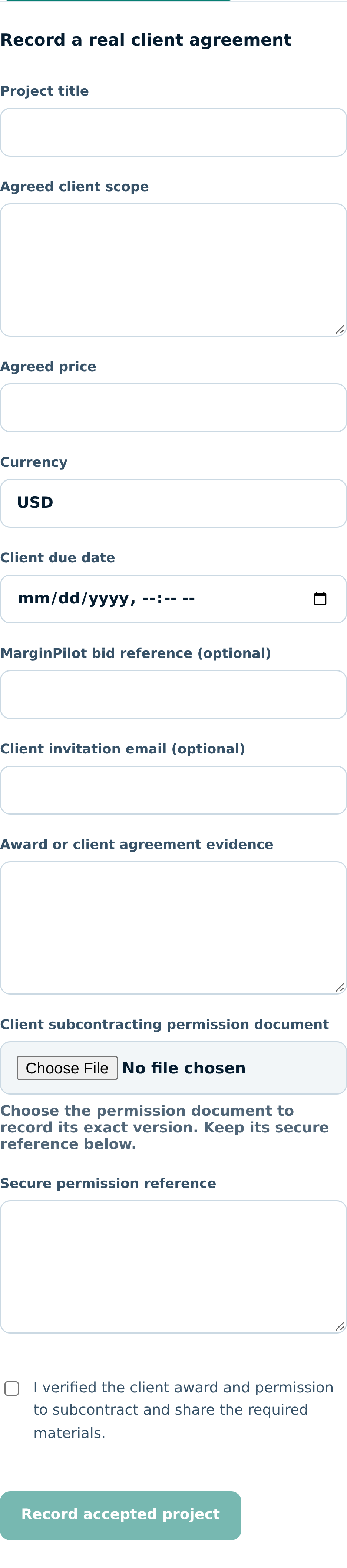
Workspace > Projects > Record awarded project

Record an awarded project

Record an actual client engagement with scope, source, price, deadline and the required permissions.

Record an awarded project in MarginPilot; illustrative sample data
Interface preview · sample dataFull desktop capture · Full phone capture
  1. Use the agreement actually awarded by the client.
  2. Record relevant subcontracting and source-platform permissions.

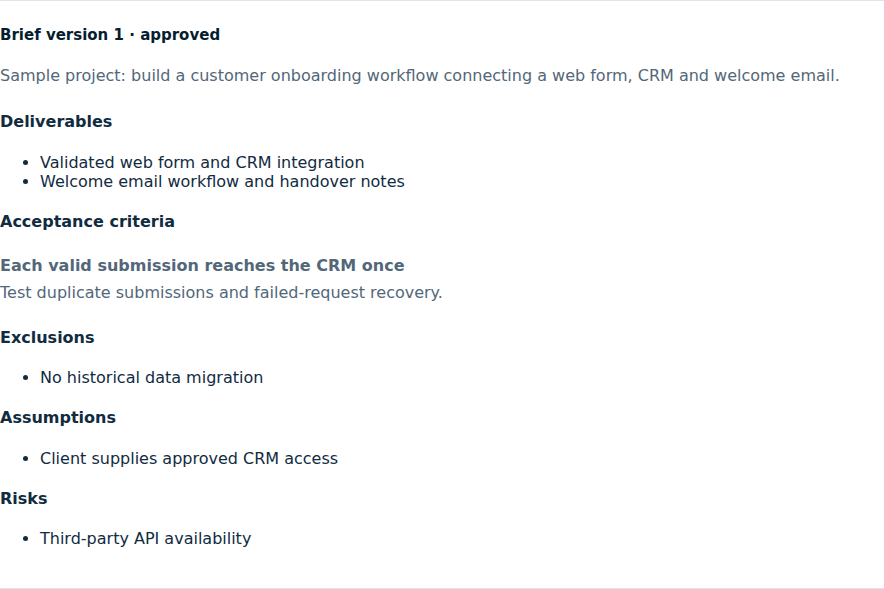
Workspace > Projects > Brief

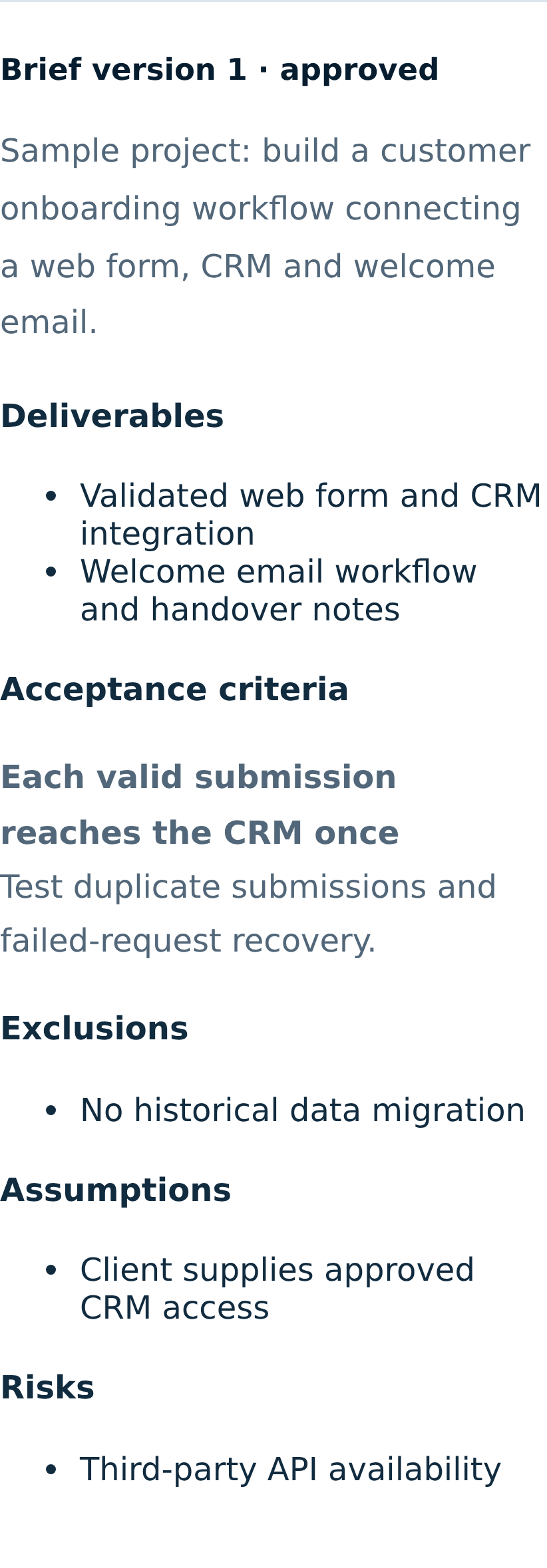
Approved delivery brief

An immutable approved version defines the work offered to a supplier.

Approved delivery brief in MarginPilot; illustrative sample data
Interface preview · sample dataFull desktop capture · Full phone capture
  1. Review deliverables, exclusions, dependencies and acceptance criteria.
  2. Approve a precise current version before opening supplier bidding.
Back to topics ↑

VISUAL PRODUCT GUIDE

Register and bid as a supplier

Opted-in supplier profiles, private invitations and bounded owner selection rules.

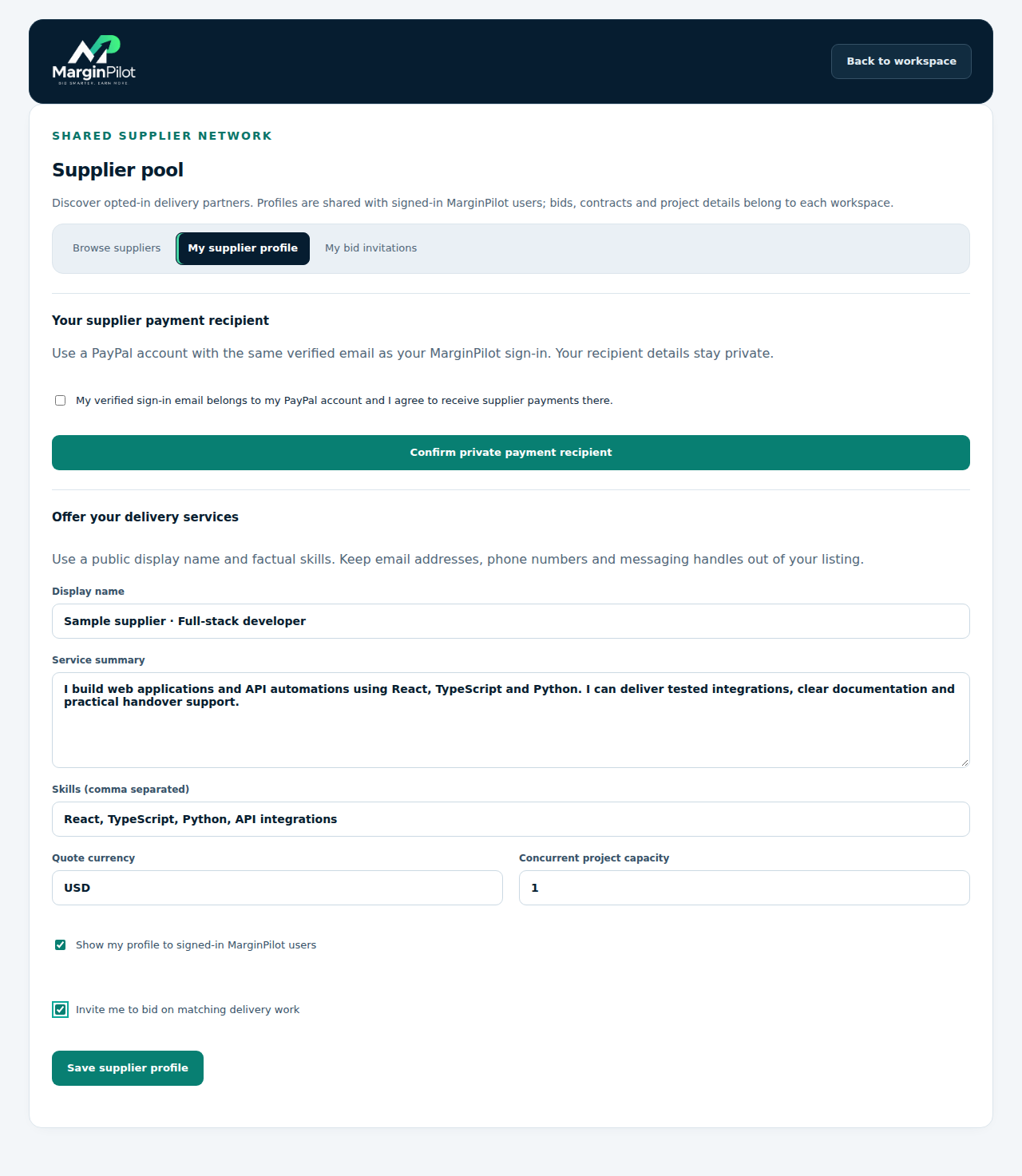
Supplier pool > My supplier profile

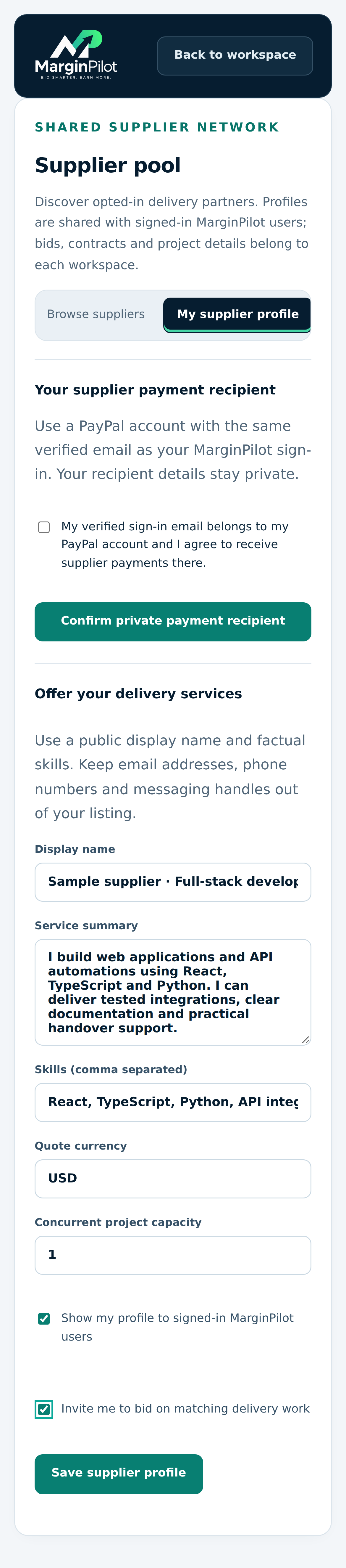
Supplier registration and payment recipient

Create an accurate opted-in profile and privately confirm your verified-email payment recipient.

Supplier registration and payment recipient in MarginPilot; illustrative sample data
Interface preview · sample dataFull desktop capture · Full phone capture
  1. Describe services, skills, currency and actual concurrent capacity.
  2. Choose listing and matching-invitation consent separately, then save your profile.

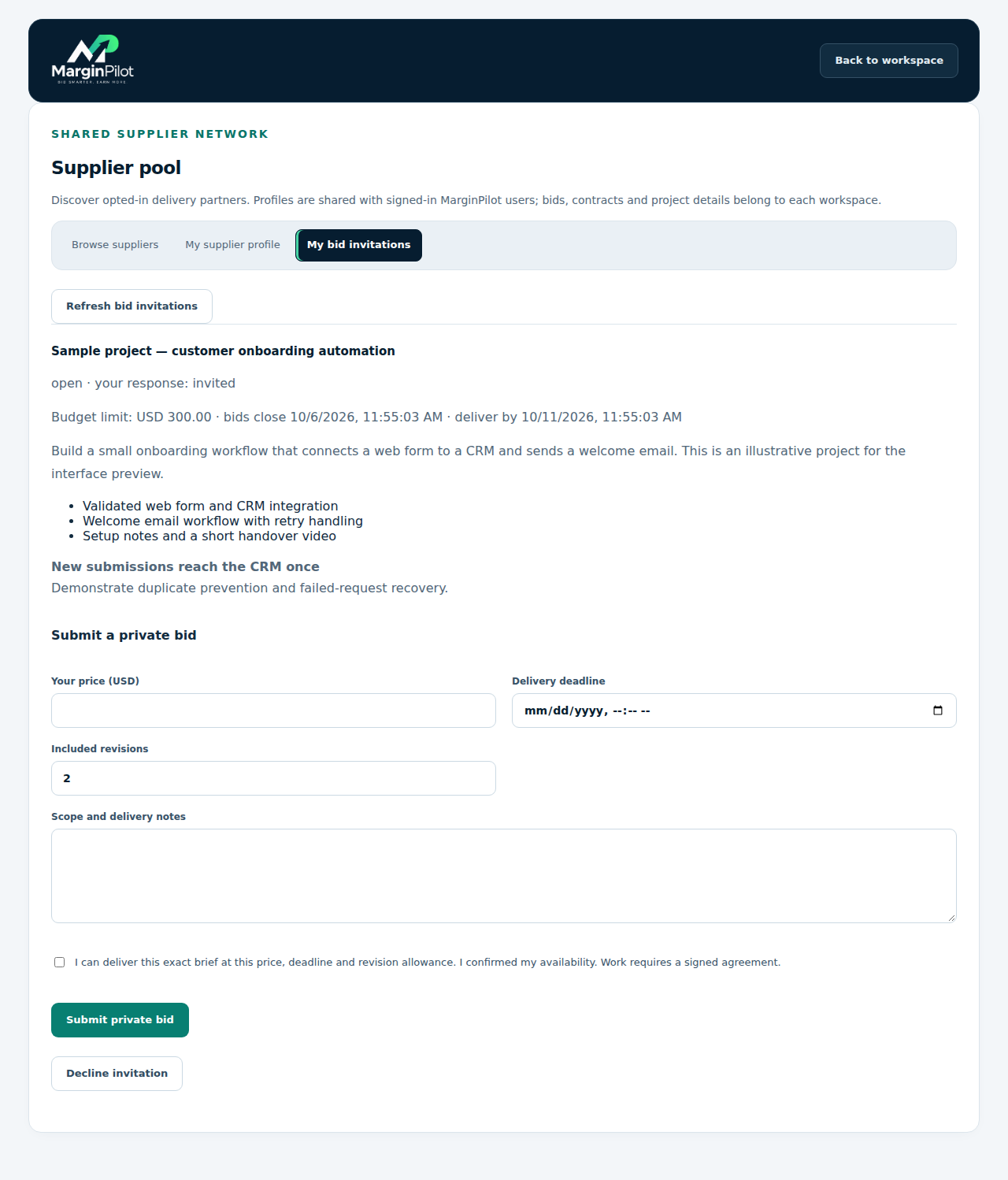
Supplier pool > My bid invitations

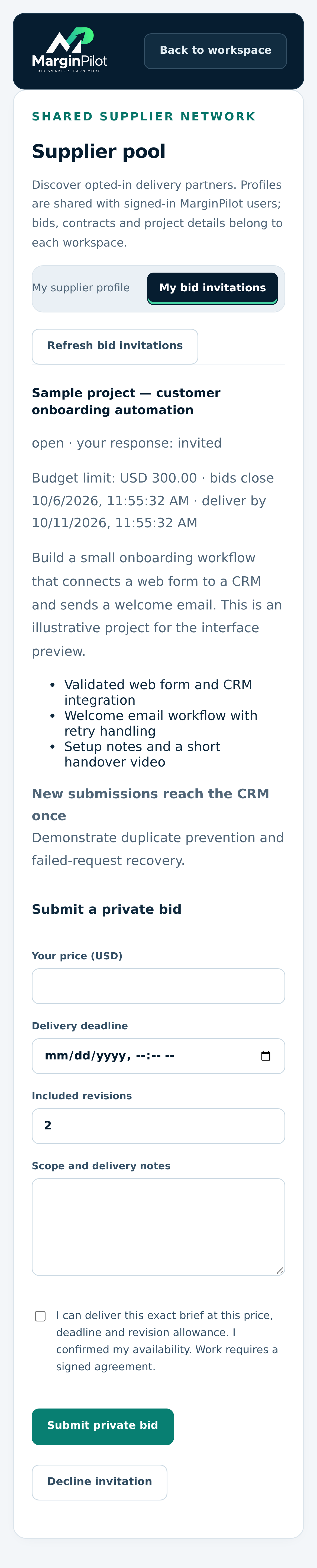
Private supplier invitations

Read a matching approved brief and supplier budget without seeing other bids or customer economics.

Private supplier invitations in MarginPilot; illustrative sample data
Interface preview · sample dataFull desktop capture · Full phone capture
  1. Review deliverables, acceptance criteria and deadlines.
  2. Bid only when you can meet the exact scope, or decline the invitation.

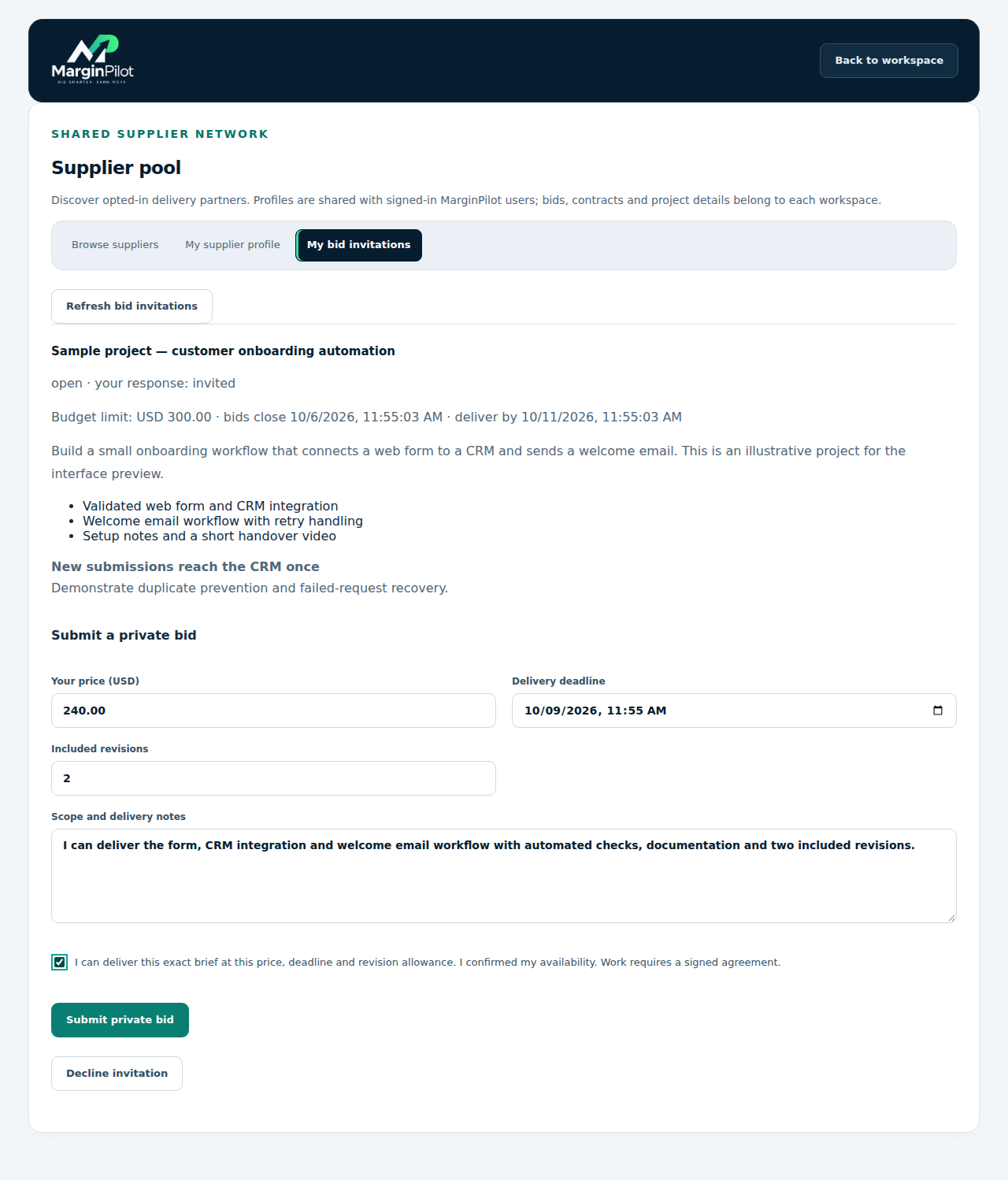
Supplier pool > My bid invitations > Submit a private bid

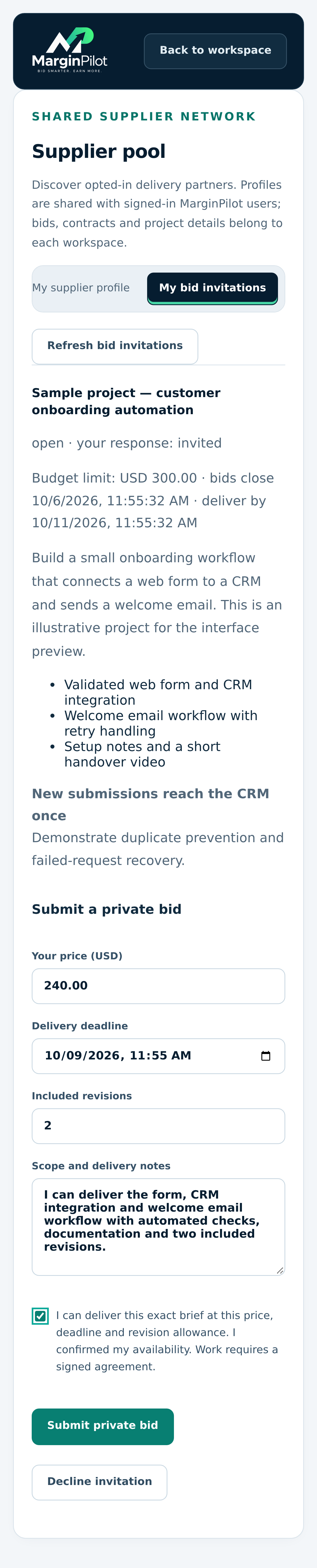
Submit a private supplier bid

Quote price, deadline and revisions for the exact brief; the example has not been submitted.

Submit a private supplier bid in MarginPilot; illustrative sample data
Interface preview · sample dataFull desktop capture · Full phone capture
  1. Enter your actual price, delivery deadline and included revisions.
  2. Confirm scope and availability before submitting through your own account.

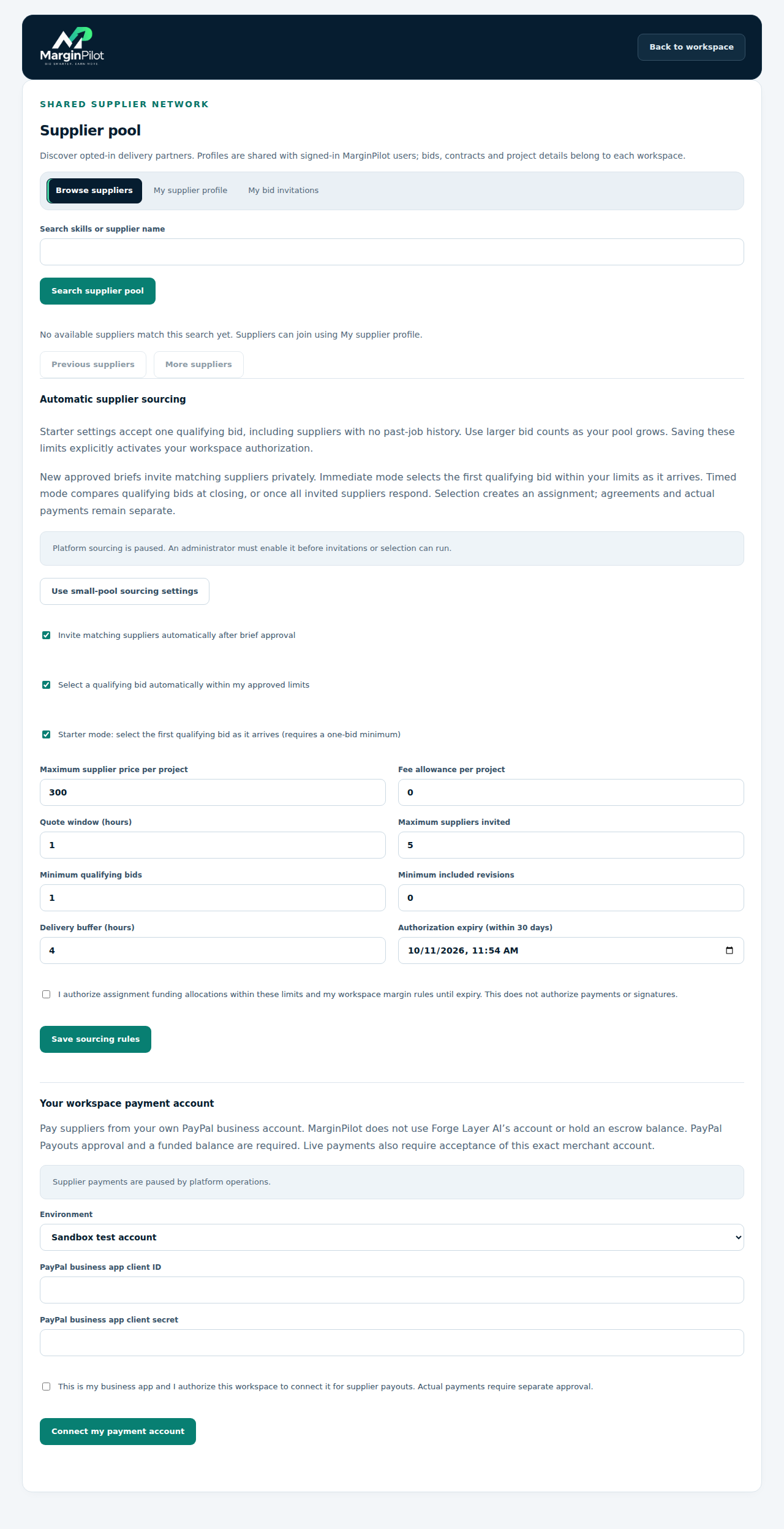
Supplier pool > Browse suppliers

Supplier sourcing and workspace payment setup

Owners set bounded sourcing rules and their own merchant account. This sample shows sourcing and payments paused.

Supplier sourcing and workspace payment setup in MarginPilot; illustrative sample data
Interface preview · sample dataFull desktop capture · Full phone capture
  1. Choose immediate one-bid selection or timed comparison and review real limits.
  2. Save current owner authorization; complete merchant setup separately before real transfers.
Back to topics ↑

VISUAL PRODUCT GUIDE

Agree and collaborate

Exact agreements and project-specific supplier and client access.

Workspace > Project > Assignment agreement

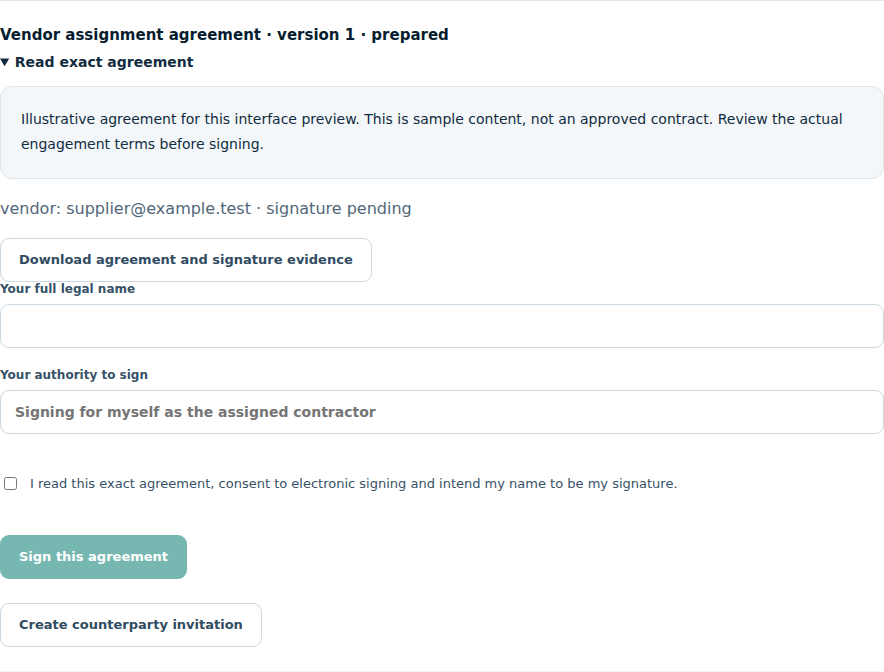
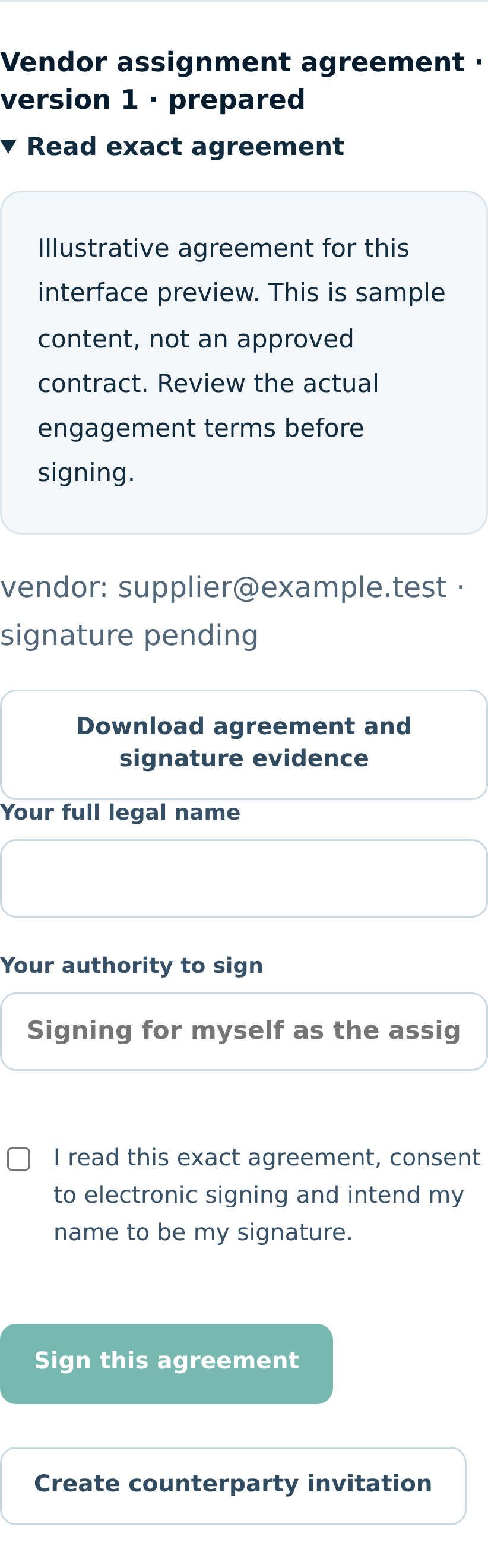
Exact assignment agreement

Read the exact version and signing controls. The agreement text and email in this capture are sample data.

Exact assignment agreement in MarginPilot; illustrative sample data
Interface preview · sample dataFull desktop capture · Full phone capture
  1. Use the reviewed terms for the actual engagement.
  2. Each required party signs through their own verified account before work starts.

Workspace > Client & vendor portal

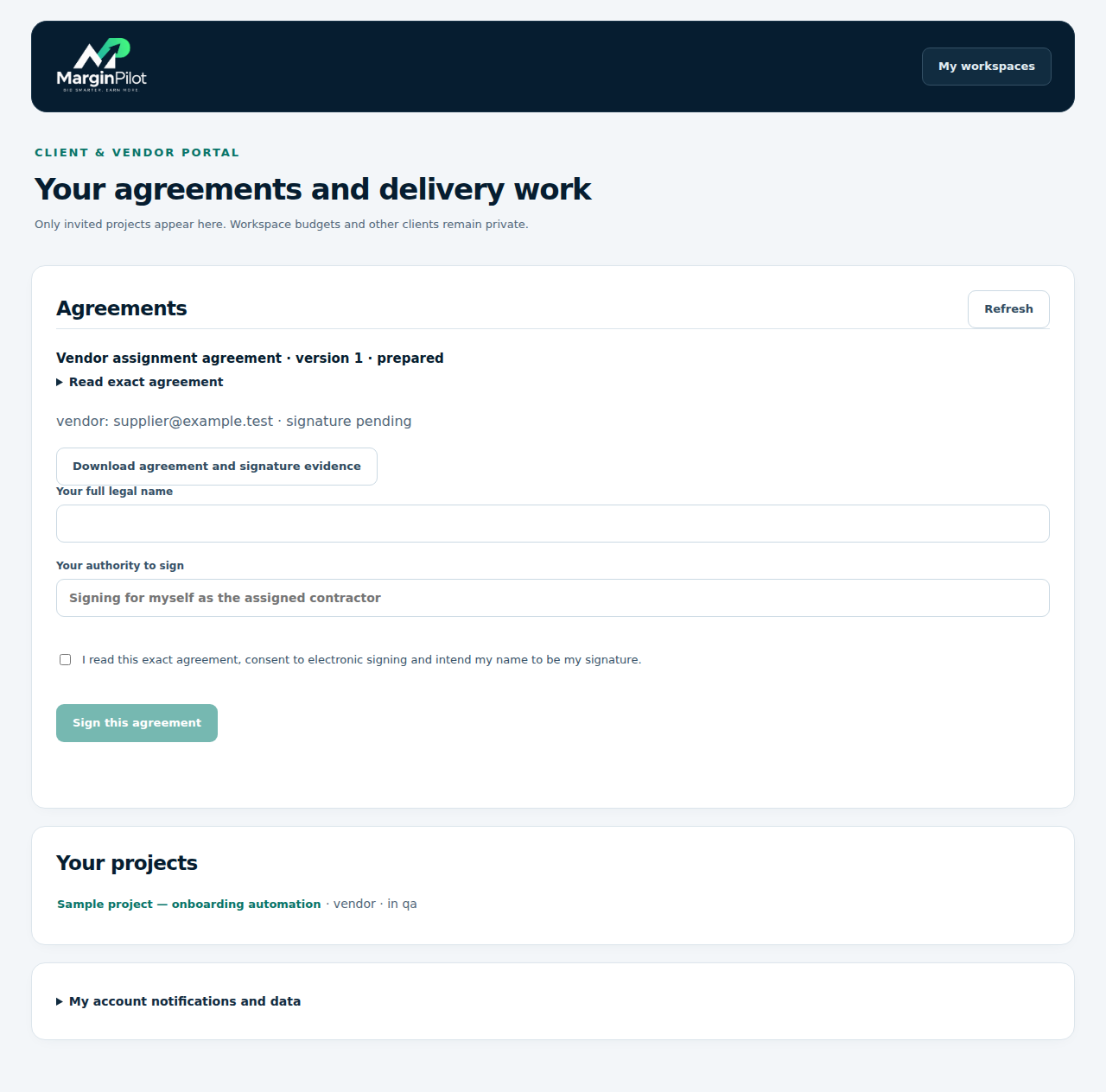
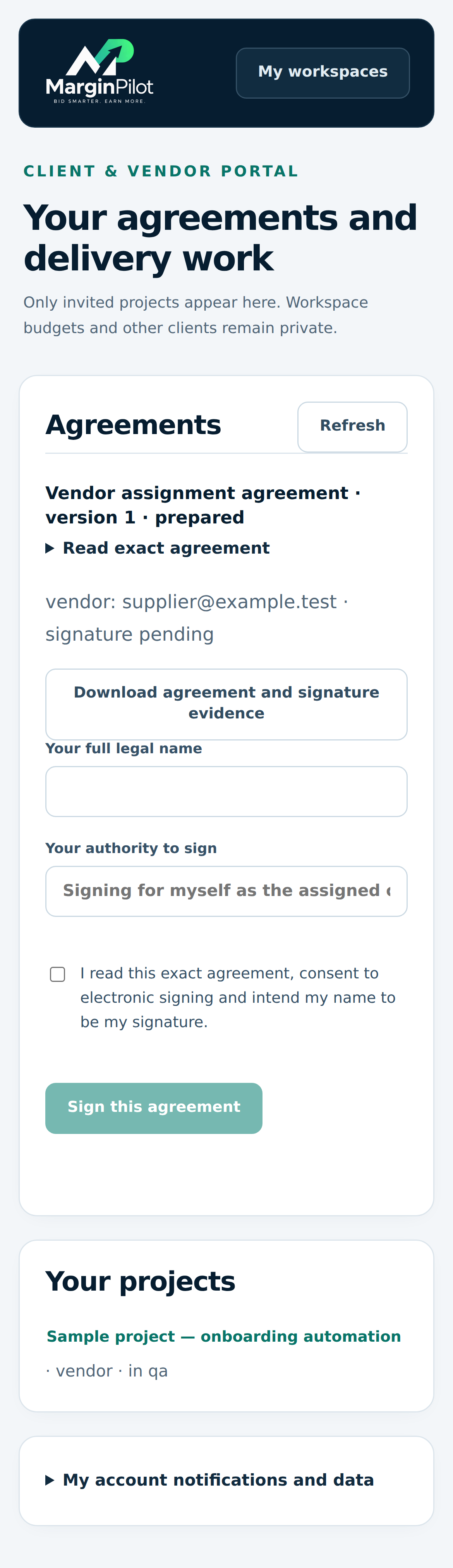
Client and vendor portal

Find the agreements and delivery work granted to your account.

Client and vendor portal in MarginPilot; illustrative sample data
Interface preview · sample dataFull desktop capture · Full phone capture
  1. Open your own exact agreement and authorized project.
  2. Keep access scoped to that engagement and your role.

Client & vendor portal > Assigned project

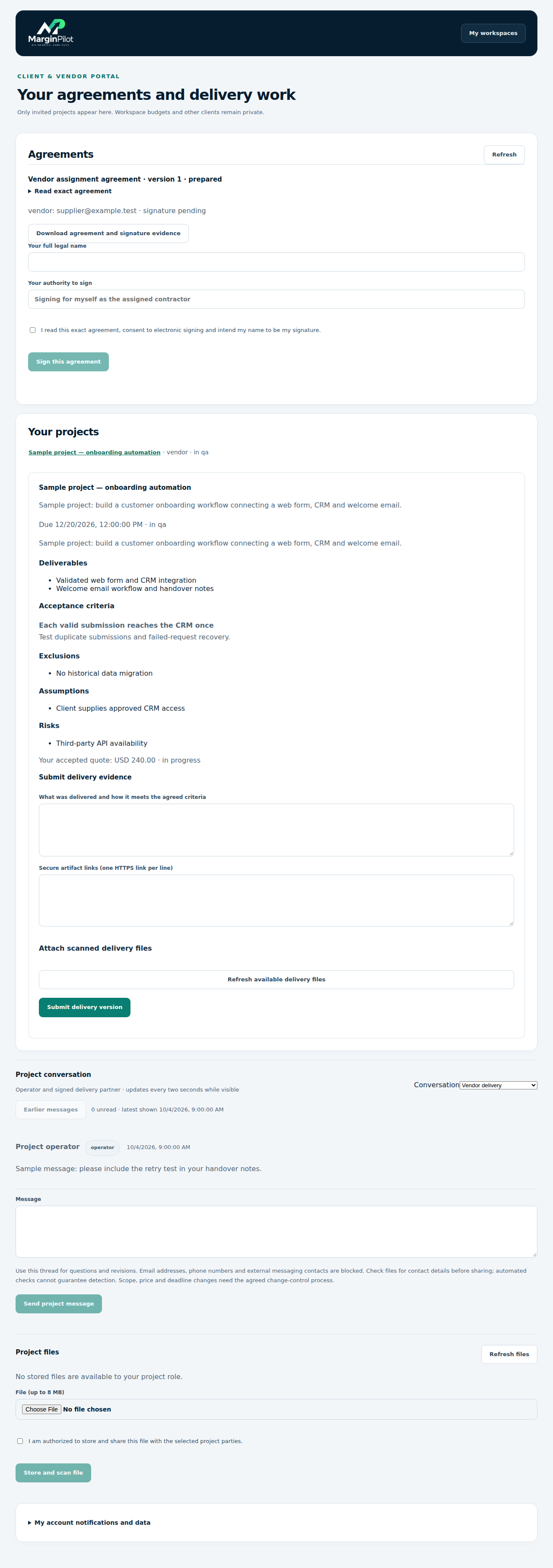
Supplier delivery portal

A supplier can read scope, submit delivery evidence and use the permitted project conversation.

Supplier delivery portal in MarginPilot; illustrative sample data
Interface preview · sample dataFull desktop capture · Full phone capture
  1. Read the approved brief and effective agreement.
  2. Submit actual delivery evidence and use controlled project files and messages.

Client & vendor portal > Client project

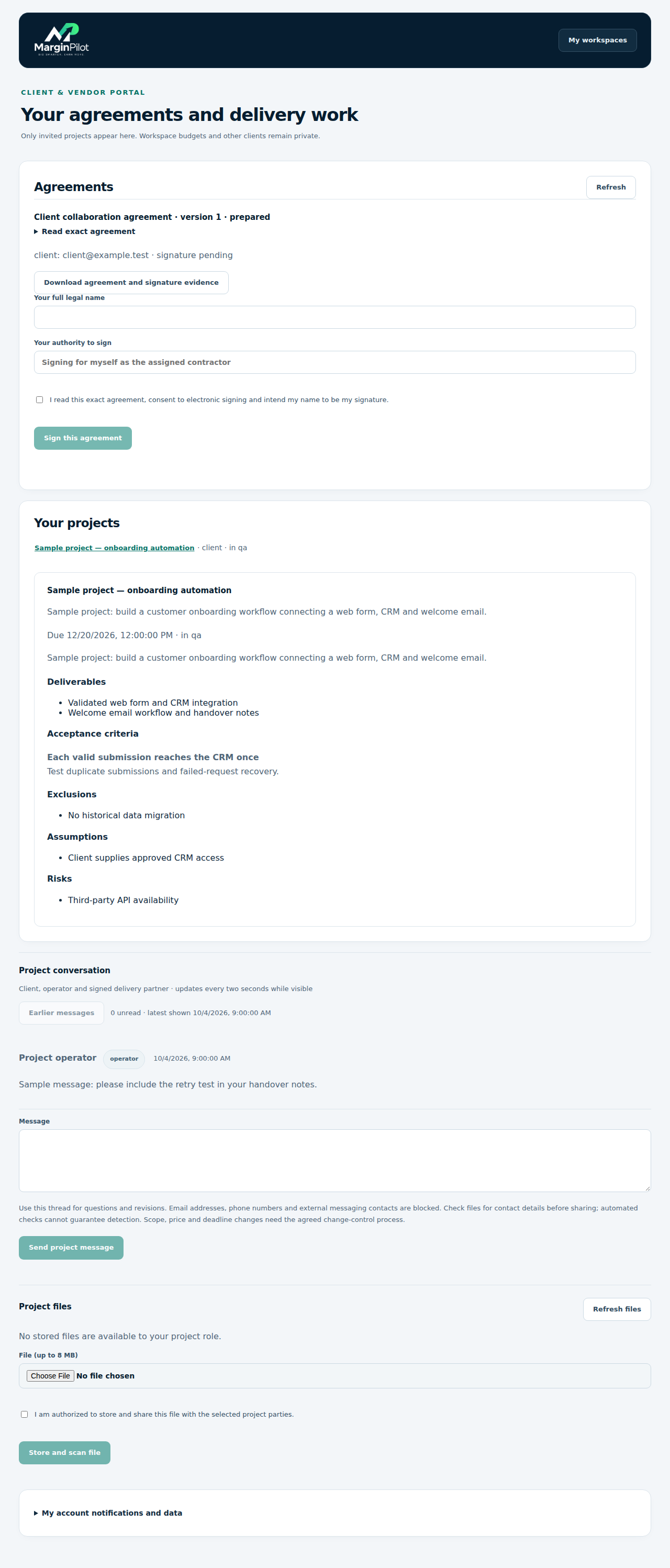
Client project portal

A client reads authorized project scope and participates in the permitted conversation.

Client project portal in MarginPilot; illustrative sample data
Interface preview · sample dataFull desktop capture · Full phone capture
  1. Use your own account for the project grant.
  2. Review the agreed work and communicate through the approved channel.

Workspace > Project > Project conversation

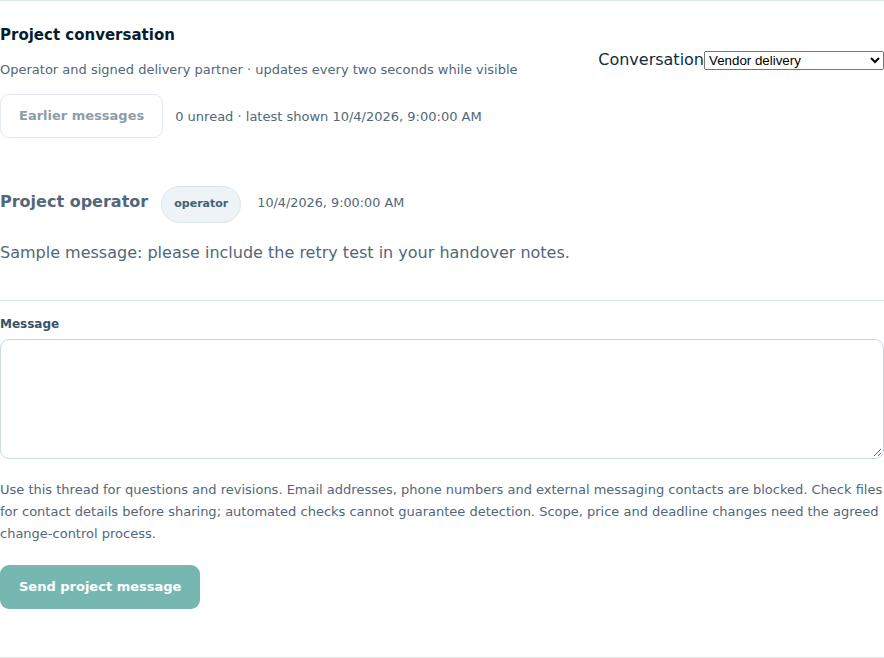
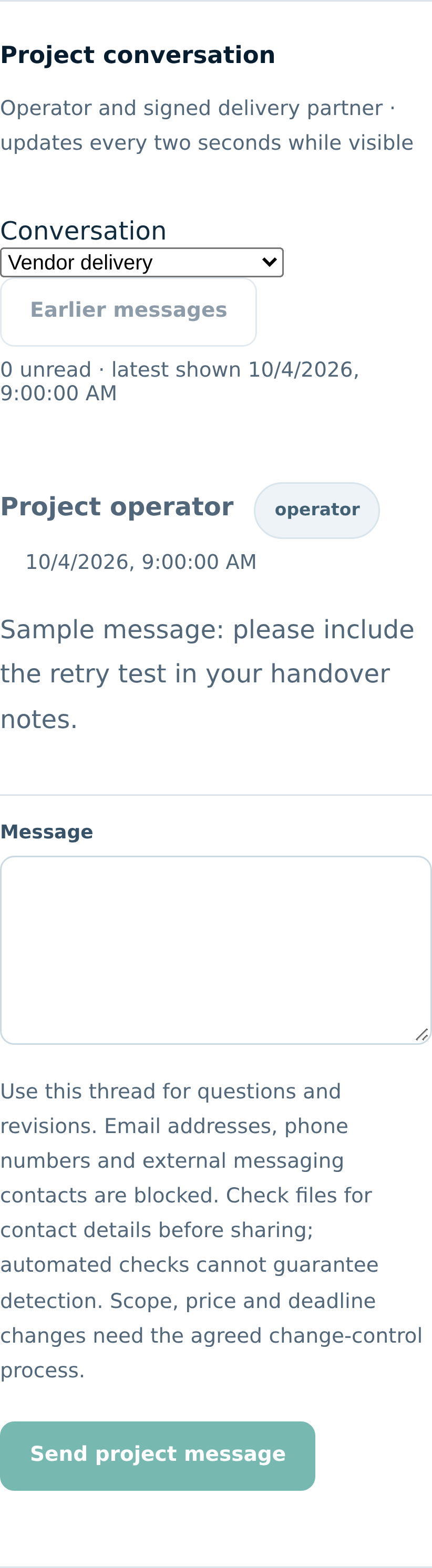
Project conversation

Messages stay with the authorized project and use role labels; common contact details are rejected.

Project conversation in MarginPilot; illustrative sample data
Interface preview · sample dataFull desktop capture · Full phone capture
  1. Discuss scope questions and delivery clarification in the agreed channel.
  2. Use a change order for changes to the commitment.
Back to topics ↑

VISUAL PRODUCT GUIDE

Inspect delivery and manage changes

Human QA, controlled files, signed scope changes and retention.

Workspace > Project > Delivery review

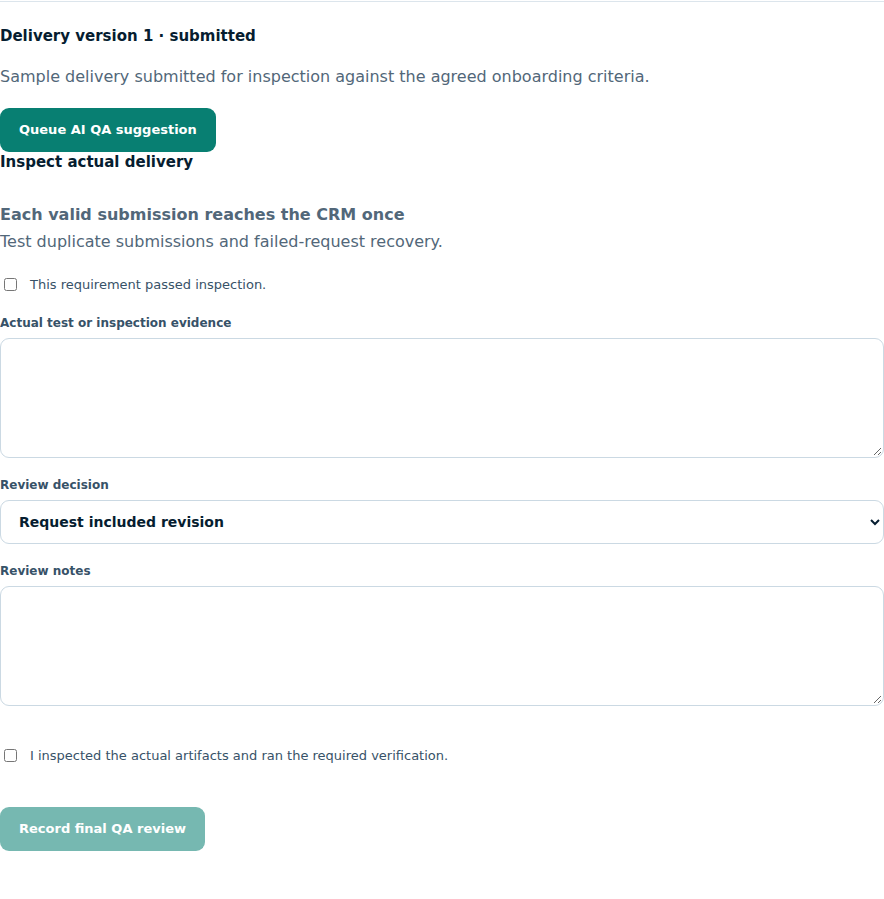
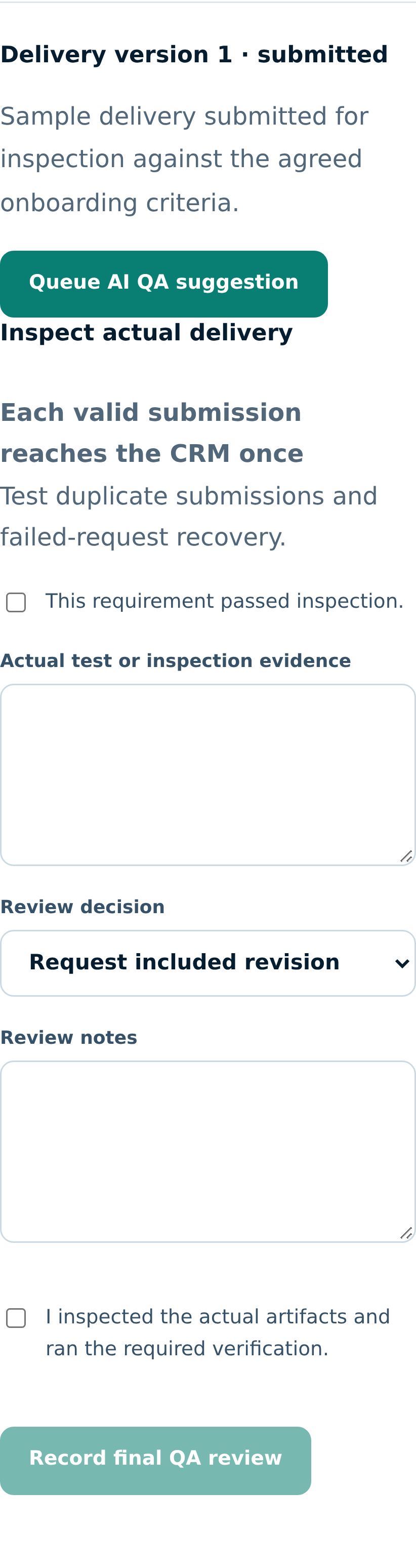
Inspect actual delivery

Record tests or inspection for each acceptance criterion before choosing a final review decision.

Inspect actual delivery in MarginPilot; illustrative sample data
Interface preview · sample dataFull desktop capture · Full phone capture
  1. Inspect actual artifacts and run the stated verification.
  2. Record evidence and approve, reject or request an included revision as appropriate.

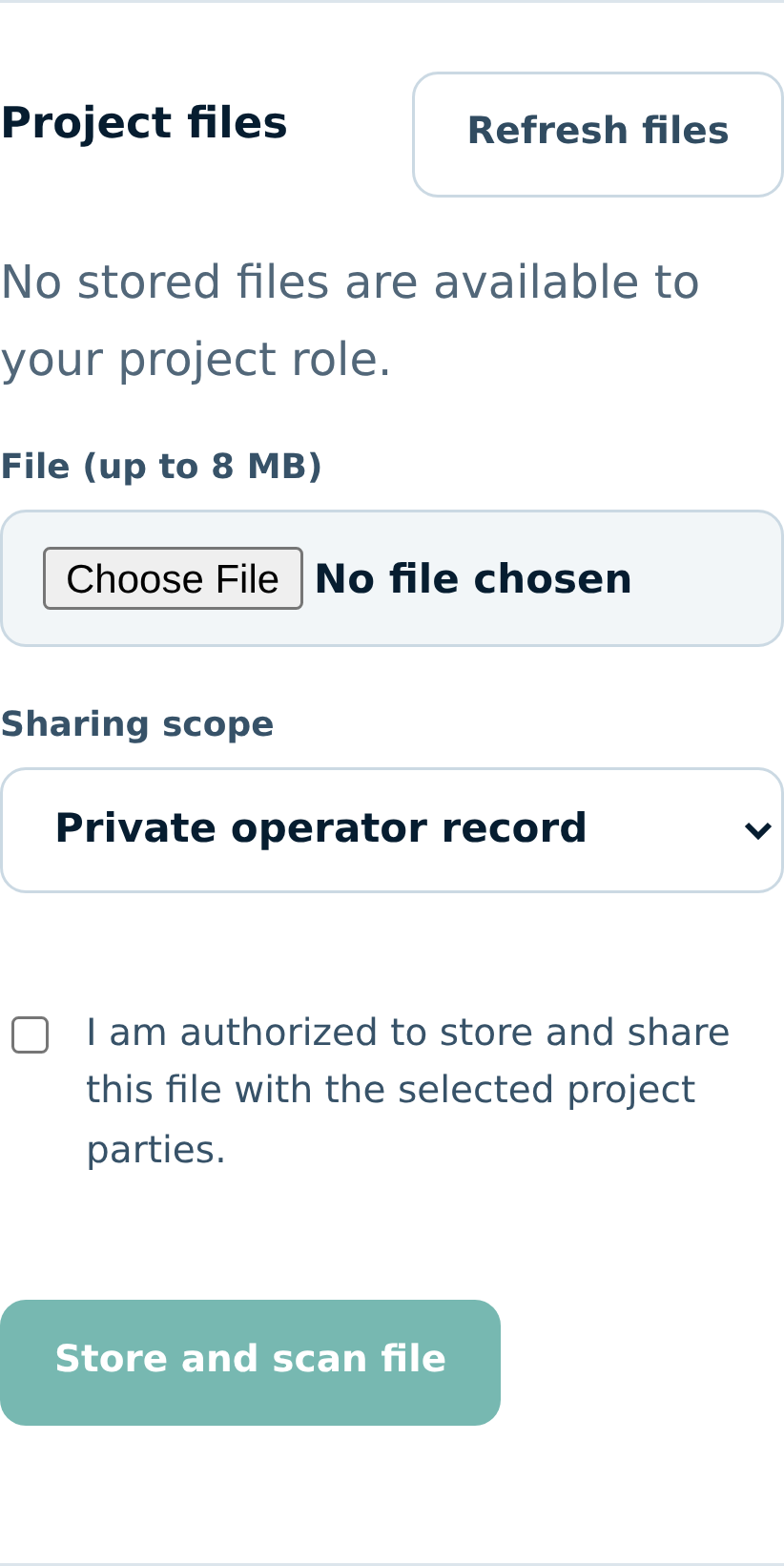
Workspace > Project > Project files

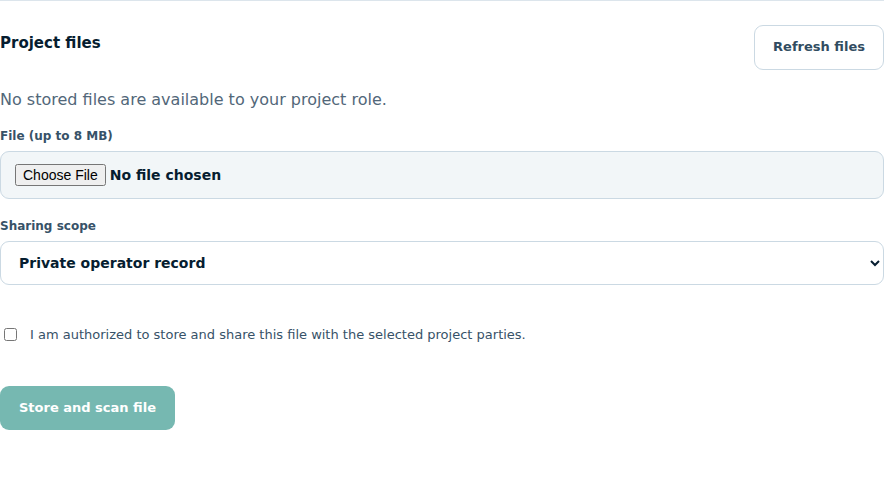
Controlled project files

Files are accessible only through authorized project access and the required inspection status.

Controlled project files in MarginPilot; illustrative sample data
Interface preview · sample dataFull desktop capture · Full phone capture
  1. Upload only permitted project materials.
  2. Wait for successful inspection before using or sharing the file.

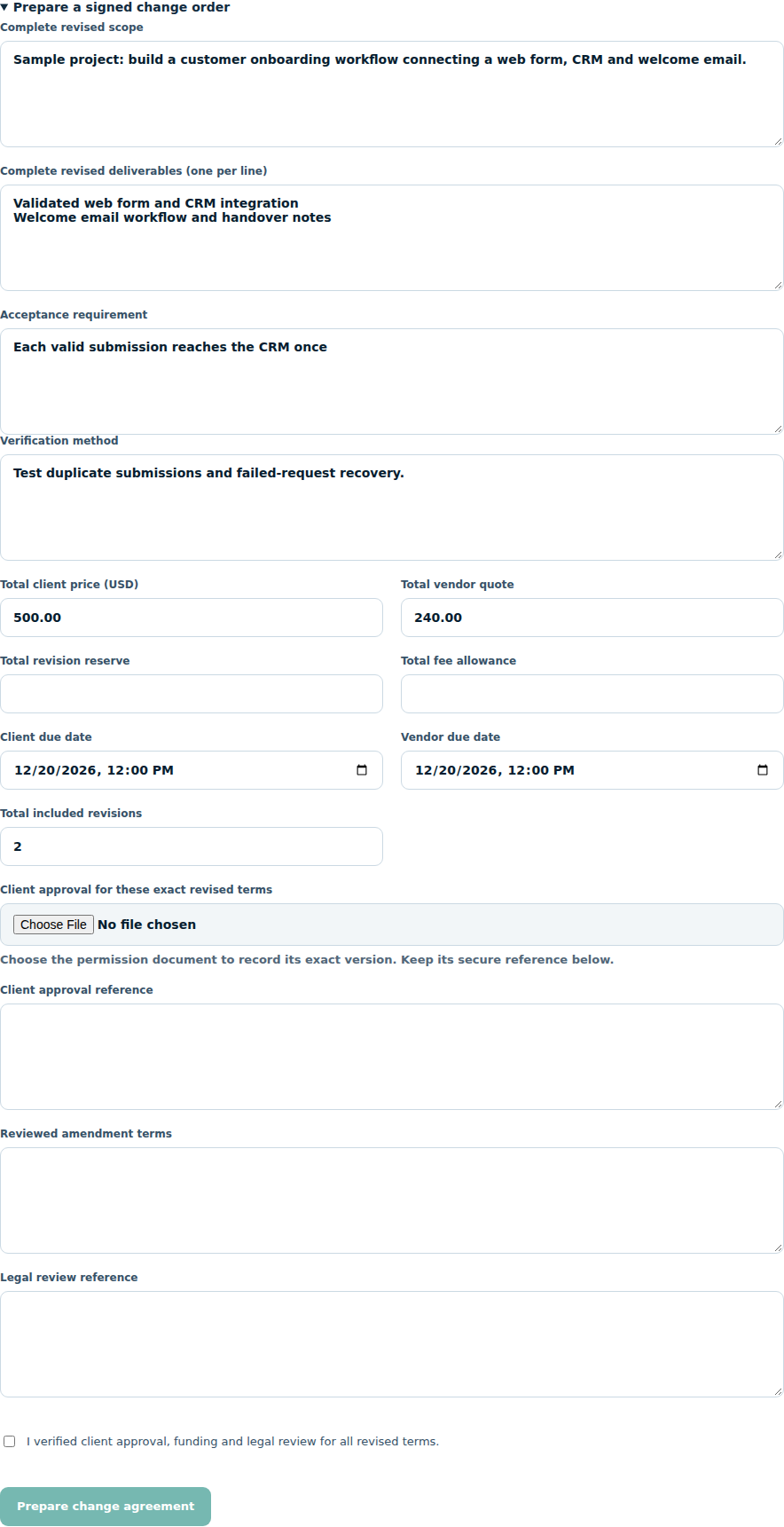
Workspace > Project > Prepare a signed change order

Signed scope change

Record changed scope, price, revisions or deadlines against the actual project.

Signed scope change in MarginPilot; illustrative sample data
Interface preview · sample dataFull desktop capture · Full phone capture
  1. Describe the new commitment and affected terms.
  2. Collect the required signatures before treating the change as effective.

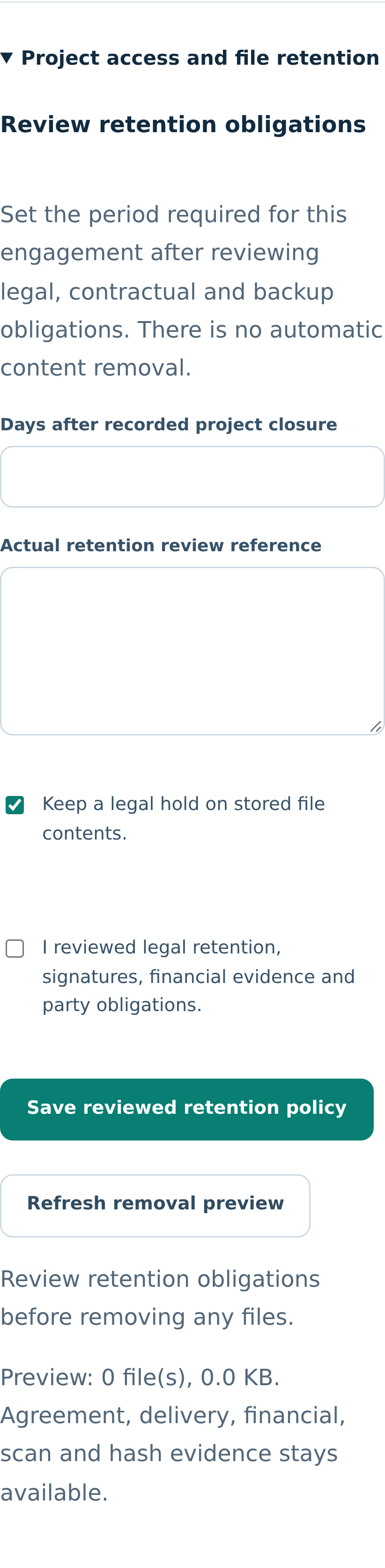
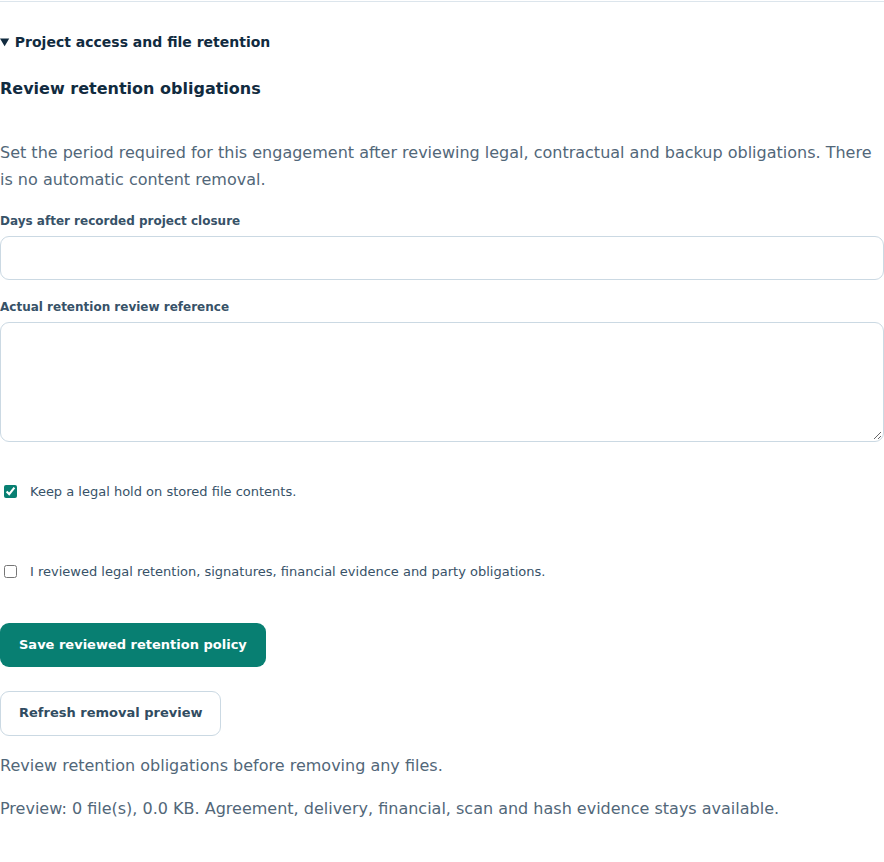
Workspace > Project > Project access and file retention

Project access and file retention

Review grants and retention requirements before removing project materials.

Project access and file retention in MarginPilot; illustrative sample data
Interface preview · sample dataFull desktop capture · Full phone capture
  1. Grant only the required participant access.
  2. Review retention obligations and blocking evidence before deletion.
Back to topics ↑

VISUAL PRODUCT GUIDE

Review payments and recorded outcomes

Assignment-specific payments, transaction evidence, software billing and reporting.

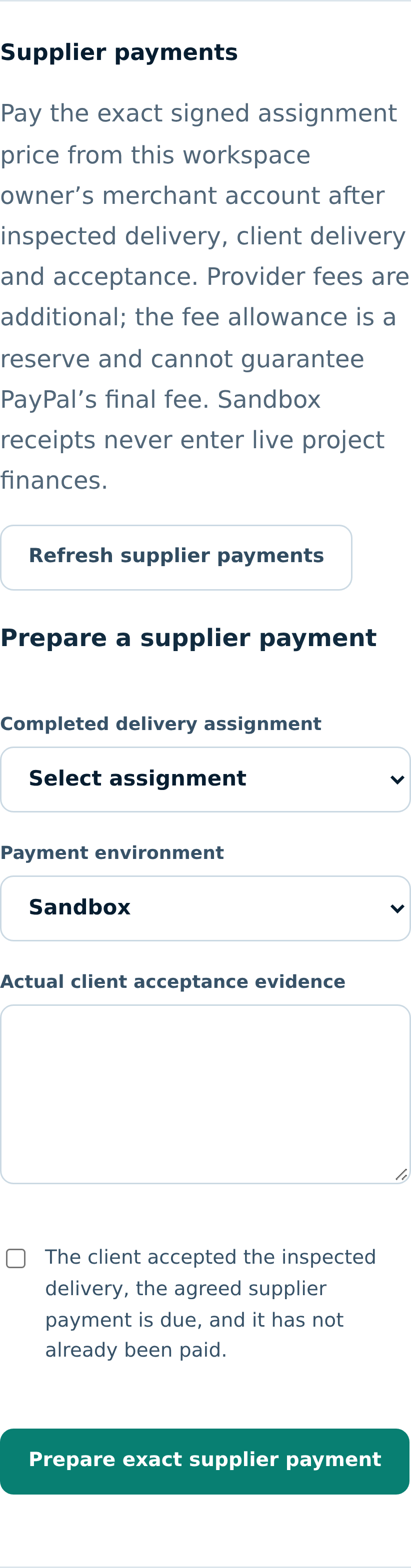
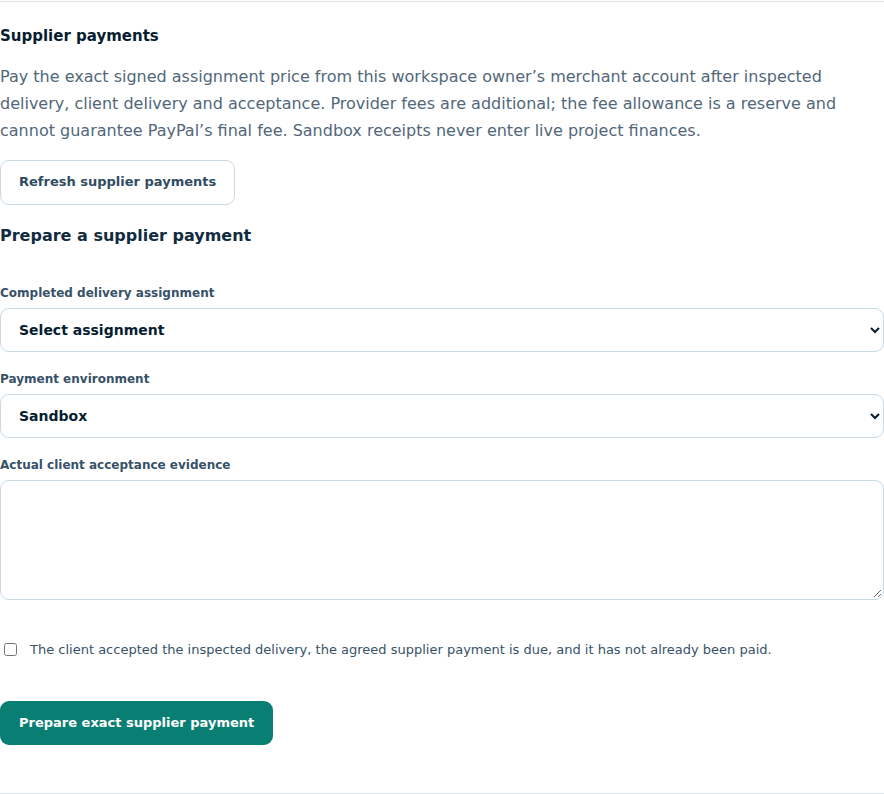
Workspace > Project > Supplier payments

Assignment payment review

Prepare, authorize and reconcile the exact supported supplier payment after delivery and acceptance checks.

Assignment payment review in MarginPilot; illustrative sample data
Interface preview · sample dataFull desktop capture · Full phone capture
  1. Confirm actual signatures, QA, client delivery, receipts and acceptance evidence.
  2. Review the exact payment and reconcile its original provider receipt.

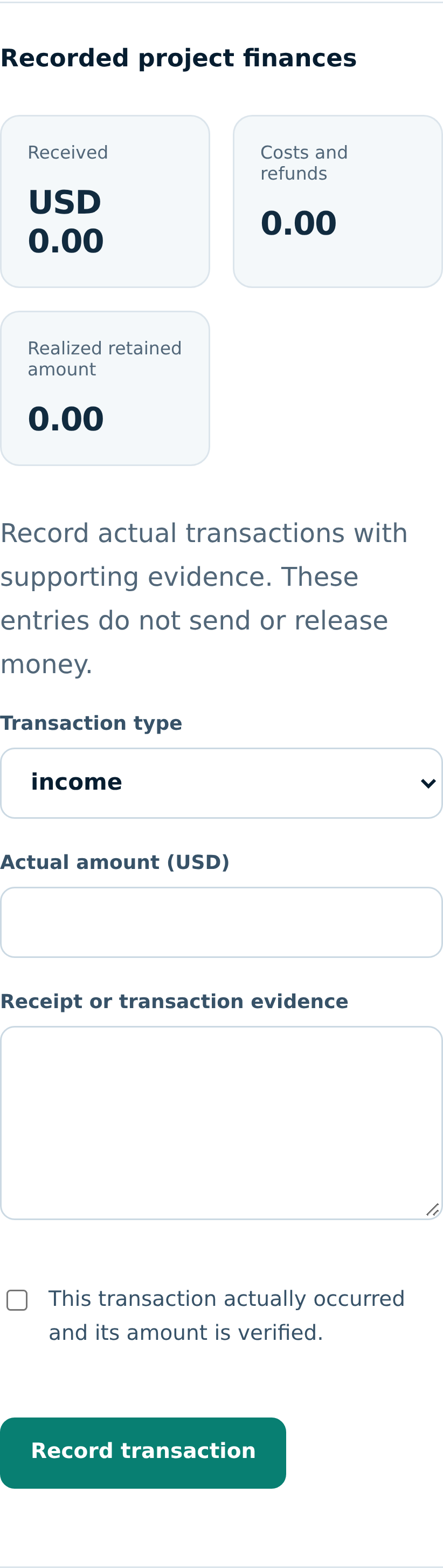
Workspace > Project > Recorded project finances

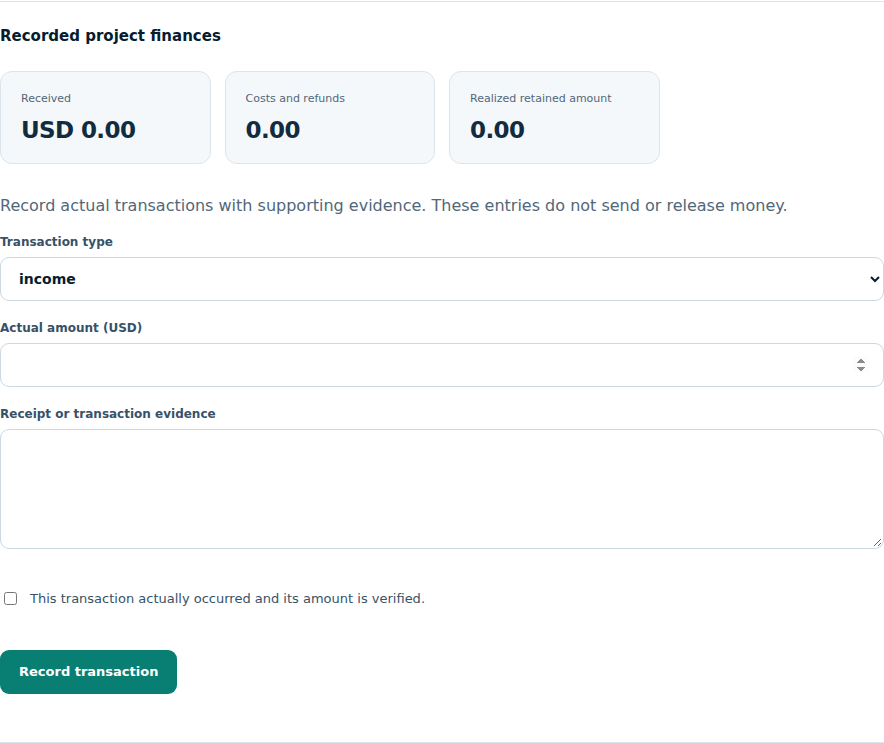
Recorded project finances

Separate actual client receipts, costs and refunds from estimates or planned margin.

Recorded project finances in MarginPilot; illustrative sample data
Interface preview · sample dataFull desktop capture · Full phone capture
  1. Record only transactions supported by real evidence.
  2. Use correcting entries and verified returns without overwriting original receipts.

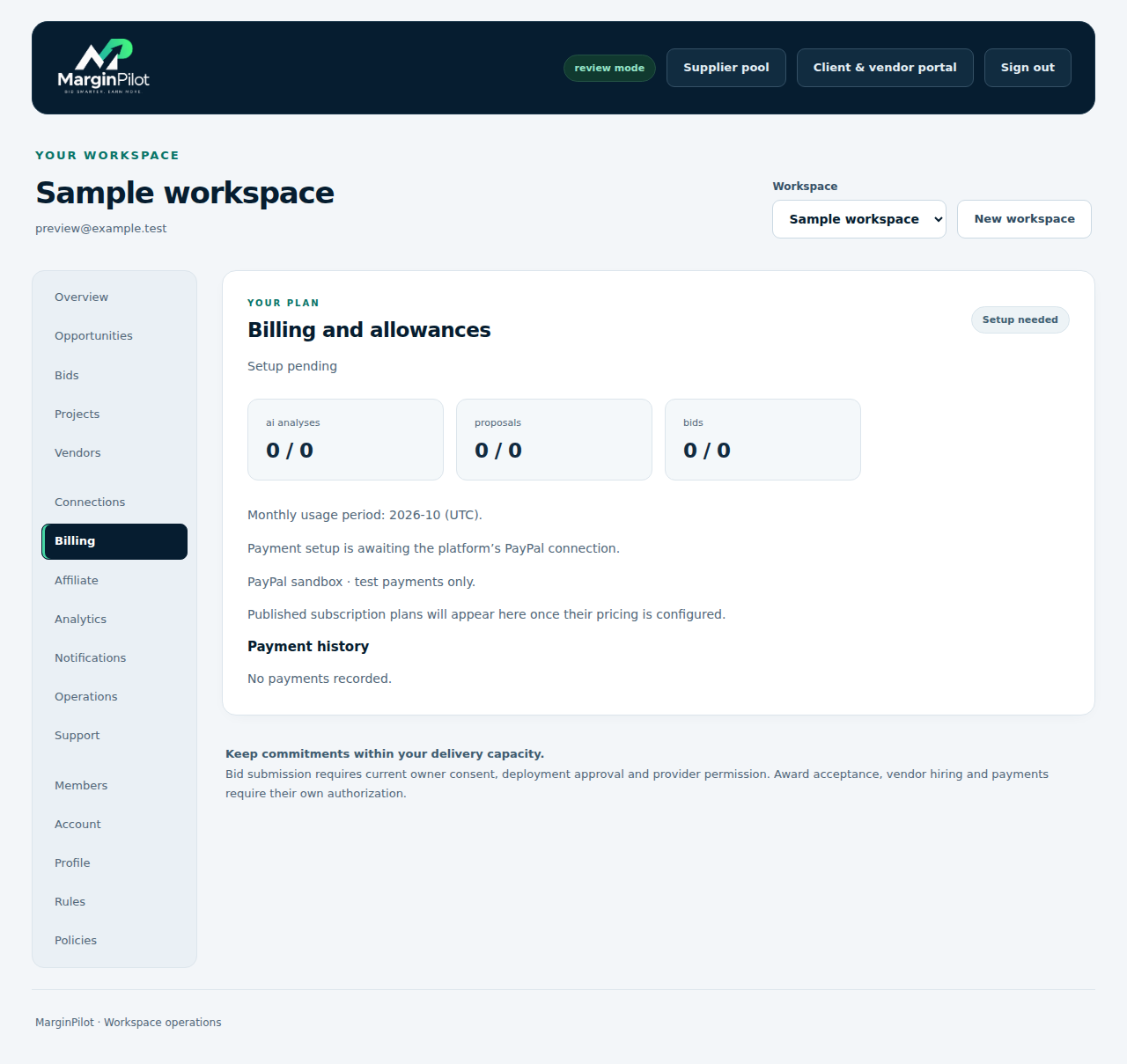
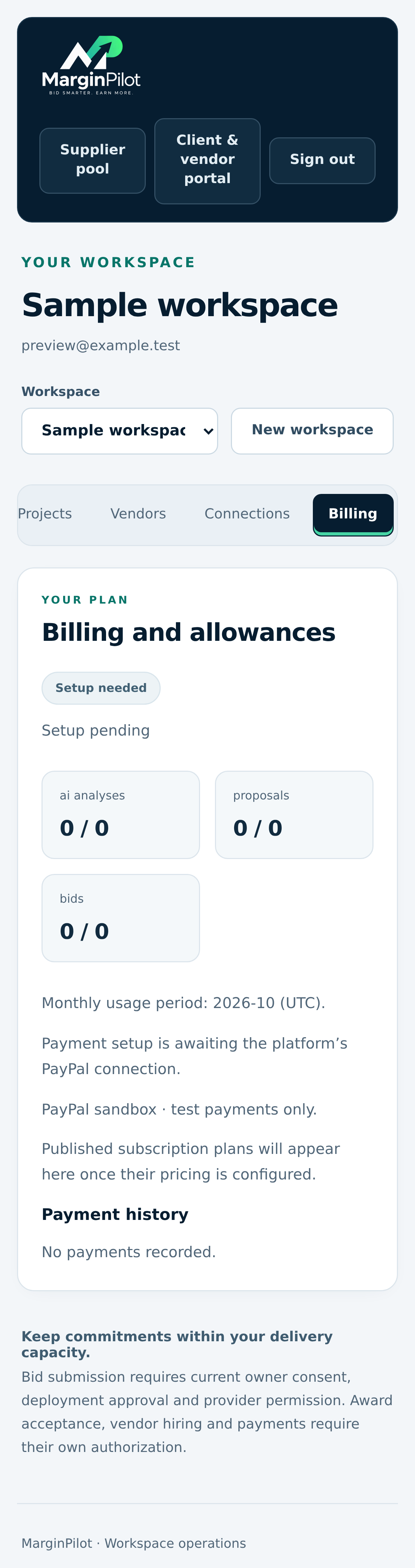
Workspace > Billing

Software plan and billing

Manage the workspace’s software plan and billing evidence separately from supplier payments.

Software plan and billing in MarginPilot; illustrative sample data
Interface preview · sample dataFull desktop capture · Full phone capture
  1. Review current approved plan limits and billing status.
  2. Inspect actual subscription receipts and account changes.

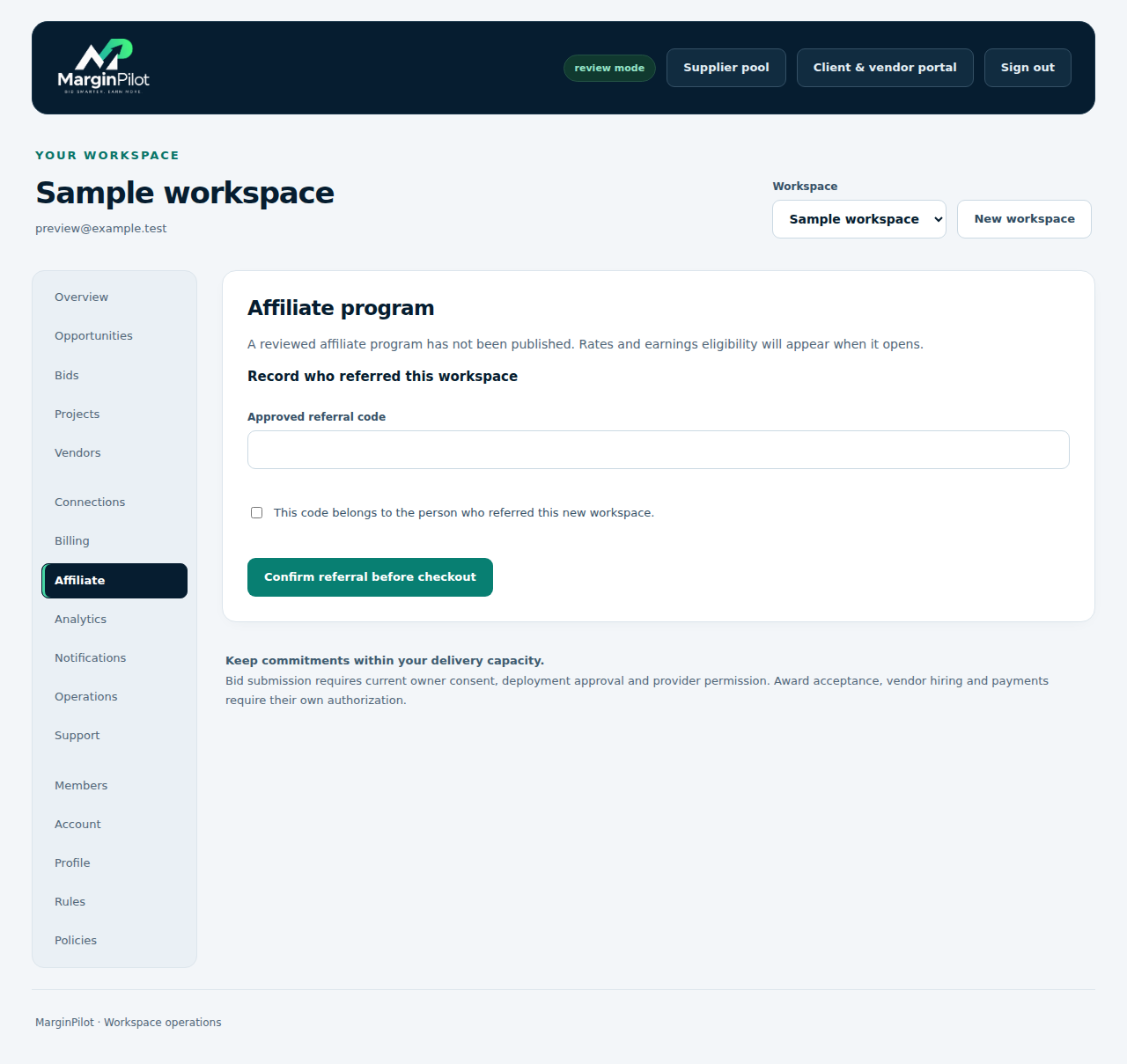
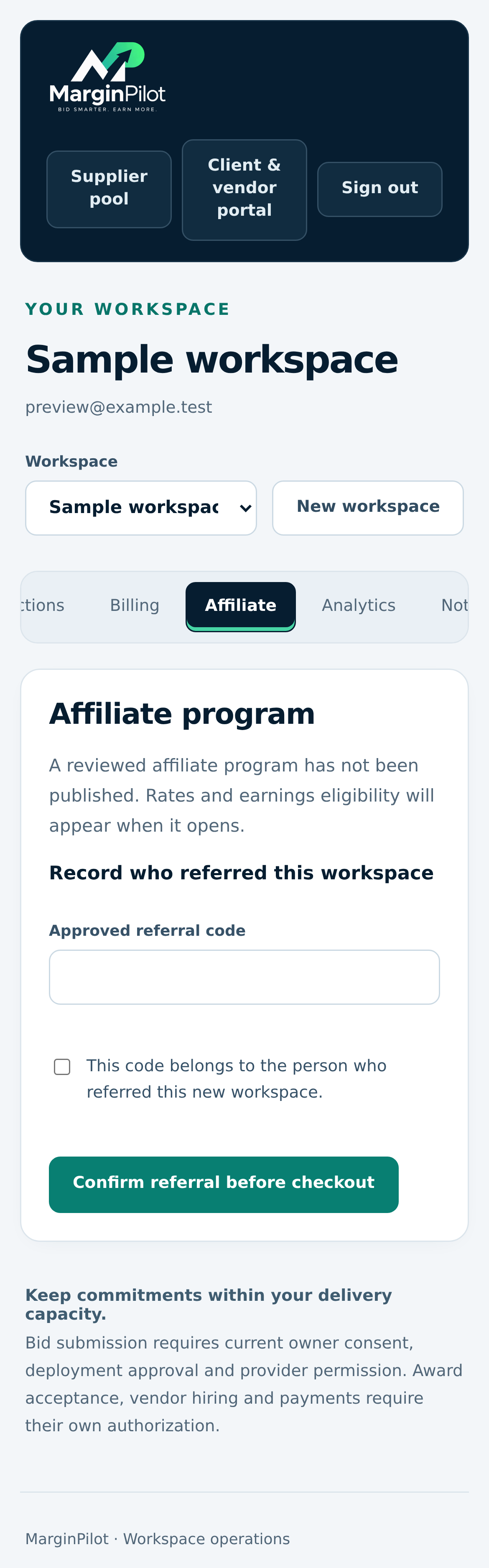
Workspace > Affiliate

Affiliate participation and records

Review current participation, eligible commissions and actual payout records.

Affiliate participation and records in MarginPilot; illustrative sample data
Interface preview · sample dataFull desktop capture · Full phone capture
  1. Use current program terms for enrollment and promotion.
  2. Track eligible subscription-backed records and any refund adjustments.

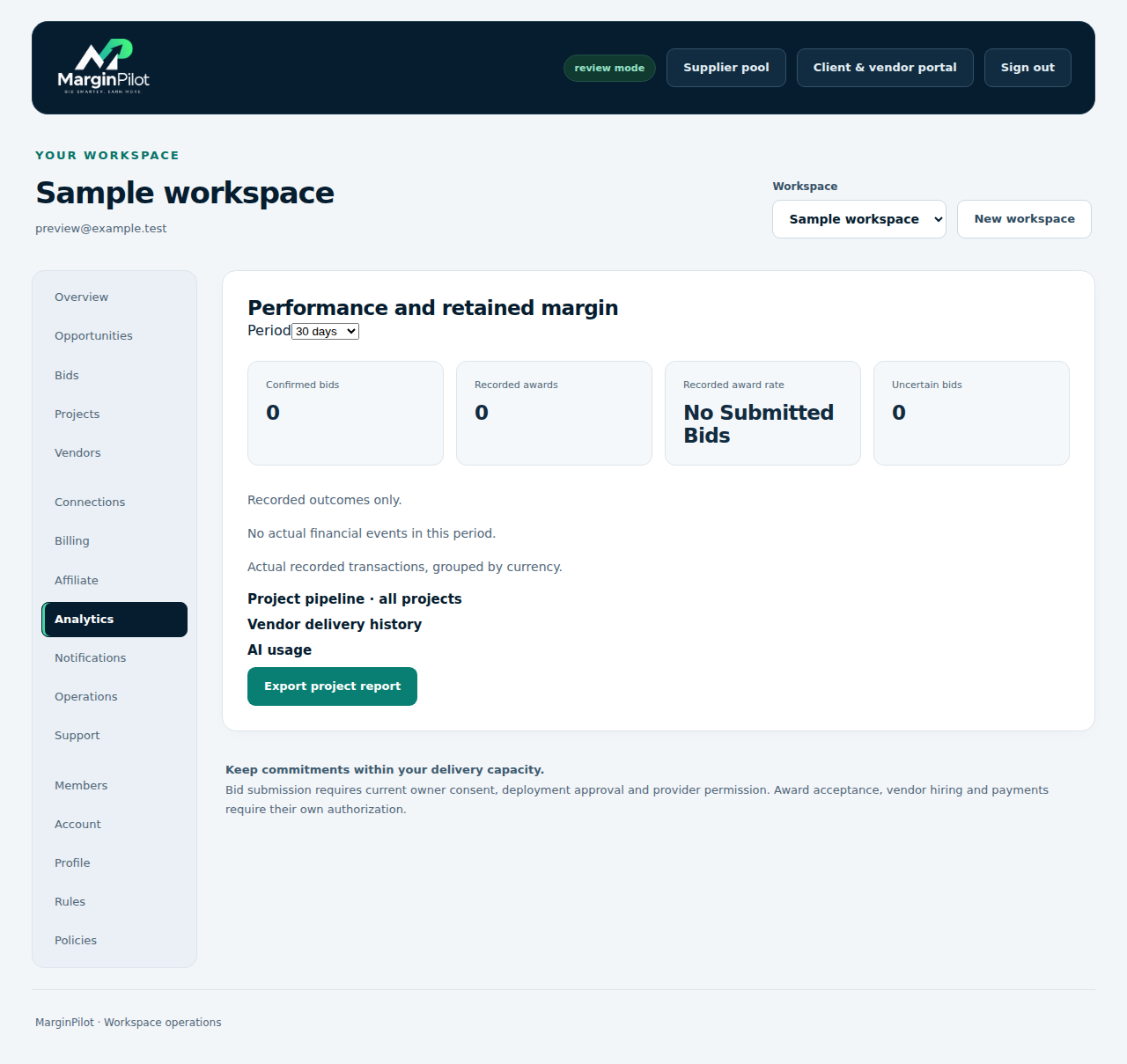
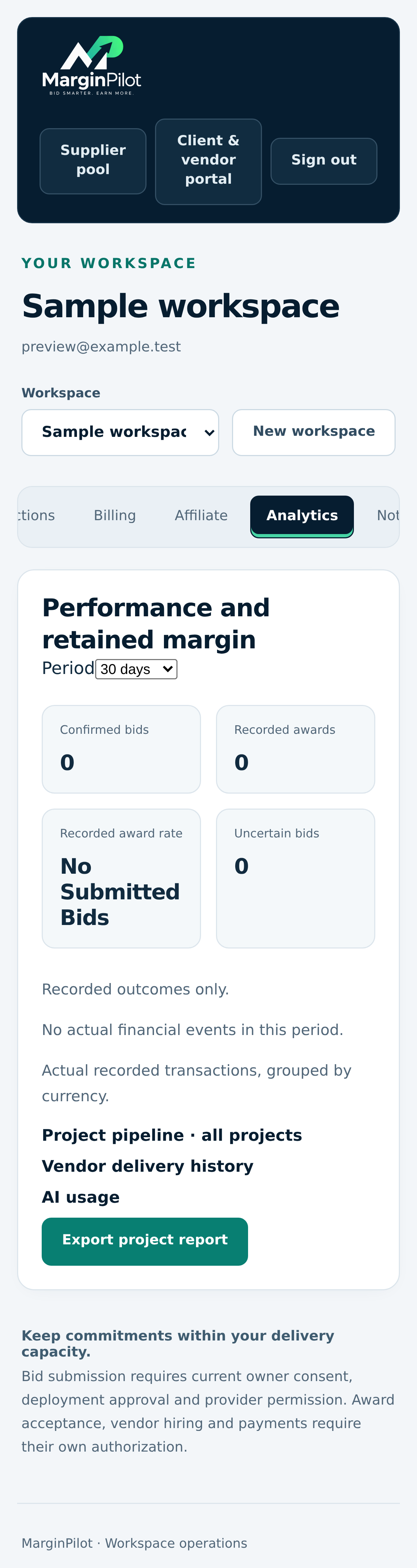
Workspace > Analytics

Operational and financial reports

Reports use recorded outcomes and financial observations separated by currency.

Operational and financial reports in MarginPilot; illustrative sample data
Interface preview · sample dataFull desktop capture · Full phone capture
  1. Compare saved bid and project outcomes with actual costs.
  2. Treat recorded retained amounts as evidence within the report’s stated scope.
Back to topics ↑

VISUAL PRODUCT GUIDE

Manage updates and resolve problems

Notifications, saved background work and useful support evidence.

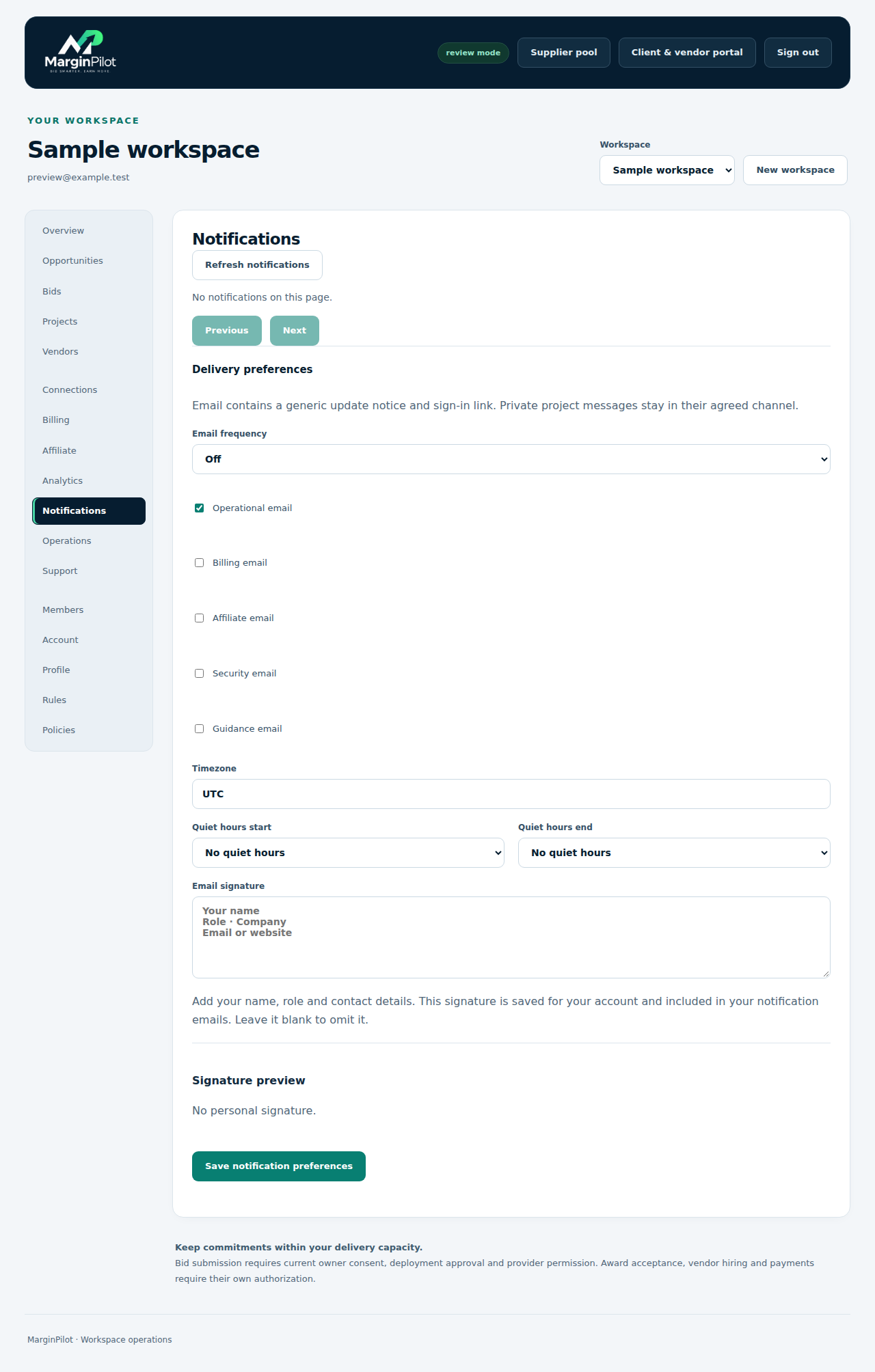
Workspace > Notifications

Notifications and preferences

Control notification categories, email preference, timezone and quiet hours.

Notifications and preferences in MarginPilot; illustrative sample data
Interface preview · sample dataFull desktop capture · Full phone capture
  1. Review saved operational updates.
  2. Set preferences and investigate delivery using the actual reference.

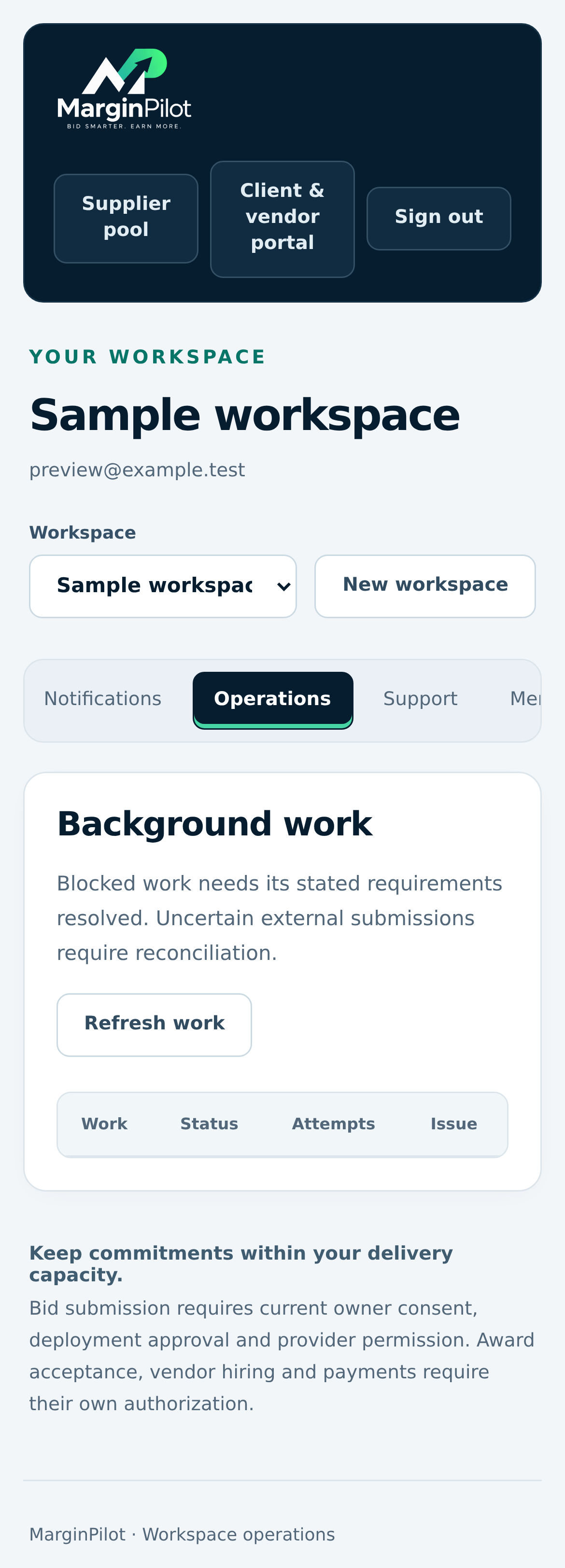
Workspace > Operations

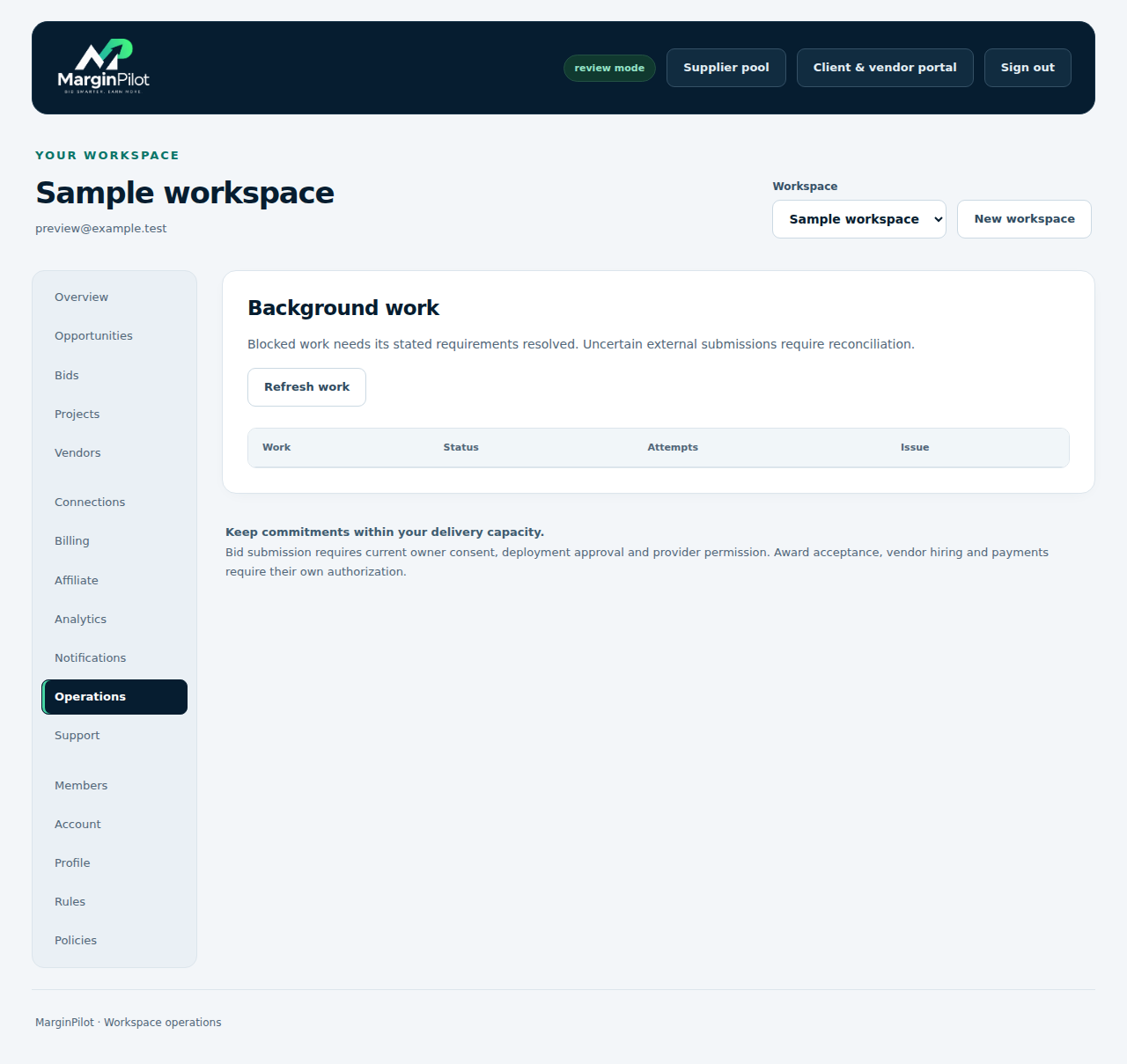
Background work and recovery

Inspect saved work status, blockers and safe recovery controls.

Background work and recovery in MarginPilot; illustrative sample data
Interface preview · sample dataFull desktop capture · Full phone capture
  1. Resolve the actual permission, capacity or funding condition.
  2. Reconcile uncertain provider actions before attempting another submission.

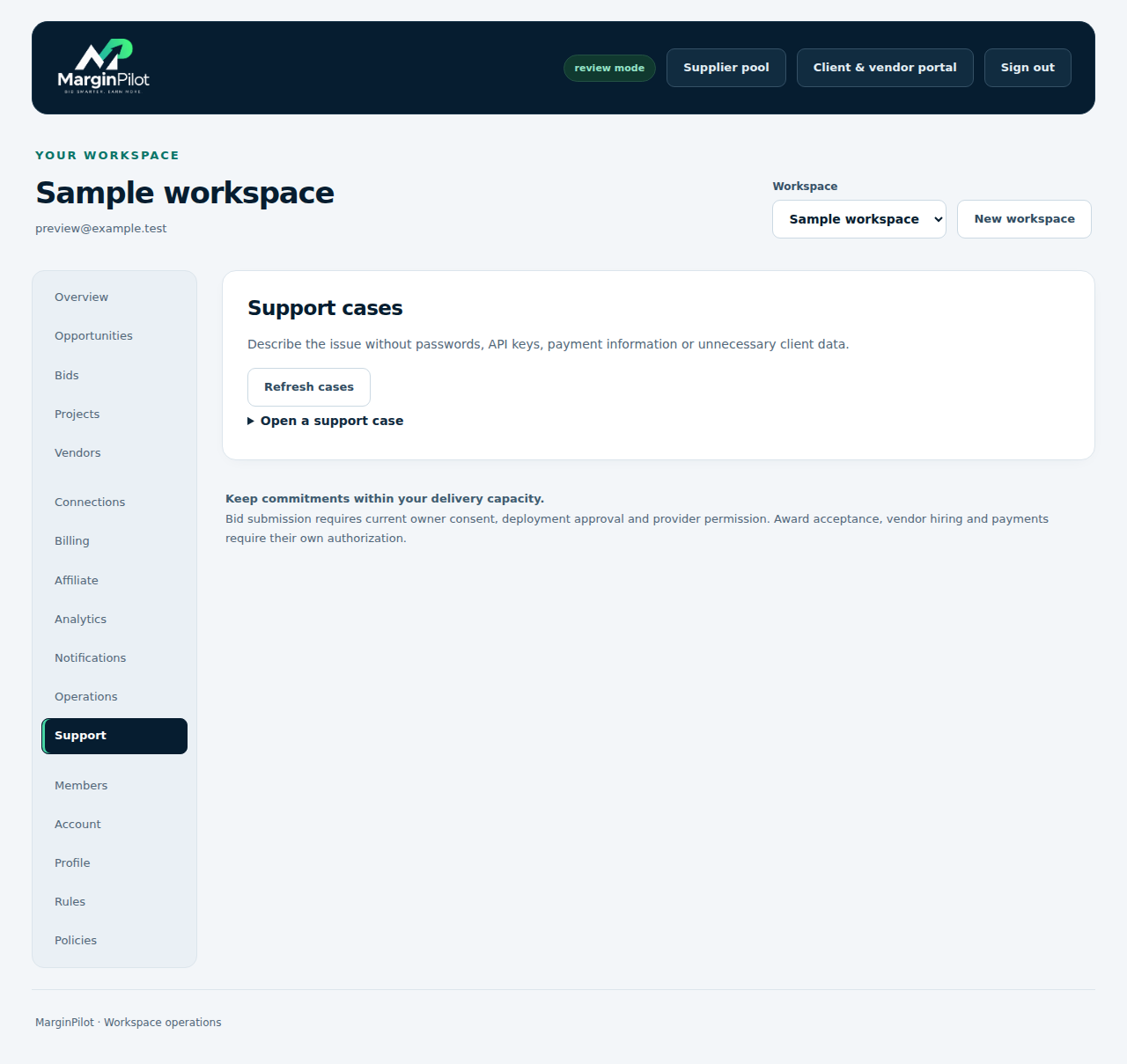
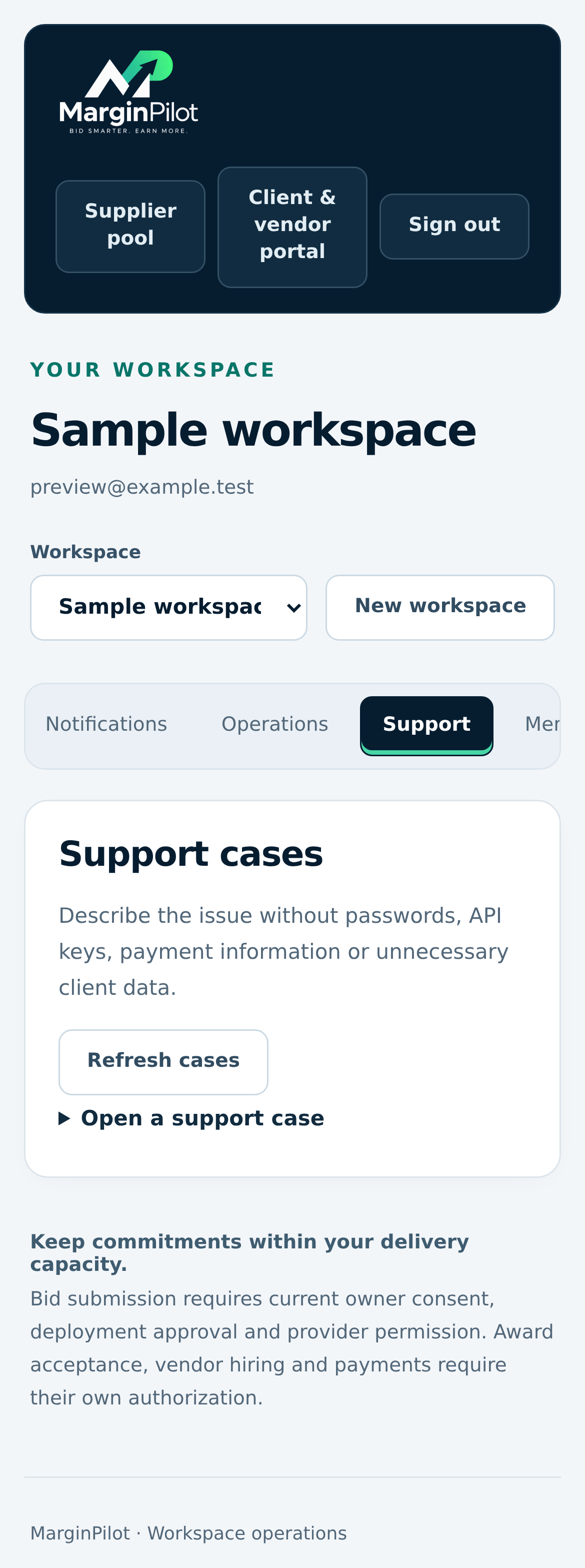
Workspace > Support

Workspace support cases

Find and track support cases for actual problems in your workspace.

Workspace support cases in MarginPilot; illustrative sample data
Interface preview · sample dataFull desktop capture · Full phone capture
  1. Review existing cases before opening another.
  2. Keep request and project references with the issue.

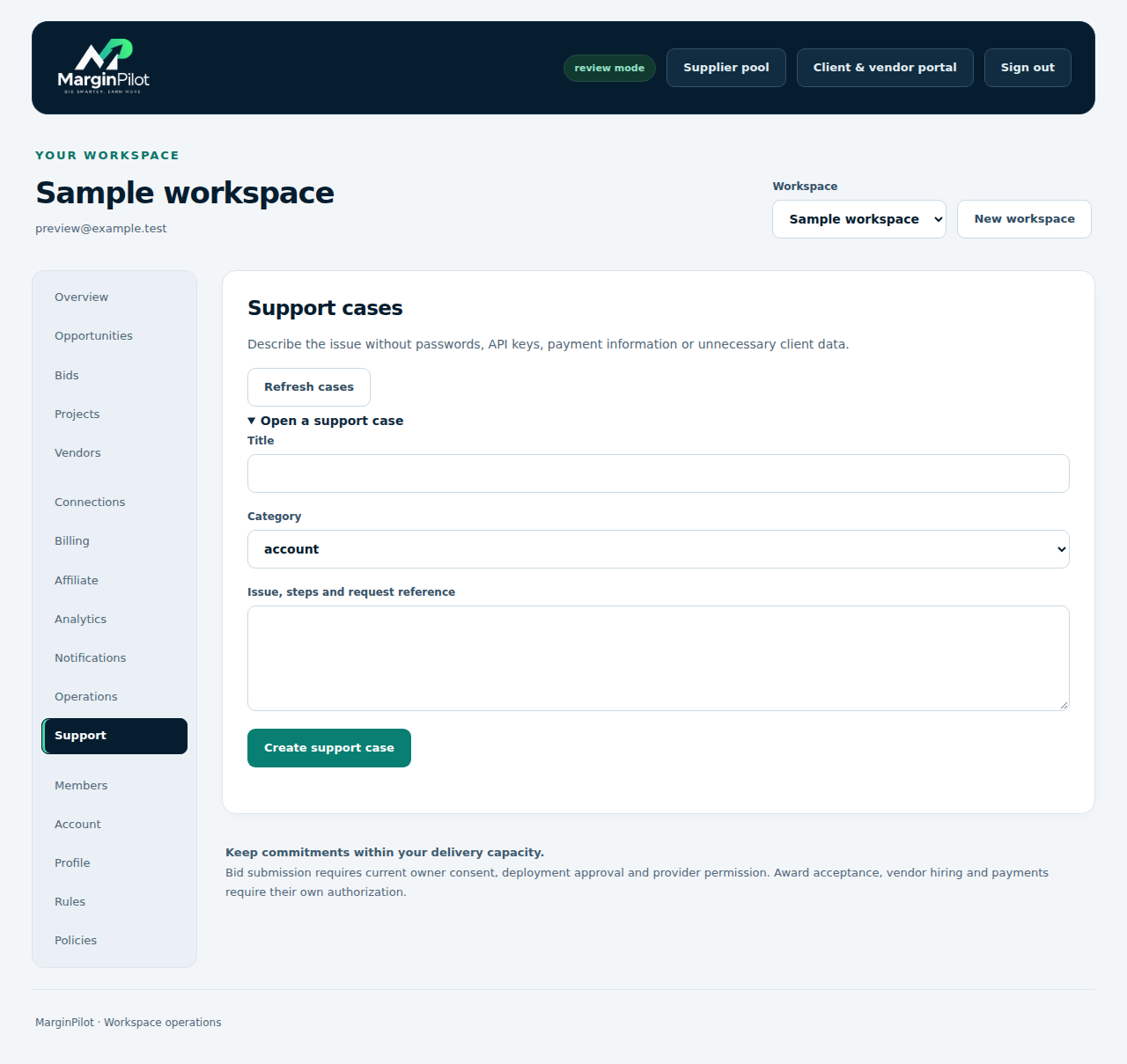
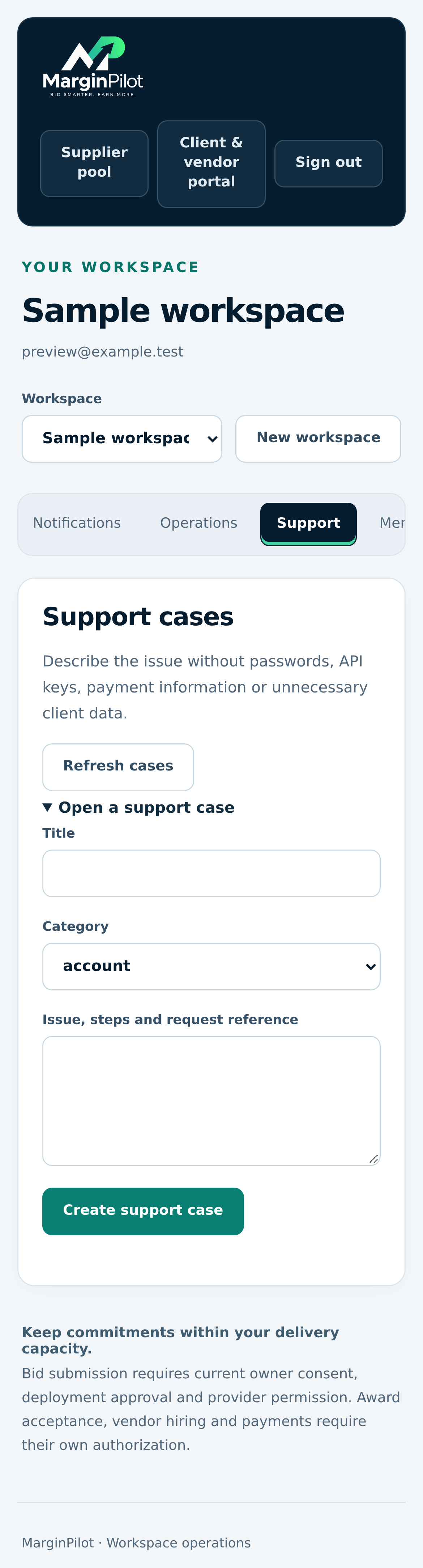
Workspace > Support > Open a support case

Open a support case

Describe an issue with reproducible steps and useful references, without exposing credentials.

Open a support case in MarginPilot; illustrative sample data
Interface preview · sample dataFull desktop capture · Full phone capture
  1. Record the steps, expected behavior and actual result.
  2. Include the request reference and only the material needed to investigate.
Back to topics ↑

Put the workflow into practice

Start with a precise brief, realistic limits and an inspected delivery. Use the current agreements and permissions for each actual engagement.